
How to Build a Custom WordPress Dashboard (Step-by-StepGuide)
The default WordPress admin dashboard can feel cluttered and overwhelming — filled with widgets, news feeds, and sections you rarely […]
The default WordPress admin dashboard can feel cluttered and overwhelming — filled with widgets, news feeds, and sections you rarely […]
By default, WordPress uses the same sidebar across most pages — but dynamic sidebars let you display different widgets or
A firewall plugin is essential for protecting your WordPress site from common threats like brute-force attacks, malware injections, DDoS, SQL
Forgetting your WordPress admin password is frustrating — especially if you’re locked out of your site and don’t have access
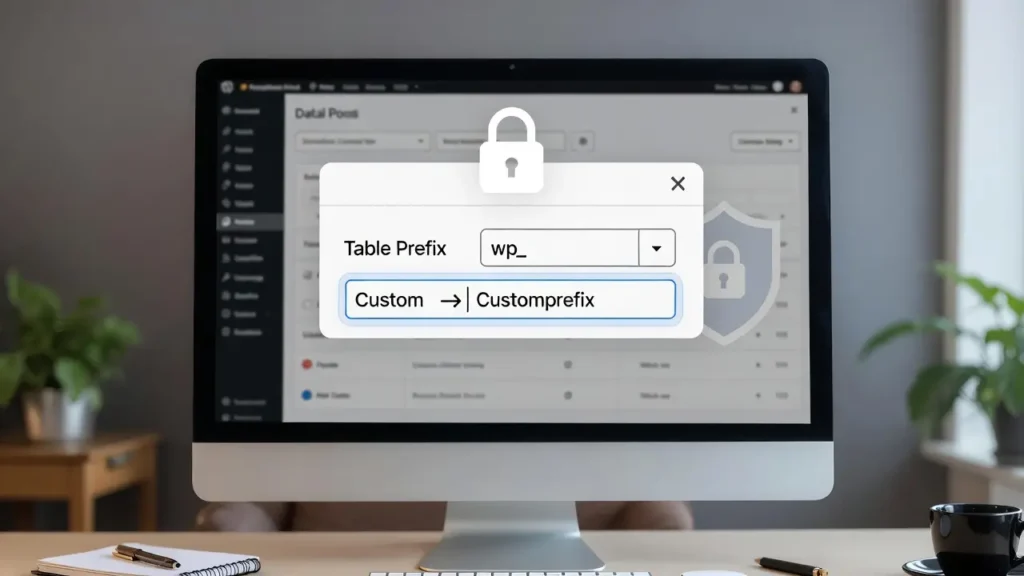
By default, WordPress prefixes all its database tables with wp_ (e.g., wp_posts, wp_users, wp_options). This makes it easy for automated
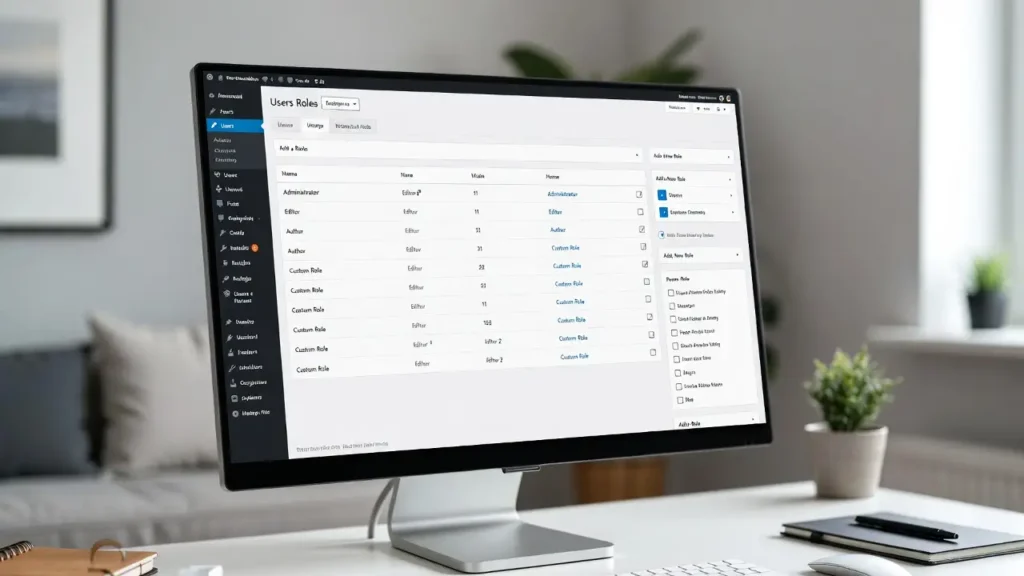
WordPress comes with several built-in user roles — Administrator, Editor, Author, Contributor, Subscriber — but they often don’t fit every
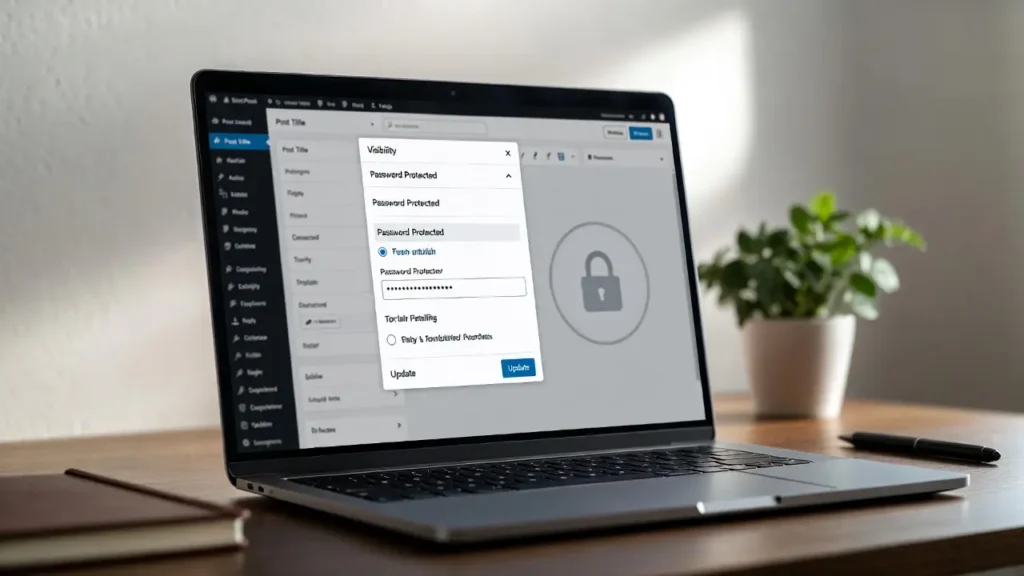
Password-protecting pages or posts in WordPress is one of the simplest ways to create private content — whether for paid
A favicon (short for “favorite icon”) is the small icon that appears in browser tabs, bookmarks, mobile home screens, and
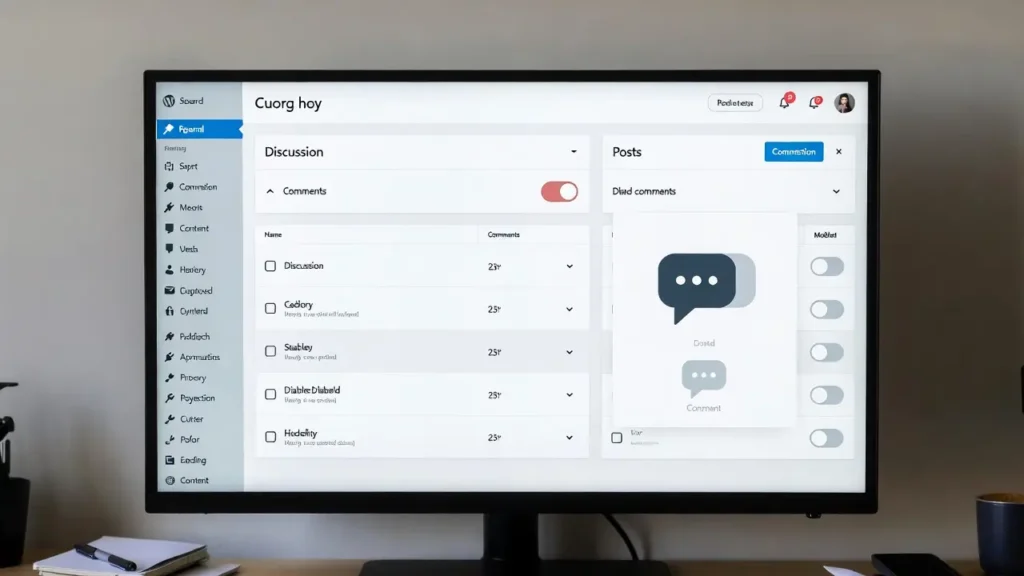
Comments are one of WordPress’s most powerful built-in features — they encourage discussion, build community, and provide social proof. However,
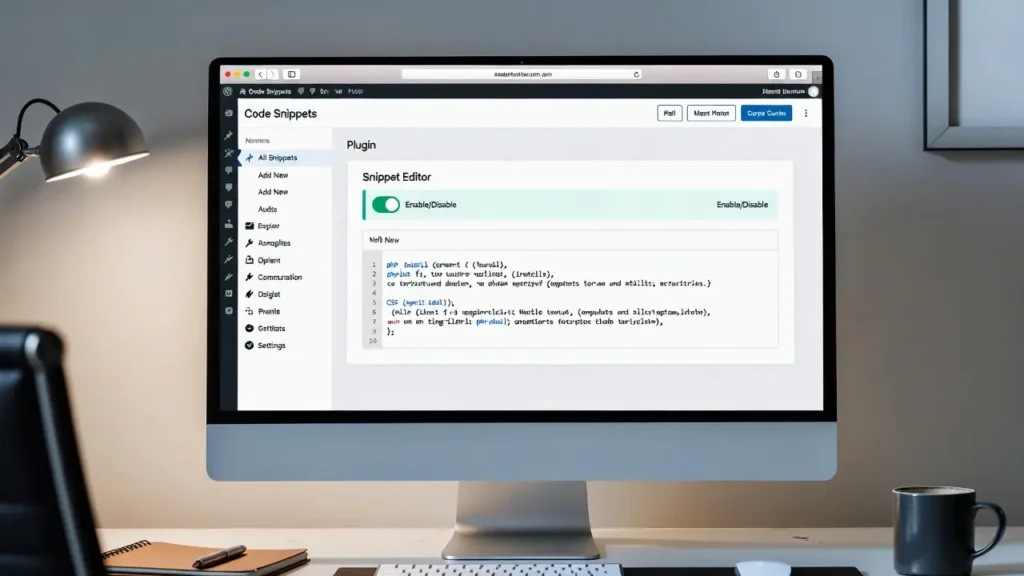
Adding custom code snippets (PHP functions, CSS styles, JavaScript, or shortcodes) is one of the most powerful ways to extend

The default Gravatar (Globally Recognized Avatar) in WordPress is the “mystery man” silhouette that appears when a user doesn’t have
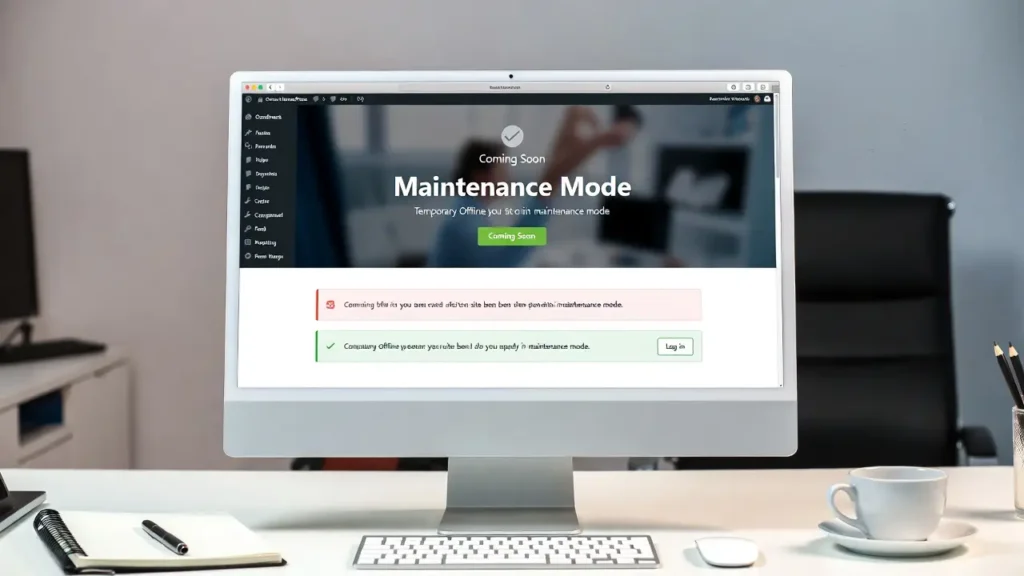
Maintenance mode (also called coming soon or under construction mode) lets you temporarily hide your live WordPress site from public