
WordPress Development for Beginners: Complete Guide to Getting Started
If you are interested in web development and are looking for a place to start, WordPress development is an excellent […]
If you are interested in web development and are looking for a place to start, WordPress development is an excellent […]
When you first start using WordPress, you quickly realize that every page on your website follows the same template design.
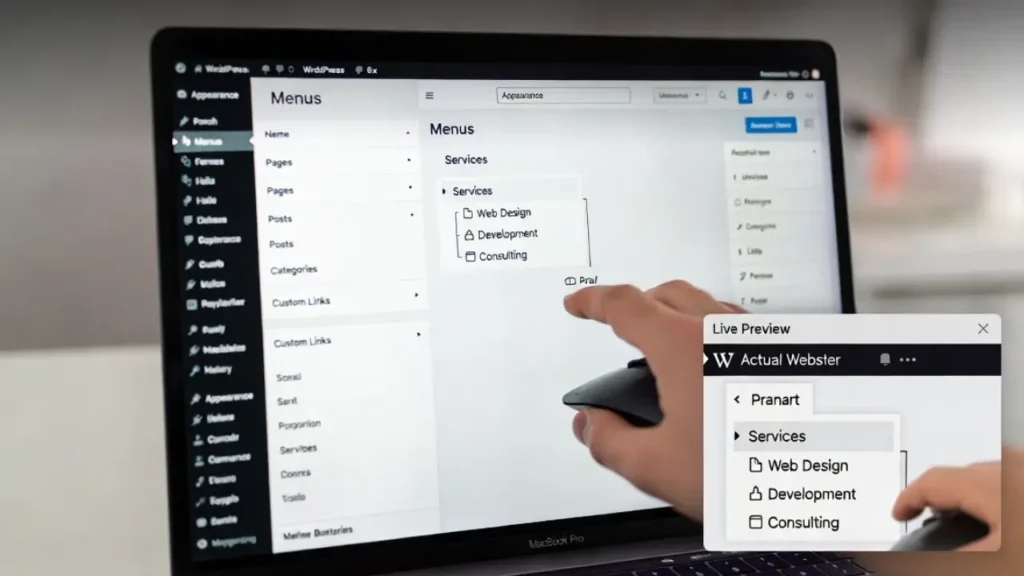
A WordPress dropdown menu is one of the most effective navigation elements you can add to your website. Whether you’re
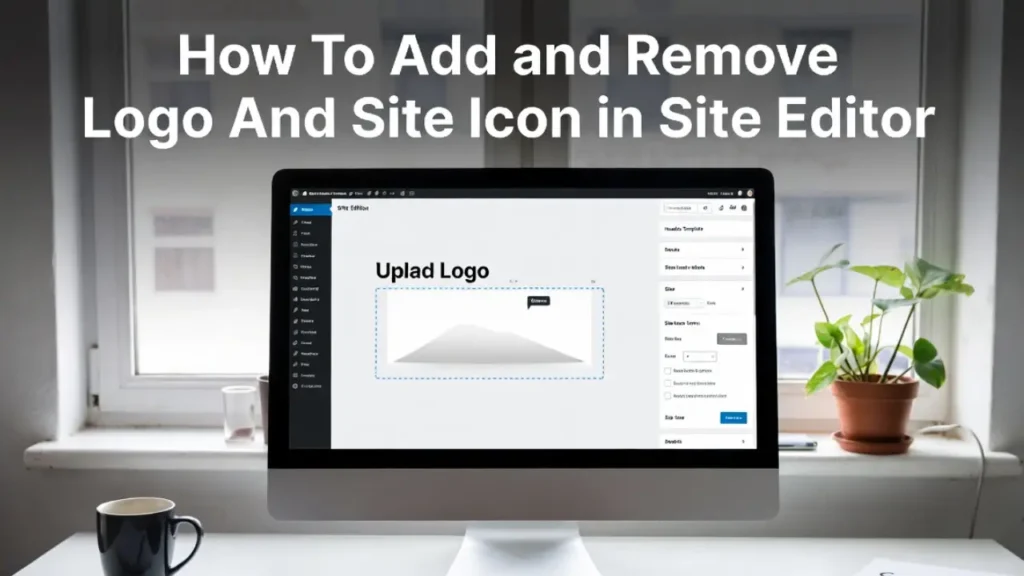
In 2026, the Site Editor has become the central hub for customizing almost every visual aspect of a WordPress website.
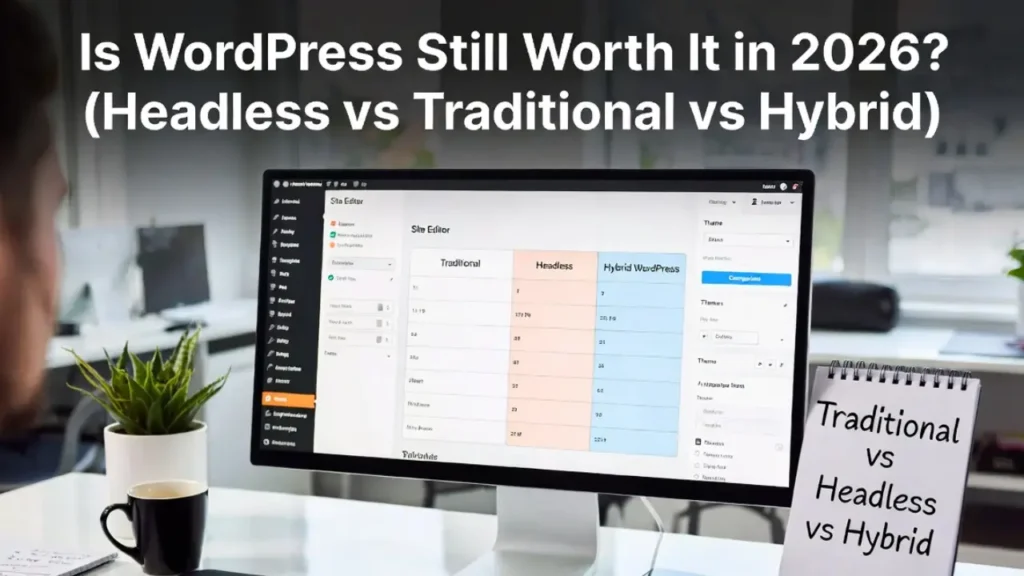
In 2026, the question on every business owner’s mind is simple: Is WordPress still worth it? With the explosion of
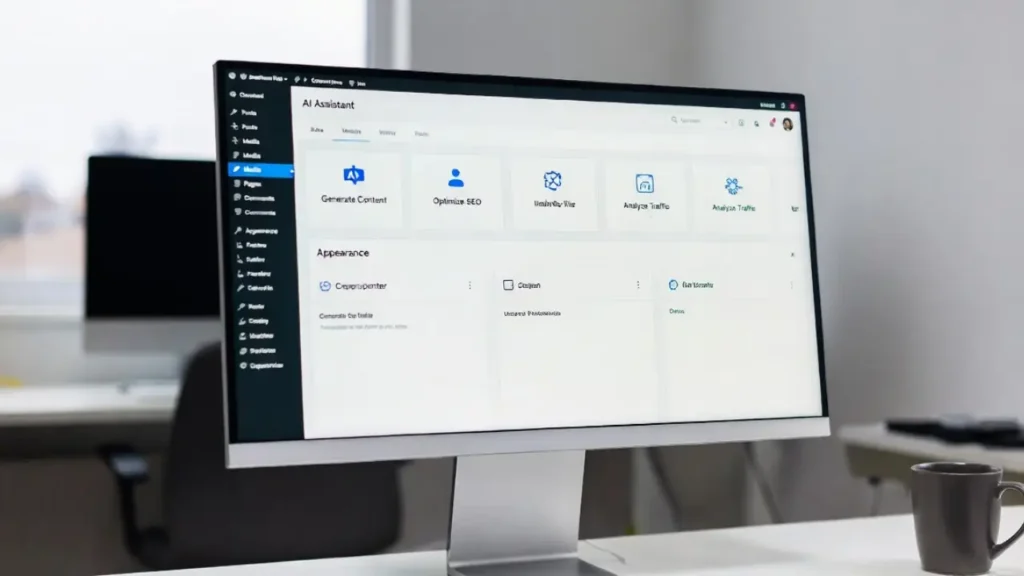
In 2026, the web is no longer static. The rise of autonomous AI systems has created a new standard: the
In the rapidly evolving WordPress ecosystem of 2026, Advanced Full Site Editing has become the cornerstone for building highly customizable,
In today’s fast-evolving digital landscape, Hybrid Headless WordPress stands out as the smart middle ground for businesses seeking the best
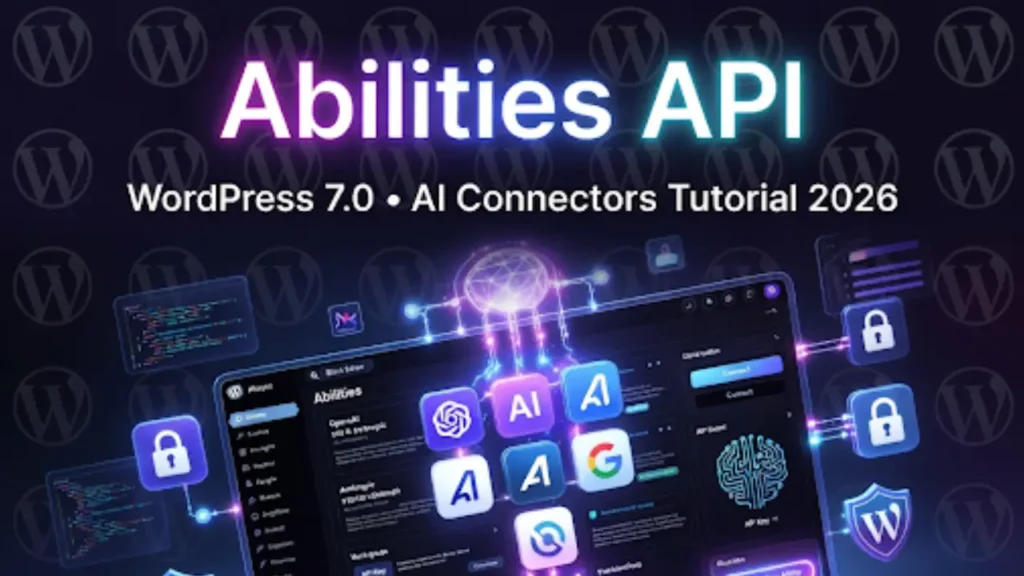
WordPress 7.0 introduces the Abilities API — the official foundation that turns WordPress into an intelligent, agentic platform. Instead of
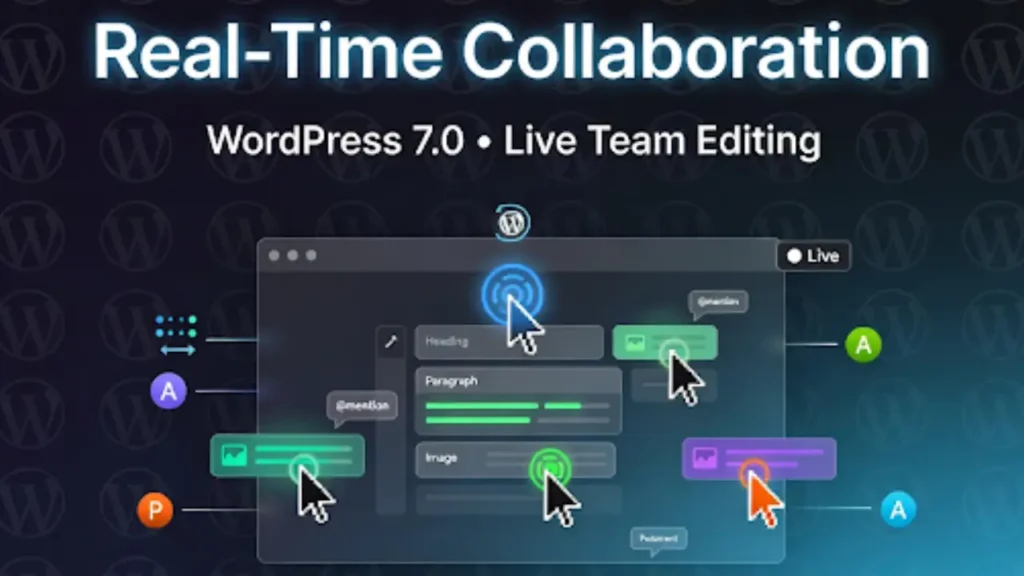
WordPress 7.0 finally brings Google Docs-style real-time collaboration directly into the Block Editor. No more plugins, no more clunky third-party
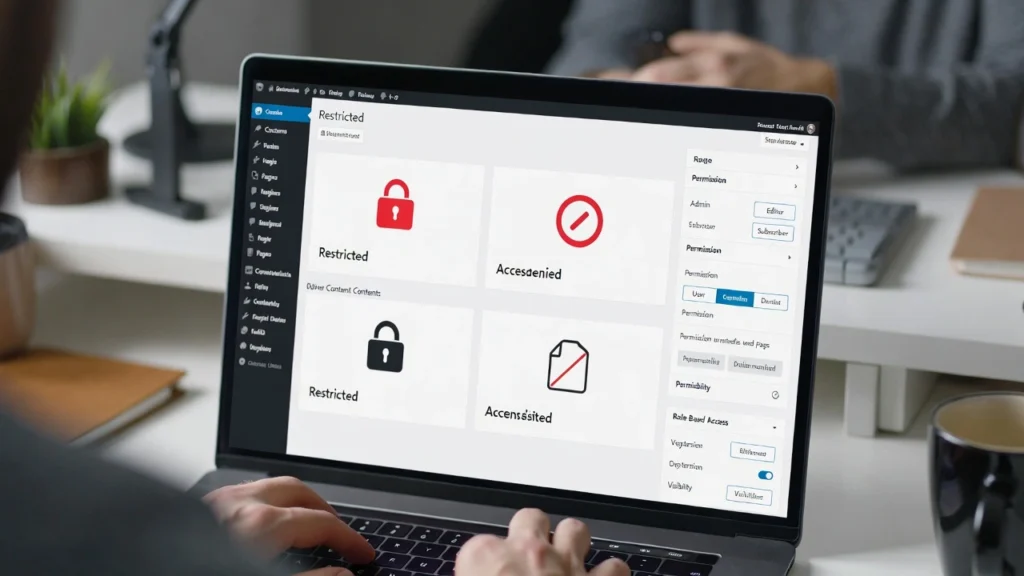
Restricting content by user role in WordPress allows you to control who sees what — for example, show premium articles
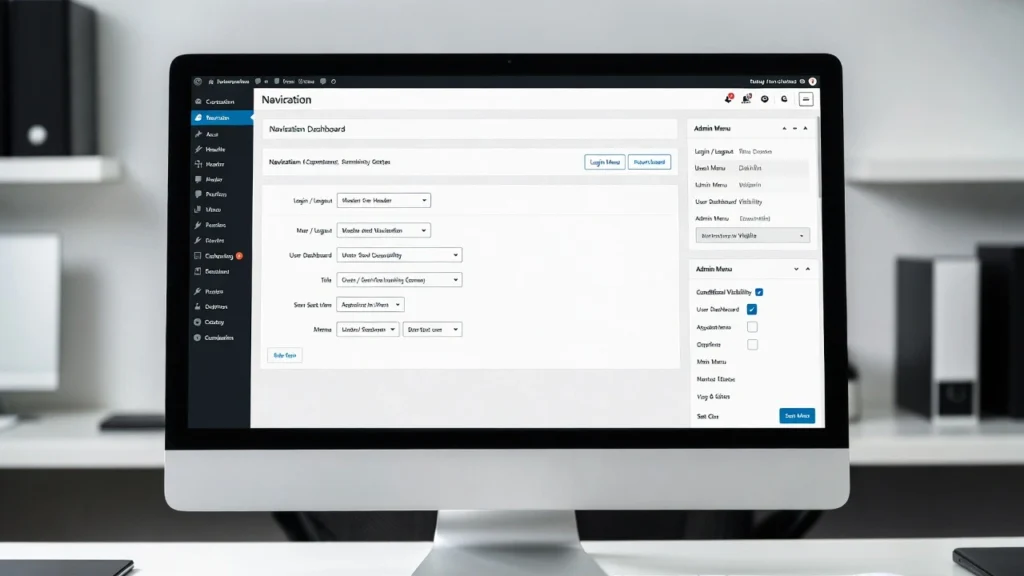
Conditional menus in WordPress allow you to display different navigation menus based on specific conditions — like user role (e.g.,