
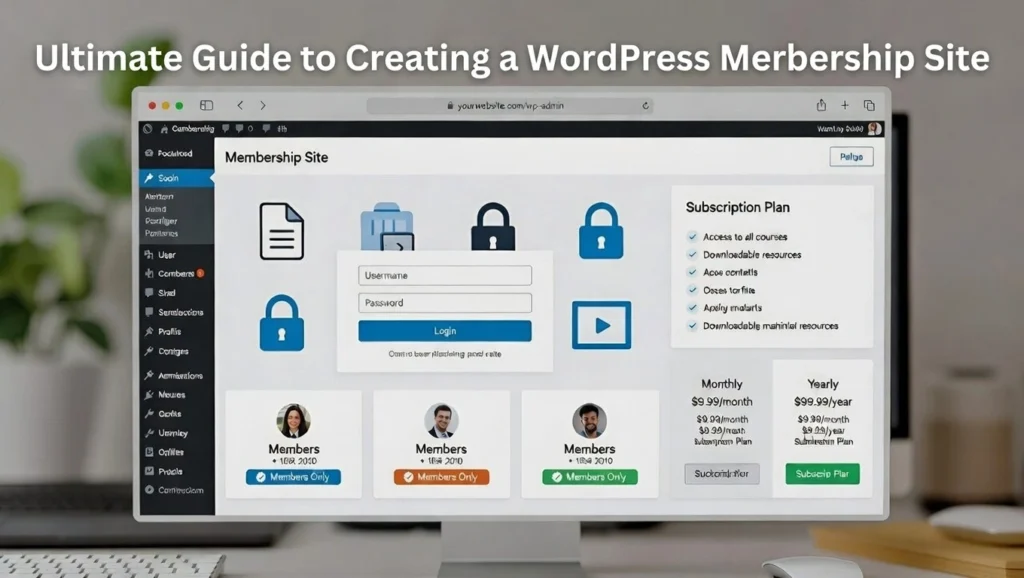
WordPress Membership sites are one of the most powerful ways to generate recurring revenue online — whether through paid courses, exclusive communities, premium content, or subscription services. WordPress, with its flexibility and vast plugin ecosystem, makes it easy to build a professional, scalable membership site without relying on expensive third-party platforms. At Cope Business, we’ve helped numerous clients launch and optimize membership sites through our technical SEO audit services, ensuring they are fast, secure, SEO-friendly, and conversion-focused.
This complete step-by-step guide shows you how to create a WordPress membership site from zero to launch.
Why Choose WordPress for Your Membership Site?
- Full Ownership — No platform fees or revenue cuts (unlike Teachable or Kajabi).
- Unlimited Customization — Complete control over design, features, and branding.
- Powerful Plugins — Best-in-class tools for payments, content protection, and community.
- SEO Advantage — Better indexing and authority compared to hosted platforms.
- Scalability — Grow from 10 members to 10,000 without switching systems.
Step 1: Choose the Right Hosting
A membership site needs reliable, fast, and secure hosting.
- Recommended: SiteGround, Kinsta, or WP Engine — all offer excellent performance, staging, and security.
- Minimum Requirements: PHP 8.1+, 256MB+ memory, SSL, daily backups.
- Tip: Use managed WordPress hosting for automatic updates and better protection.
Step 2: Install WordPress & Choose a Theme
- Install WordPress via your host (one-click).
- Pick a lightweight, fast theme: Astra, GeneratePress, or Kadence (all work great with membership plugins).
- Install a page builder like Elementor or SeedProd for beautiful member areas.
Step 3: Choose the Best Membership Plugin
The plugin is the heart of your membership site.
Top Recommendations
- MemberPress (Best Overall)
- Drag-and-drop rules, drip content, recurring payments, quizzes, certificates.
- Pricing: $179–$499/year.
- Paid Memberships Pro (Best Free + Premium)
- Free core with powerful add-ons, great for donations + memberships.
- Pricing: Free; add-ons $99–$299/year.
- Restrict Content Pro (Best for Simplicity)
- Clean interface, unlimited memberships, easy shortcodes.
- Pricing: $99–$499/year.
- LearnDash + MemberPress (Best for Courses)
- Combine LearnDash for LMS + MemberPress for access control.
Our Recommendation: Start with MemberPress — it’s the most complete and reliable for serious membership sites.
Step 4: Set Up Membership Levels & Pricing
- In MemberPress → Memberships → Add New.
- Name your levels (e.g., “Basic”, “Premium”, “VIP”).
- Set pricing: One-time, recurring (monthly/annual), free trials.
- Configure access rules: Which pages/posts/categories are restricted.
- Add drip content (release lessons over time).
Step 5: Protect Content & Create Member Area
- Use shortcodes or rules to restrict pages/posts.
- Create a Member Dashboard page (welcome area, account info, downloads).
- Add value: Forums, private videos, exclusive resources.
Step 6: Set Up Payments & Checkout
- Connect Stripe/PayPal in plugin settings.
- Customize checkout form (branding, fields).
- Enable test mode first — make test purchases.
Step 7: Optimize for SEO & Performance
- Use All in One SEO/Rank Math for meta, schema, and sitemaps.
- Protect content from search engines if needed (noindex private pages).
- Enable caching (WP Rocket) and lazy loading for speed.
- Add a sitemap and submit to Google Search Console.
Step 8: Launch & Market Your Membership Site
- Test every level and payment flow.
- Create a launch page or offer early-bird discounts.
- Promote via email, social media, and content marketing.
- Use OptinMonster for lead magnets to grow your list.
Final Thoughts
A WordPress membership site gives you full control, recurring revenue, and unlimited scaling potential. With the right plugin and setup, you can launch a professional, profitable site in weeks.
Focus on delivering real value — members stay when they see results.
Ready to build your membership site or need help with SEO, speed, and conversion optimization? Contact Cope Business for a free technical SEO consultation — we’ll guide you from setup to scaling success.


