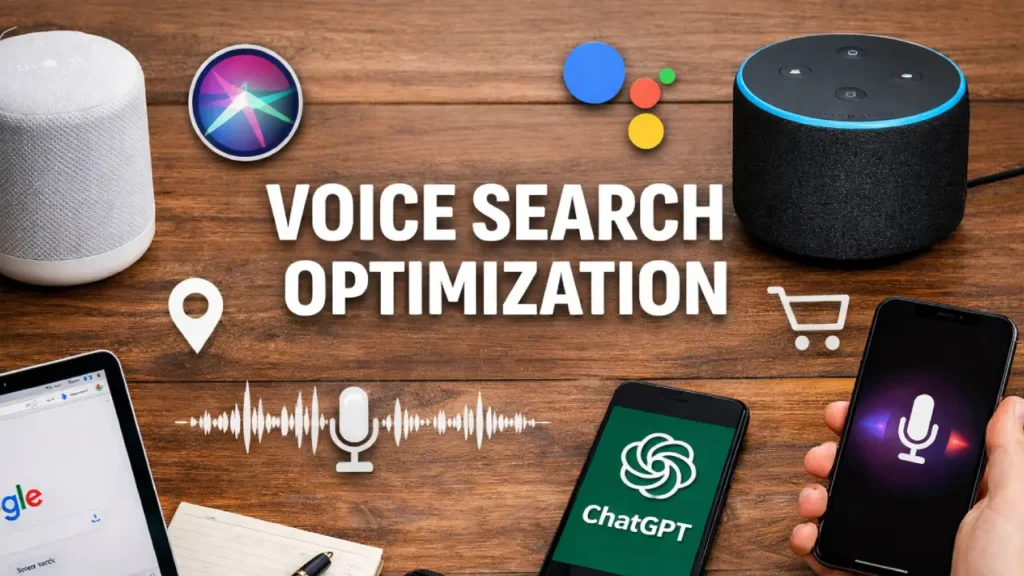
The way people search online has fundamentally shifted. Millions of users every day skip typing and instead ask Siri, Google Assistant, Alexa, Cortana, and ChatGPT their questions out loud. Voice search optimization is no longer a future trend — it is a present-day technical necessity that every website owner must take seriously.
If your website is not technically prepared for voice search and AI assistants, you are invisibly losing traffic, rankings, and customers to competitors who are. This comprehensive guide will walk you through every technical step you need to implement to make your website voice-search-ready and discoverable by AI-powered assistants.
Why Voice Search Optimization Matters
Before diving into the technical steps, it is important to understand what is at stake. Over 50% of all searches are now conducted via voice. Smart speakers are in hundreds of millions of homes. AI assistants like Google Assistant, Amazon Alexa, Apple Siri, and emerging LLM-powered tools like ChatGPT and Perplexity are increasingly used to answer questions, find businesses, and make purchases.
These AI assistants pull answers from websites — but only from websites that are technically structured to be understood. If your site is slow, unstructured, or lacking machine-readable data, you simply won’t be chosen as a source. Voice search optimization bridges the gap between your content and the algorithms that decide whose answer gets read aloud.
We have already covered how to prepare your website for AI-first search indexing and the importance of AI SEO structured data for LLM visibility. This guide builds directly on those foundations with a voice-specific technical lens.
1. Implement Structured Data (Schema Markup) Correctly
Structured data is the single most important technical element for voice search optimization. When search engines and AI assistants crawl your site, they need machine-readable signals to understand what your content is about, who you are, and what questions you answer.
Key Schema Types for Voice Search
FAQPage Schema — Voice assistants love answering questions. When you mark up your FAQ sections with FAQPage schema, your answers become prime candidates for being read aloud as voice responses. Learn how to add FAQ schema in WordPress without plugins.
LocalBusiness Schema — If you serve local customers, LocalBusiness schema tells AI assistants your address, phone number, hours, and services. This is critical for voice queries like “find a digital marketing agency near me.”
HowTo Schema — Step-by-step processes marked up with HowTo schema are easily parsed by voice assistants to deliver instructional answers.
Organization and WebSite Schema — These foundational schemas establish your brand identity to AI crawlers.
SpeakableSpecification — This is one of the most underused schemas and is specifically designed for voice search optimization. It signals to Google and AI assistants which sections of your content are most suitable to be read aloud.
For advanced implementation techniques, read our guide on structured data implementation for developers and JSON-LD vs Microdata schema markup comparison.
2. Optimize for Conversational, Long-Tail Keywords
Traditional SEO targets short keywords. Voice search optimization demands a completely different keyword approach. When people speak to AI assistants, they use natural, conversational sentences — not fragmented keyword phrases.
How to Think Like a Voice Searcher
Instead of targeting “best SEO agency,” think about what someone would actually say:
- “Hey Google, what is the best SEO agency for small businesses?”
- “Alexa, how do I optimize my website for voice search?”
- “Siri, who can help me with technical SEO near me?”
Practical Steps for Conversational Keyword Research
- Use question-based research tools to identify who, what, when, where, why, and how queries in your niche.
- Structure your content around these natural language questions using H2 and H3 headings.
- Write answers in plain, direct language — the first 40–50 words after a heading should directly answer the question.
- Include trigger phrases like “according to,” “the best way is,” and “you should,” which AI models naturally extract for voice responses.
Voice search optimization requires content that sounds natural when read aloud. Write for ears, not just eyes.
3. Target Featured Snippets (Position Zero)
Voice assistants almost exclusively read content from featured snippets — also called Position Zero. If you can capture a featured snippet, you dramatically increase your chances of being selected as the voice answer.
How to Win Featured Snippets
Answer questions in 40–60 words. Google’s voice answers are typically drawn from concise paragraph snippets that directly answer a question. After every question-based heading, write a tight, clear answer in this word range.
Use numbered lists and tables. These formats are frequently pulled into featured snippets for how-to and comparison queries.
Structure headers as questions. Formatting your H2s as “What is X?” or “How do you do Y?” directly aligns with voice search query formats.
Use your target keyword in the answer. The term voice search optimization should appear naturally in your answer paragraph, not just your heading.
4. Optimize Page Speed — Voice Search Punishes Slow Sites
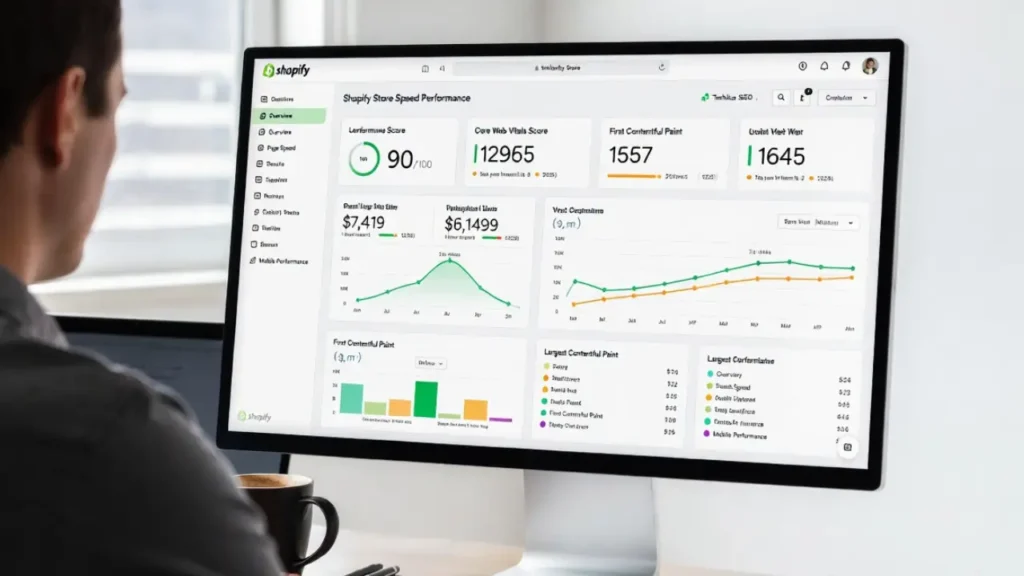
Speed is non-negotiable for voice search optimization. AI assistants and voice search algorithms strongly favour fast-loading pages. If your Time to First Byte (TTFB) is high, or your Core Web Vitals are poor, your site will be deprioritized for voice answer selection.
Critical Speed Optimizations
- Enable GZIP compression — see our guide on how to enable GZIP compression.
- Implement proper caching — read about best WordPress caching plugins.
- Reduce your TTFB — follow our step-by-step guide to reduce TTFB in WordPress.
- Lazy load images correctly — see how to lazy load images in WordPress.
- Optimize your Core Web Vitals — LCP, CLS, and FID are directly tied to voice ranking eligibility.
- Fix Cumulative Layout Shift — read about fixing CLS issues.
- Preload fonts for faster rendering — see how to preload fonts in WordPress.
Voice search users expect instant answers. A page that takes more than 3 seconds to load will almost never be selected as a voice answer source.
5. Make Your Website Mobile-First
Google’s mobile-first indexing means that your mobile site version is what gets indexed and ranked — and voice searches are predominantly performed on mobile devices and smart speakers. Voice search optimization is inseparable from mobile optimization.
Mobile Optimizations That Impact Voice Search
- Ensure your site is fully responsive across all screen sizes.
- Use tap-friendly navigation with buttons large enough to tap.
- Eliminate intrusive interstitials and pop-ups that hurt mobile experience.
- Review our comprehensive guide on mobile SEO and Core Web Vitals.
- Fix any mobile crawl issues identified in Google Search Console.
- Check 11 ways to create a mobile-friendly WordPress site.
6. Create and Optimize an llms.txt File
One of the most cutting-edge technical steps in voice search optimization is creating an llms.txt file. This file is the AI equivalent of robots.txt — it signals to large language models like ChatGPT, Claude, Gemini, and Perplexity which content on your site they should prioritize when generating answers.
If AI assistants are pulling from your site to answer voice queries, having a properly formatted llms.txt helps ensure they pull the right content and represent your brand accurately. Read our complete guide on llms.txt and its role in technical SEO.
7. Optimize Your robots.txt and XML Sitemap
For any AI crawler or voice search bot to find and index your content, your crawl architecture must be clean and efficient.
- Ensure your
robots.txtdoes not block important content — see how to optimize your WordPress robots.txt for SEO. - Submit a clean XML sitemap to Google Search Console — learn how to submit your website to Google.
- Fix all Google Search Console coverage errors that prevent proper indexing.
- Manage your crawl budget efficiently, especially for larger sites.
An AI assistant cannot recommend a page it cannot find. Clean indexing is foundational to voice search optimization.
8. Implement HTTPS and Strong Security Headers
Security is a trust signal for both traditional search and voice search optimization. Google requires HTTPS for any site it recommends via AI or voice responses. Sites with security warnings are almost never selected for voice answers.
- Install SSL and enforce HTTPS site-wide — see how to add SSL and HTTPS in WordPress.
- Implement proper security headers including Content Security Policy and HSTS.
- Fix all mixed content errors that downgrade your HTTPS signal.
9. Use Semantic SEO and Topic Clusters
Voice search optimization is deeply connected to semantic SEO — the practice of building topical authority through interconnected, comprehensive content rather than isolated keyword-optimized pages. AI assistants prefer sources that demonstrate deep expertise on a topic.
- Build topic clusters around your core subjects — read about SEO topic clusters in WordPress.
- Understand and apply semantic SEO in modern technical SEO.
- Use AI-powered internal linking strategies to connect related content.
- Develop a solid internal linking strategy across your entire site.
When AI assistants see that your site has comprehensive, interconnected coverage of a topic, they are far more likely to trust you as an authoritative source for voice answers.
10. Optimize for Local Voice Search
A significant portion of voice searches are local in nature — “find a restaurant near me,” “best plumber in [city],” “is [store] open right now.” Local voice search optimization requires specific technical steps beyond general SEO.
Local Voice Search Technical Checklist
- Claim and fully optimize your Google Business Profile — this is often the direct source for local voice answers.
- Add complete NAP (Name, Address, Phone) data to your site in structured data format.
- Implement LocalBusiness schema with your exact service area, hours, and contact details.
- Create dedicated location pages for each area you serve, fully optimized with local schema.
- Ensure your contact information is consistent across all directories.
If you need help getting your local SEO and contact information optimally structured, visit our Contact Page to discuss your specific requirements with our team.
11. Write Content at a Natural Reading Level
AI assistants select content that is clear, authoritative, and easy to understand. Content written at an overly technical or academic level is harder for voice assistants to extract and read aloud convincingly.
Writing Guidelines for Voice-Friendly Content
- Use short sentences — aim for 15–20 words per sentence on average.
- Use active voice throughout your content.
- Define technical terms when you introduce them.
- Use transition phrases that help AI models understand context — however, therefore, as a result, for example.
- Break up content with clear H2 and H3 subheadings formatted as questions where possible.
- Avoid jargon unless your audience specifically demands it — then define it clearly.
Voice search optimization is not just about technical settings; it is about making your content inherently speakable.
12. Add FAQ Sections to Key Pages
FAQ sections are a goldmine for voice search optimization. Almost every voice search is phrased as a question, so having a dedicated Q&A section on your most important pages dramatically increases your chance of being selected.
Best Practices for Voice-Optimized FAQ Sections
- Place FAQs at the bottom of service pages, blog posts, and product pages.
- Write each question exactly as a user would speak it.
- Keep answers between 40–80 words — concise, direct, and informative.
- Mark up all FAQ sections with proper FAQPage schema.
- Update FAQs regularly to reflect current questions your audience is asking.
Our team specializes in this kind of voice and AI-ready content structuring. Explore our Services Page to learn how we help businesses become voice-search-ready from the ground up.
13. Optimize Your Website Architecture for AI Crawlers
The overall structure of your website affects how easily AI crawlers can navigate and understand it. A flat, logical website architecture ensures that all important pages are quickly discoverable.
- Maintain a clear hierarchy: Homepage → Category Pages → Individual Posts.
- Keep important pages within 3 clicks of the homepage.
- Fix all orphan pages that have no internal links pointing to them.
- Eliminate redirect chains and loops that waste crawl resources.
- Follow best practices from our website architecture SEO guide.
- Use breadcrumb navigation for SEO to reinforce your site’s content hierarchy.
14. Monitor and Audit Your Technical SEO Regularly
Voice search optimization is not a one-time task. As AI assistants evolve and Google updates its algorithms, your technical setup must stay current. Regular audits catch issues before they affect your voice search visibility.
- Run regular SEO audits using top SEO audit tools.
- Check your advanced technical SEO setup for potential gaps.
- Monitor for schema errors and fix them promptly — see how to fix schema errors in Google Search Console.
- Fix rich snippet errors that prevent your structured data from displaying.
- Review page experience signals that influence your voice search eligibility.
If you are not sure where to start with auditing your site’s voice readiness, our team at Cope Business can conduct a full technical audit for you. Get in touch via our Contact Page.
15. Understand How AI Assistants Select Sources
To truly master voice search optimization, you need to understand the decision-making process behind AI assistants. These systems do not randomly pick answers — they apply a combination of signals:
Authority and Trust — Sites with strong backlink profiles, established brand signals, and consistent E-E-A-T (Experience, Expertise, Authoritativeness, Trustworthiness) are preferred.
Relevance — The content must directly match the intent of the voice query, not just contain the keywords.
Technical Accessibility — If a page loads slowly, has crawl errors, or blocks bots, it is excluded from consideration regardless of content quality.
Structured Data — Pages with properly implemented schema are significantly more likely to be selected.
Content Freshness — AI assistants prefer up-to-date information. Regularly updating your content signals freshness to both Google and AI models.
Complete Voice Search Optimization Technical Checklist
Here is a quick reference summary of everything covered in this guide:
- Implement FAQPage, LocalBusiness, HowTo, and SpeakableSpecification schema markup.
- Use conversational, question-based keyword structures in headings.
- Target featured snippets with 40–60 word direct answers.
- Achieve excellent Core Web Vitals scores (LCP, CLS, FID).
- Ensure your site is fully mobile-first.
- Create and optimize an
llms.txtfile for AI crawlers. - Keep
robots.txtclean and your XML sitemap error-free. - Enforce HTTPS and implement security headers.
- Build topic clusters and strong internal linking.
- Optimize for local voice search with LocalBusiness schema.
- Write content at a conversational, readable level.
- Add FAQ sections to all key pages.
- Maintain a flat, logical website architecture.
- Audit and monitor your technical SEO regularly.
Final Thoughts on Voice Search Optimization
The rise of AI assistants is not just changing how people search — it is fundamentally changing what websites need to do to be found. Voice search optimization sits at the intersection of technical SEO, content strategy, and AI readiness. The websites that will thrive in this landscape are those that are fast, secure, well-structured, semantically rich, and written in a way that sounds natural when read aloud.
Every technical change you make today — adding schema, improving page speed, restructuring your FAQ sections — is an investment in long-term visibility in the AI-driven search ecosystem. Start with the highest-impact items on the checklist above and work methodically through the rest.
If you want expert help implementing a full voice search and AI readiness strategy for your website, our team at Cope Business is ready to help. Visit our Services Page to explore what we offer, or contact us directly to start a conversation about your website’s technical SEO needs.
Frequently Asked Questions
Voice search optimization is the process of improving your website so it can be easily found and selected by voice assistants like Google Assistant, Alexa, and Siri. It involves structured data, fast loading speeds, and conversational content.
Voice search optimization is important because many users now search using voice instead of typing. Websites that are not optimized risk losing traffic, rankings, and visibility to competitors that are voice-search-ready.
Voice assistants select answers based on structured data, page speed, content relevance, and authority. Most answers come from featured snippets or highly optimized pages that clearly answer user queries.
For voice search, you should use long-tail, conversational keywords that reflect natural speech. These are usually question-based phrases like how, what, and best way to.
Yes, structured data is essential for voice search optimization. It helps search engines understand your content better and increases your chances of being selected as a voice answer.
To optimize for featured snippets, answer questions clearly in 40 to 60 words, use question-based headings, and structure content with lists and concise paragraphs.
Yes, page speed is critical. Voice assistants prefer fast-loading websites, and slow pages are less likely to be selected as voice answers.
Most voice searches happen on mobile devices, so a mobile-friendly website is essential. Responsive design, fast load time, and good user experience improve voice search rankings.
An llms.txt file guides AI models on which content to prioritize when generating answers. It helps ensure accurate and relevant information is pulled from your site.
To optimize for local voice search, use LocalBusiness schema, keep NAP details consistent, optimize your Google Business Profile, and create location-specific pages.