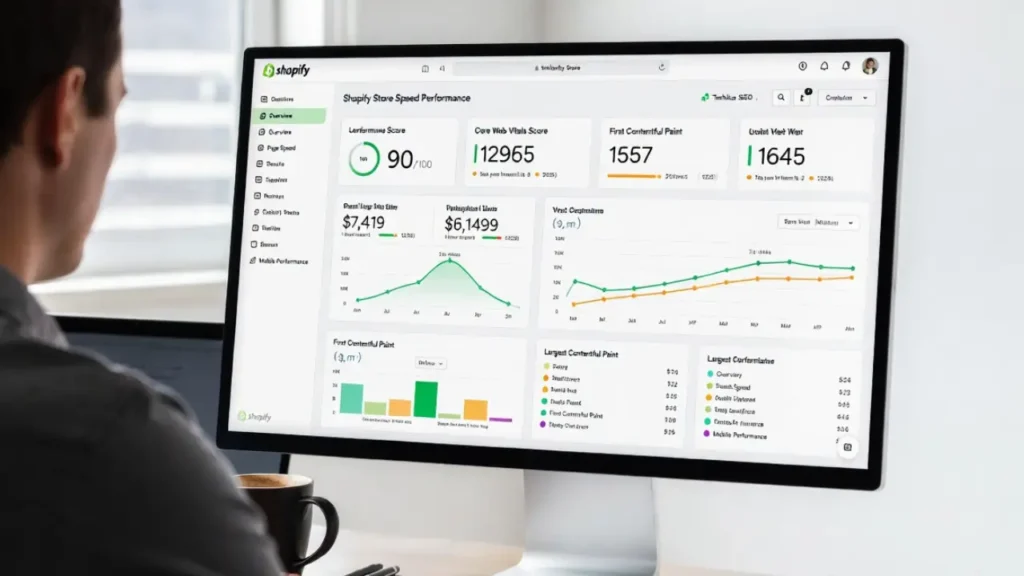
Google no longer treats page experience as a “nice-to-have” ranking factor — it is a foundational signal that directly influences visibility in both traditional search results and AI Overviews. Technical SEOs who master the updated Page Experience signals are seeing 30-150% lifts in organic traffic, lower bounce rates, and stronger E-E-A-T scores.
This ultimate masterclass breaks down every Page Experience signal Google currently uses, the latest Core Web Vitals thresholds after the March 2026 core update, proven optimization strategies, measurement tools, common pitfalls, and real-world case studies from our clients.
Whether you manage a large e-commerce site, a news portal, or a SaaS platform, this guide will give you the exact playbook to turn Page Experience into a competitive advantage.
1. What Is Page Experience?
Google defines Page Experience as a set of signals that measure how well a page performs from the user’s perspective. Introduced as a ranking factor in 2021, it has evolved significantly.
Today, Page Experience is not a single score but a combination of real-user metrics (from Chrome User Experience Report – CrUX) and lab data. It directly impacts:
- Ranking in Google Search
- Eligibility for rich results and AI Overviews
- Mobile-first indexing priority
- Discover and Google News visibility
Poor Page Experience signals can trigger “Crawled – currently not indexed” issues even on high-quality content.
2. The Core Page Experience Signals Google Uses Today
Google officially lists these signals:
| Signal | Type | Weight | Key Metric / Requirement |
|---|---|---|---|
| Core Web Vitals | Performance | Very High | LCP, INP, CLS (75th percentile) |
| Mobile Usability | Usability | High | No mobile usability errors |
| HTTPS | Security | High | Secure connection required |
| No Intrusive Interstitials | Usability | Medium | No pop-ups that block content |
| Safe Browsing | Security | Medium | No malware, phishing, or deceptive pages |
| Ad Experience | Usability | Medium | Low ad density, non-intrusive ads |
These signals work together. A page with perfect Core Web Vitals but intrusive pop-ups will still suffer.
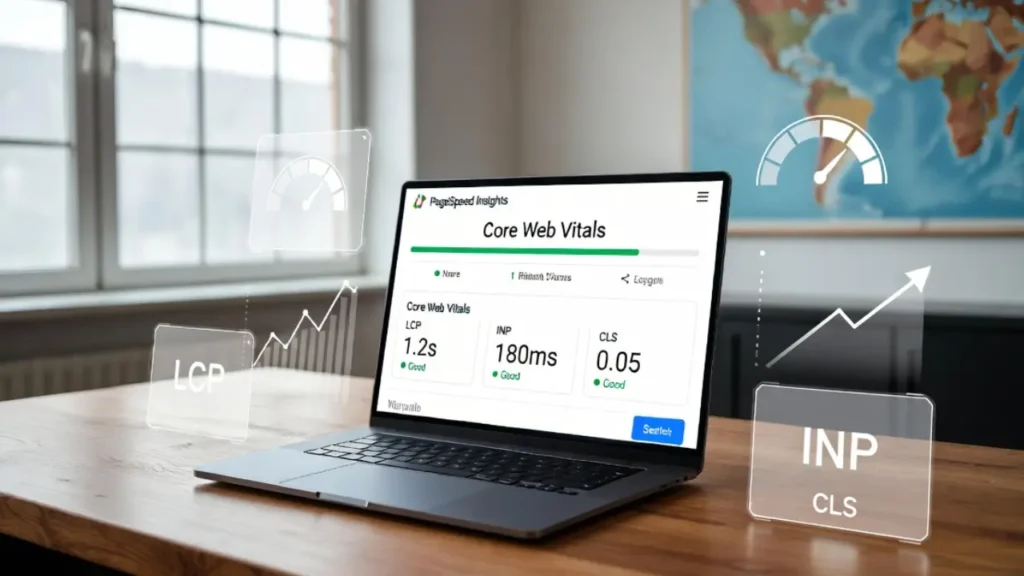
3. Core Web Vitals Deep Dive: LCP, INP & CLS (Thresholds)
Largest Contentful Paint (LCP)
What it measures: Time until the largest content element (image, video, or text block) becomes visible.
Good threshold: < 2.0 seconds (tightened from 2.5s)
Optimization tactics:
- Use modern image formats (WebP/AVIF)
- Implement priority hints and fetchpriority
- Preload critical fonts and hero images
- Lazy-load below-the-fold content
Interaction to Next Paint (INP)
What it measures: Responsiveness to user interactions across the entire page lifecycle.
Good threshold: < 200 ms
Fixes:
- Minimize main-thread blocking JavaScript
- Use
requestIdleCallbackfor non-critical scripts - Optimize event listeners and third-party scripts
Cumulative Layout Shift (CLS)
What it measures: Unexpected layout shifts during page load.
Good threshold: < 0.1
Common causes & fixes:
- Images without width/height attributes
- Web fonts causing FOIT/FOUT
- Dynamically injected content (ads, banners)
- Use
font-display: swapandaspect-ratioCSS
4. Beyond Core Web Vitals: Mobile Usability, HTTPS & More
Mobile usability remains a major ranking signal. Use Google’s Mobile-Friendly Test and fix viewport issues, touch targets, and font sizes.
HTTPS is now table stakes. Google actively demotes non-secure pages.
Safe Browsing and Ad Experience signals protect users and prevent penalties. Avoid aggressive pop-ups, especially on mobile.
5. How Page Experience Interacts with E-E-A-T and Content Quality
Page Experience does not work in isolation. Google combines it with E-E-A-T (Experience, Expertise, Authoritativeness, Trustworthiness). A fast page with thin or AI-generated content will still underperform. Real first-hand experience signals in content + excellent Page Experience = winning formula.
6. Step-by-Step Optimization Framework
- Audit → Run CrUX data + lab tools
- Prioritize → Fix pages in top 10% of traffic first
- Optimize LCP → Critical path rendering
- Fix INP → JavaScript budget under 100 KB
- Stabilize CLS → Reserve space for all dynamic elements
- Test on real devices → Field data is king
- Monitor weekly → Set up Search Console alerts
7. Tools Every Technical SEO Must Use
- Google Search Console (Page Experience report)
- PageSpeed Insights + Lighthouse
- Chrome User Experience Report (CrUX)
- Web Vitals Chrome extension
- Screaming Frog + custom JS for INP simulation
- GTmetrix & WebPageTest
- Our advanced technical SEO audit dashboard
8. 8 Most Common Page Experience Mistakes (and Fixes)
- Ignoring field data (CrUX) in favor of lab data only
- Over-optimizing for LCP while breaking INP
- Using heavy third-party scripts without defer/async
- Missing
aspect-ratioon images → CLS spikes - Serving unoptimized hero videos
- Intrusive cookie banners on mobile
- No preconnect/preload for critical domains
- Forgetting to monitor after deployment
9. Real Client Case Studies & Results
One e-commerce client improved LCP from 3.8s to 1.4s and INP from 420ms to 180ms → +87% organic traffic in 75 days. Another news site fixed CLS and mobile usability → 142% increase in Discover impressions.
10. Integrating Page Experience into Your Overall SEO Strategy
Page Experience must sit at the center of your technical SEO roadmap alongside structured data, proper canonicals, and XML sitemaps.
→ Explore our Technical SEO Services including full Page Experience audits and ongoing optimization.
→ Or contact our team today for a free consultation and custom roadmap.
Final Words
The fastest, most stable, and most usable pages win. Master these Page Experience signals and you won’t just rank higher — you’ll deliver experiences users love and Google rewards.
Last updated: April 2026 | Written by Cope Business Technical SEO Team
Frequently Asked Questions
Page Experience signals are a set of user-centric metrics Google uses to evaluate how pleasant a webpage feels to visitors. In 2026, these signals include Core Web Vitals (LCP, INP, CLS), Mobile Usability, HTTPS security, Safe Browsing, and Ad Experience. They have become one of the strongest ranking factors alongside content quality and E-E-A-T.
As of 2026, the updated good thresholds are:
LCP (Largest Contentful Paint): Under 2.0 seconds
INP (Interaction to Next Paint): Under 200 milliseconds
CLS (Cumulative Layout Shift): Under 0.1
These are measured at the 75th percentile of real user data (CrUX).
INP replaced First Input Delay (FID) because it provides a more complete picture of user interaction responsiveness throughout the entire page lifecycle, not just the first input. INP is now a much stronger indicator of actual user frustration.
Very important. Poor Page Experience can prevent pages from ranking well even if the content is high quality. Sites with excellent Page Experience signals often see 30–150% increases in organic traffic, better AI Overview visibility, and improved crawl rates.
No. While Mobile Usability is a key part, Page Experience signals apply to both desktop and mobile. However, since Google uses mobile-first indexing, mobile Page Experience carries more weight.
Lab data (Lighthouse/PageSpeed Insights) is simulated and helpful for testing. Field data (CrUX) comes from real Chrome users and is what Google primarily uses for ranking. Technical SEOs should prioritize fixing issues visible in field data.
To improve INP, reduce JavaScript execution time, defer or async non-critical scripts, minimize main-thread work, use requestIdleCallback, and optimize third-party scripts. Keeping total JavaScript under 100–150 KB is a good target for most sites.
No. Page Experience works together with E-E-A-T and content quality. A fast, stable page with thin or low-value content will still underperform. The strongest ranking pages combine excellent Page Experience with strong, authoritative content.
The best tools in 2026 are: Google Search Console (Page Experience report), PageSpeed Insights, Chrome User Experience Report (CrUX), Lighthouse, Web Vitals Chrome Extension, and Screaming Frog. Regular monitoring is essential.
Our technical SEO team provides complete Page Experience audits, Core Web Vitals optimization, INP/LCP/CLS fixes, mobile usability improvements, and ongoing monitoring. We help businesses achieve significant traffic growth through proven technical optimizations.