
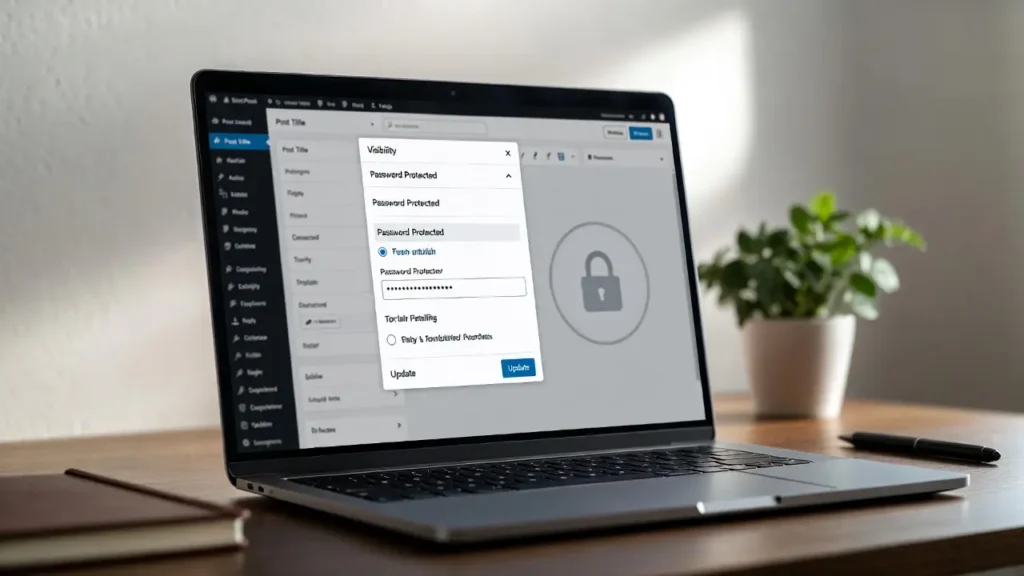
How to Password Protect Pages and Posts in WordPress (Easy Guide)
Password-protecting pages or posts in WordPress is one of the simplest ways to create private content — whether for paid […]
Password-protecting pages or posts in WordPress is one of the simplest ways to create private content — whether for paid […]
A favicon (short for “favorite icon”) is the small icon that appears in browser tabs, bookmarks, mobile home screens, and
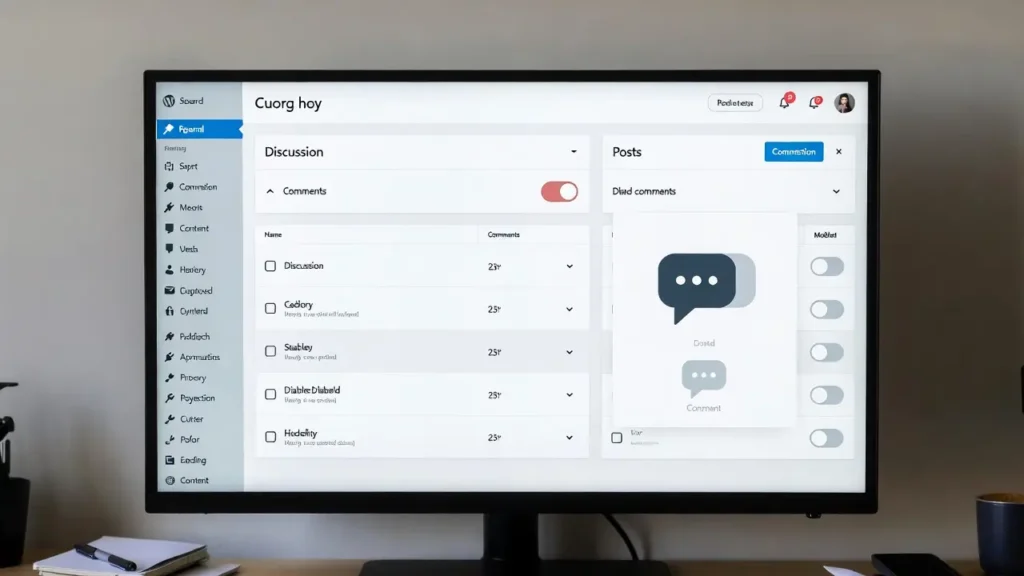
Comments are one of WordPress’s most powerful built-in features — they encourage discussion, build community, and provide social proof. However,
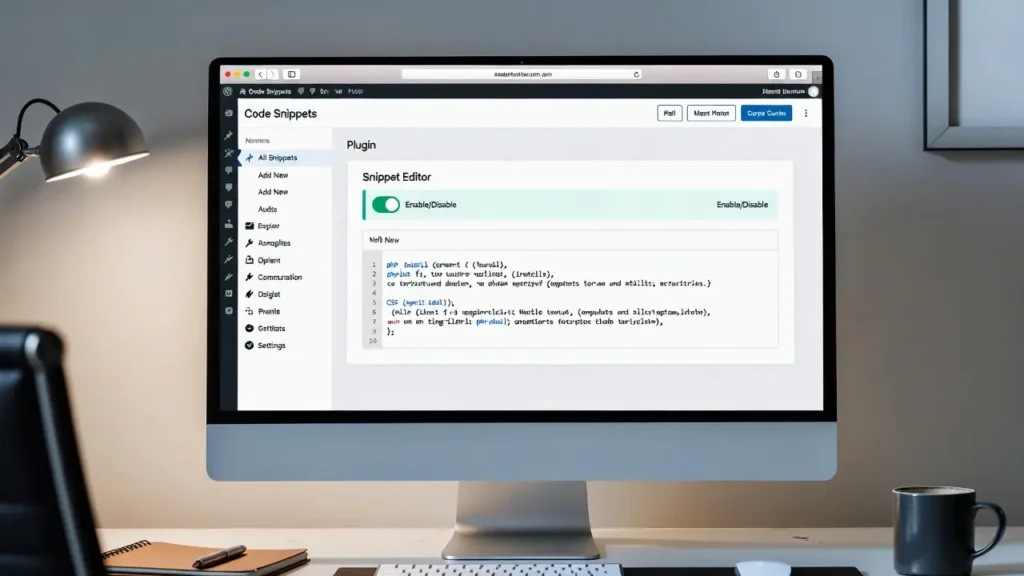
Adding custom code snippets (PHP functions, CSS styles, JavaScript, or shortcodes) is one of the most powerful ways to extend

The default Gravatar (Globally Recognized Avatar) in WordPress is the “mystery man” silhouette that appears when a user doesn’t have

Maintenance mode (also called coming soon or under construction mode) lets you temporarily hide your live WordPress site from public
The WordPress admin toolbar (the black bar at the top when logged in) is a powerful navigation tool — but
Organizing content with parent and child pages (subpages) is a powerful way to structure your WordPress site — especially for
Converting a static HTML website into a fully dynamic WordPress theme gives you the power of content management, SEO, plugins,
Creating your own WordPress plugin is one of the most rewarding skills you can learn — whether you want to

BuzzFeed-style websites — full of fun quizzes, personality tests, listicles (“10 Signs You’re a True Coffee Addict”), viral polls, and
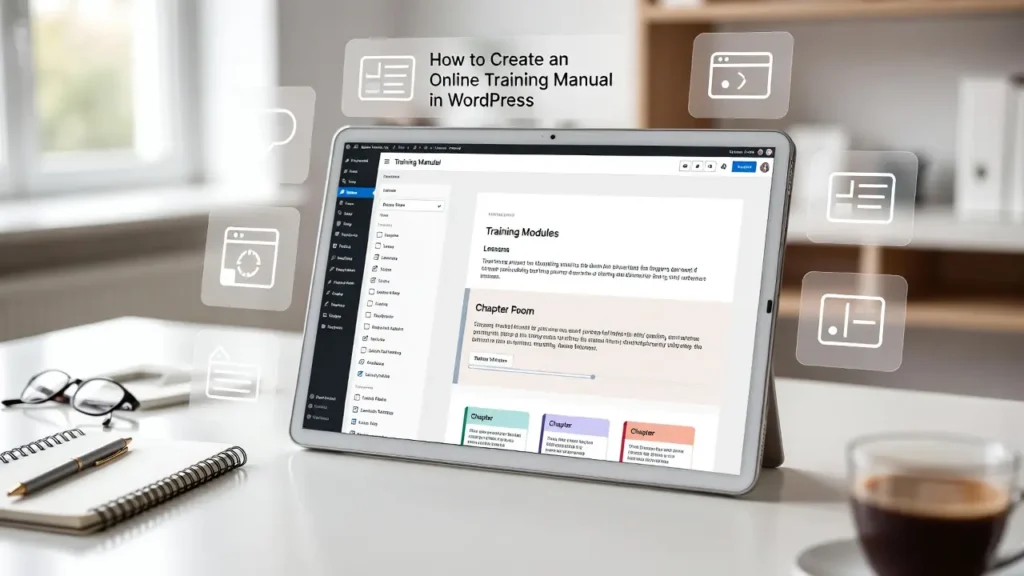
Creating an online training manual (also called a knowledge base, help center, or documentation site) in WordPress is one of