
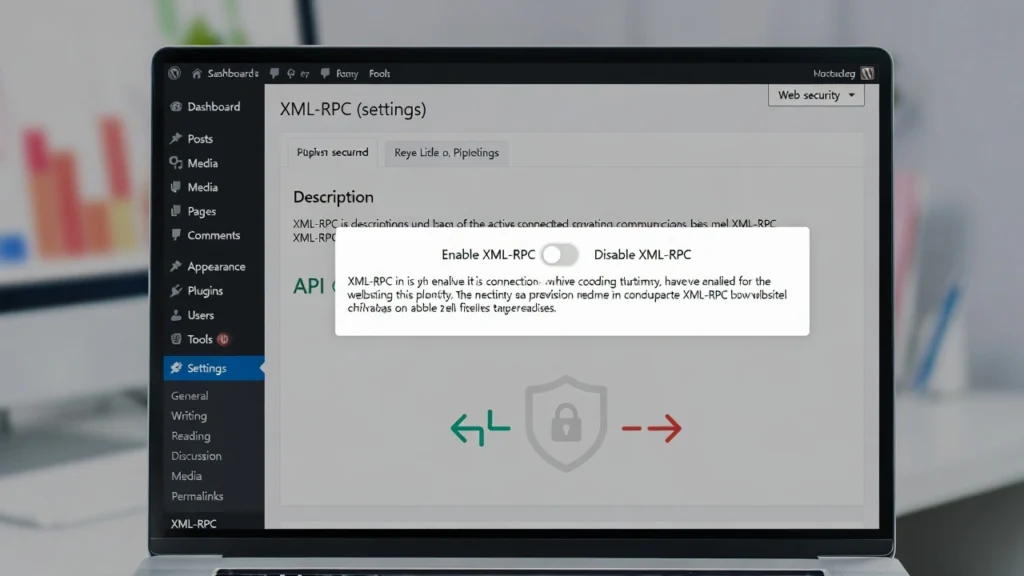
XML-RPC is a built-in WordPress feature that allows remote access to your site, enabling functionalities like mobile app publishing and third-party integrations. However, it’s often considered a security liability due to its vulnerability to attacks, and many experts recommend disabling it unless absolutely needed. At Cope Business, we frequently advise clients to review and disable XML-RPC during our technical SEO audit services to reduce attack surfaces and improve site security without impacting performance. This guide explains what XML-RPC is, its pros and cons, when to use it, and how to enable or disable it safely in WordPress.
On this page
ToggleWhether you’re securing a new site or optimizing an existing one, managing XML-RPC is a key security step.
What is XML-RPC in WordPress?
XML-RPC (Extensible Markup Language – Remote Procedure Call) is a protocol that allows external applications to interact with your WordPress site remotely. Introduced in WordPress 0.70, it was enabled by default starting from version 3.5. It powers features like:
- Posting from the WordPress mobile app
- Jetpack connections (stats, backups)
- Pingback/trackback notifications
- Remote publishing from desktop apps (e.g., Windows Live Writer)
In essence, it acts as an API for remote commands — but the newer REST API has largely replaced it for modern uses.
Pros and Cons of XML-RPC
Pros
- Enables remote management and integrations (e.g., Jetpack, mobile app).
- Supports pingbacks for blog networking (though rarely used now).
- Backward compatibility for legacy tools.
Cons
- Security Risks: Vulnerable to brute-force attacks (unlimited login attempts), DDoS (amplification attacks), and XML-RPC pingback floods.
- Performance Drain: Can overload servers during attacks.
- Outdated: REST API is more secure and flexible for most modern needs.
- No Built-in Rate Limiting: Makes it easy for bots to exploit.
If you don’t use remote features, disabling XML-RPC is highly recommended to eliminate these risks.
When to Enable or Keep XML-RPC
Keep it enabled only if you rely on:
- Jetpack (some modules require it — check alternatives).
- WordPress mobile app for posting.
- Legacy desktop publishing tools.
- Pingback notifications (rare in 2026).
For most sites, the REST API handles modern integrations better — disable XML-RPC to enhance security.
How to Disable XML RPC in WordPress (3 Methods)
Method 1: Using a Plugin (Easiest)
Plugins provide one-click disabling.
- Install Disable XML-RPC or All in One WP Security (free).
- Activate — it blocks XML-RPC instantly.
- In All in One WP Security: Go to WP Security > Firewall > Basic Firewall Rules and enable “Disable XML-RPC”.
Pros: Reversible, no code editing. Cons: Adds a plugin (very lightweight).
Method 2: Using .htaccess Code (No Plugin, Server-Level)
For Apache servers (most shared hosting).
- Access .htaccess via FTP or hosting file manager (backup first!).
- Add this code:
text# Disable XML-RPC <Files xmlrpc.php> order deny,allow deny from all </Files>- Save — this blocks access to xmlrpc.php.
Test by visiting yoursite.com/xmlrpc.php — should show 403 Forbidden.
For NGINX: Contact your host to add equivalent rules.
Method 3: Using functions.php Code (Lightweight & Customizable)
- Add to your child theme’s functions.php or via WPCode plugin:
PHPadd_filter('xmlrpc_enabled', '__return_false');- This disables XML-RPC functionality without blocking the file.
Pros: Clean, no extra plugins.
Cons: Requires child theme.
How to Enable XML-RPC If Needed
If you must re-enable:
- Remove the disabling code/plugin.
- WordPress enables it by default — no extra steps.
But consider alternatives like REST API for secure remote access.
Best Practices After Disabling XML-RPC
- Monitor Logs: Check for blocked requests in server logs or security plugins.
- Use REST API: For modern integrations (e.g., Jetpack now supports it).
- Additional Security: Enable 2FA, limit logins (see our guide), use firewalls.
- Performance Check: Disabling reduces unnecessary load — test speed improvements.
- Alternatives for Features: Use WP REST API for apps; disable pingbacks separately if needed.
Disabling XML-RPC can reduce attack attempts by 70–90% on vulnerable sites.
Final Thoughts
XML-RPC is a legacy feature with more risks than benefits — disabling it is a smart, quick security win for most WordPress sites. Use a plugin for simplicity or code for control — either way, your site will be safer.
Security is foundational for SEO and trust.
Need help disabling XML-RPC, conducting a full security audit, or optimizing your WordPress site? Contact Cope Business for a free technical SEO consultation — we’ll secure your site and enhance its performance.


