
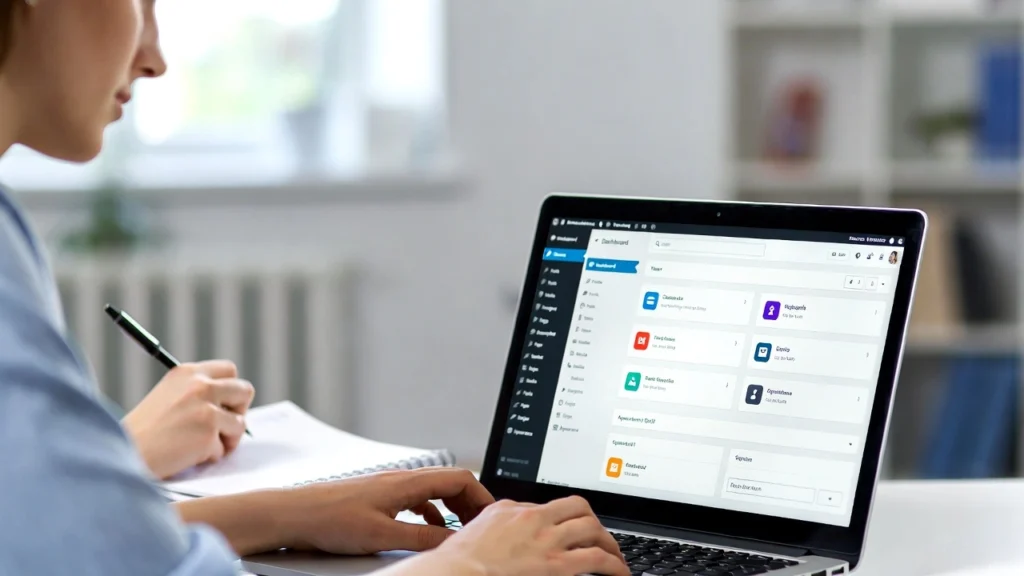
Starting a WordPress site in 2026 can feel overwhelming, but with the right guidance, anyone can build a professional website without coding skills. That’s why we’ve created this free WordPress workshop for beginners — including a recording of our live session and a complete step-by-step guide to get you up and running. At Cope Business, we specialize in helping beginners and businesses launch optimized WordPress sites through our technical SEO audit services and WordPress speed optimization services. This workshop distills our expertise into actionable steps, covering everything from installation to SEO basics.
Whether you’re a complete newbie or refreshing your skills, this resource will save you hours of trial and error. Watch the recording below or follow the guide — and if you need personalized help, we’re here.
Workshop Recording
[Embed Video Here – e.g., YouTube embed code for the workshop recording]
Our free WordPress beginners workshop recording covers the fundamentals in under 2 hours. Topics include:
- WordPress overview and why it’s the best choice
- Step-by-step installation
- Essential settings and customizations
- Basic SEO tips to rank your new site
- Common mistakes to avoid
Watch now and bookmark for reference!
Step-by-Step Guide: Building Your First WordPress Site
If you prefer reading or need a quick reference, follow this detailed guide based on the workshop.
1. Choose Hosting and Domain
- Select reliable hosting: SiteGround or Bluehost (WordPress-recommended, starting ~$3/month with free domain).
- Pick a domain: Short, memorable, .com if possible.
2. Install WordPress
- Use one-click install from your host’s dashboard.
- Set strong admin credentials.
3. Configure Basic Settings
- General: Set title, tagline, timezone.
- Permalinks: Choose “Post name” for SEO-friendly URLs.
- Reading: Set a static front page if not a blog.
4. Choose a Theme
- Start with lightweight: Astra or GeneratePress (free, fast, customizable).
5. Install Essential Plugins
- All in One SEO: For meta, sitemaps, schema.
- WPForms: Contact forms.
- MonsterInsights: Analytics tracking.
- UpdraftPlus: Backups.
6. Create Your First Content
- Add pages: Home, About, Contact, Services.
- Write posts: Use headings, images, internal links.
7. Optimize for SEO & Speed
- Add meta titles/descriptions.
- Enable caching (WP Rocket recommended).
- Compress images (ShortPixel).
8. Secure Your Site
- Enable SSL (free via host).
- Add 2FA and limit login attempts.
9. Launch & Grow
- Test mobile responsiveness.
- Submit sitemap to Google Search Console.
- Promote on social media.
For the full walkthrough with demos, watch the recording above.
Why Attend Our Free Workshops?
Our workshops are designed for real-world success — packed with actionable tips, live Q&A, and resources. Join our mailing list for notifications on upcoming sessions.
Ready to take your WordPress site to the next level? Contact Cope Business for a free technical SEO consultation — we’ll review your setup and provide personalized guidance to launch or optimize your blog.


