
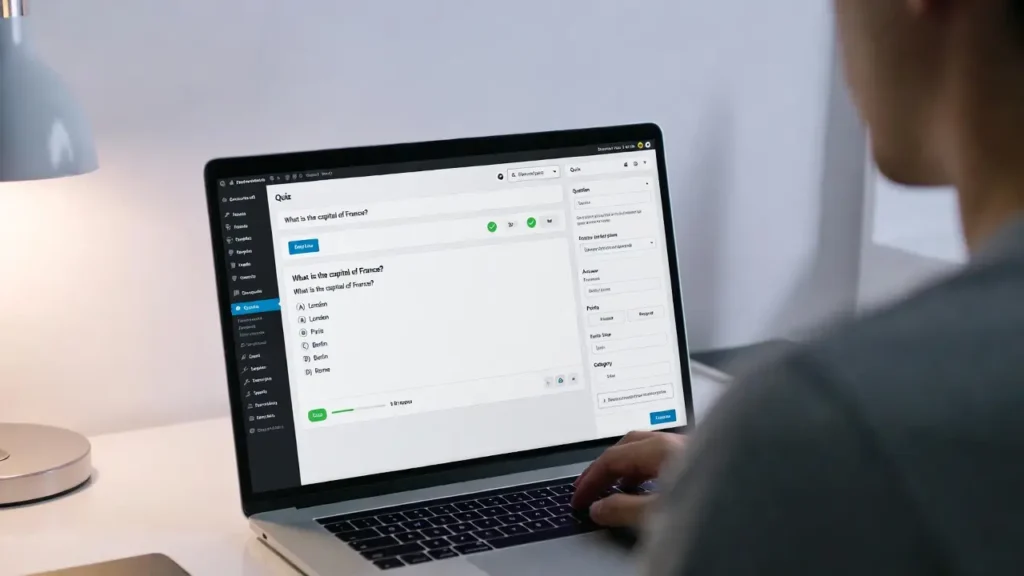
Online quizzes are one of the most engaging content formats — they boost time on site, collect leads, generate social shares, and help you understand your audience better. Whether you want educational quizzes, personality tests, product recommendation quizzes, or fun viral content, WordPress makes it easy to build a full quiz website or add quizzes to an existing site. At Cope Business, we help clients create high-converting quiz experiences as part of our technical SEO audit services and WordPress speed optimization services, ensuring they load fast, capture leads effectively, and rank well.
This complete beginner-to-advanced guide shows you exactly how to create an online quiz website in WordPress — with scoring, results pages, certificates, lead capture, and SEO optimization.
On this page
ToggleWhy Create an Online Quiz Website in WordPress?
- High Engagement — Quizzes keep users on your site 3–5× longer
- Lead Generation — Collect emails with “see your results” forms
- Viral Potential — Shareable results drive traffic & backlinks
- SEO Benefits — Long sessions + internal linking boost rankings
- Monetization — Ads, affiliate links, premium quizzes, or paid certificates
- Data Insights — Learn what your audience likes and believes
Step 1: Choose the Best Quiz Plugin for WordPress
The right plugin is the foundation of your quiz site.
Top Recommendations
- Quiz and Survey Master (QSM) – Best Free + Pro
- Free core is very capable; Pro (~$99/year) adds certificates, leaderboards, timers, payments.
- Highly customizable results, email notifications, lead capture.
- Formidable Forms + Quizzes Add-on – Most Powerful
- Pro (~$199/year) includes advanced logic, scoring, calculations, payments.
- Best for complex quizzes (e.g., scored personality tests, conditional results).
- WP Quiz – Best for Viral & Visual Quizzes
- Free/pro (~$49/year) — personality quizzes, list quizzes, image-based.
- Social sharing built-in.
- LearnDash + Quizzes – Best for Educational/Course Quizzes
- If you want full LMS + quizzes with certificates.
Our Recommendation for Most Users: Start with Quiz and Survey Master (free) — it’s lightweight, powerful, and perfect for most quiz types.
Step 2: Install & Set Up Your Quiz Plugin
(Using Quiz and Survey Master as example)
- Install Quiz and Survey Master from Plugins > Add New.
- Activate → Go to Quizzes/Surveys > Add New.
- Name your quiz (e.g., “What Type of Entrepreneur Are You?”).
- Add questions:
- Multiple choice, true/false, text, fill-in-the-blank
- Assign points per answer for scoring
- Add images/videos to questions
- Set up results pages:
- Conditional results (e.g., 0–30 points = “Beginner”, 31–60 = “Pro”)
- Custom messages, images, share buttons
- Enable lead capture: Add name/email fields before results.
- Integrate with email (Mailchimp, ConvertKit) or CRM.
- Style: Customize colors, fonts, button text in settings.
- Publish → Get shortcode or use block.
Step 3: Embed the Quiz on Your Site
- Use the Quiz and Survey Master block in Gutenberg.
- Or paste shortcode [QSM quiz=123] (replace 123 with your quiz ID).
- Place on a dedicated page, homepage, or post.
Pro Tip: Use SeedProd or Elementor to design a beautiful landing page around the quiz.
Step 4: Add Advanced Features (Optional)
- Certificates: Use QSM Pro or LearnDash for printable PDF certificates.
- Timers & Limits: Prevent cheating with time limits.
- Leaderboards: Show top scorers (QSM Pro).
- Payments: Charge for premium quizzes (WooCommerce or Stripe integration).
- Random Questions: Shuffle order for replay value.
- Results Sharing: Add social share buttons for viral growth.
Step 5: Optimize Quiz for SEO & Performance
- SEO: Use All in One SEO/Rank Math → add meta title/description, FAQ schema on quiz page.
- Speed: Compress images, enable lazy loading (see our lazy load guide).
- Caching: Use WP Rocket — exclude quiz pages from cache if dynamic.
- Mobile: Test responsiveness — most quizzes are mobile-first.
- Analytics: Track completions with MonsterInsights.
Final Thoughts
Creating an online quiz website or adding quizzes to your existing WordPress site is one of the highest-engagement content types you can use. Start with Quiz and Survey Master (free) — it’s powerful enough for most needs and scales with Pro add-ons.
Quizzes drive traffic, leads, shares, and fun — make them part of your strategy.
Need help designing high-converting quizzes, optimizing for SEO, or integrating lead capture? Contact Cope Business for a free technical SEO consultation — we’ll build quizzes that engage your audience and grow your business.


