
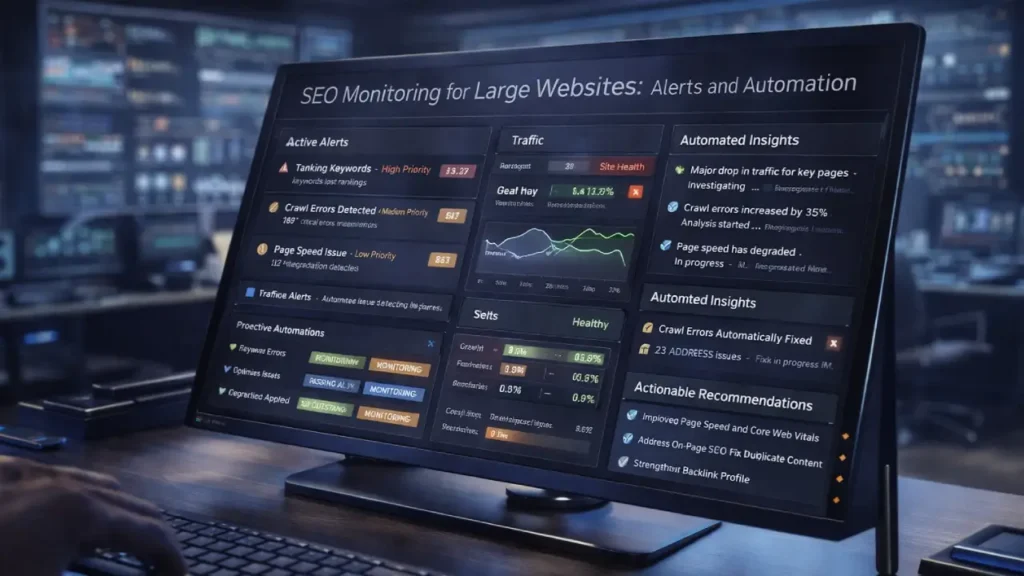
Managing SEO for large websites can be complex. Thousands of pages, multiple subdomains, dynamic content, and frequent updates make it challenging to keep track of technical issues that impact rankings. Implementing a robust SEO monitoring system with alerts and automation ensures that problems are detected early, enabling teams to fix them before they affect performance.
In this guide, we’ll explore the best practices for monitoring SEO on large websites, the types of alerts you should configure, and how automation improves efficiency for enterprise SEO teams.
Why SEO Monitoring Is Critical for Large Websites
Large websites have unique challenges:
- Scale: More pages mean more potential technical issues.
- Complexity: Multiple templates, subdomains, and dynamic content create more risk for broken links, duplicate content, or indexing problems.
- Timeliness: Manual checks are slow, and delayed detection can negatively impact rankings.
By implementing monitoring systems with automated alerts, you can track issues such as crawl errors, broken links, content problems, and page speed issues in real-time.
Key Elements of SEO Monitoring
1. Crawl Errors and Indexation
- 404 pages
- 5xx server errors
- Redirect chains
- Blocked URLs
Reference: Optimizing Redirect Chains and Loops for Better Rankings
2. Site Performance Monitoring
- Largest Contentful Paint (LCP)
- Cumulative Layout Shift (CLS)
- First Input Delay (FID)
Reference: Optimizing Critical Rendering Path for Faster Page Loads
3. Structured Data Alerts
- Missing or invalid schema markup
- Duplicate structured data
- Rich snippet errors
Reference: Advanced Schema Markup for Product Variants & Reviews
4. Security and HTTPS Monitoring
- Mixed content errors
- Expired SSL certificates
- Security misconfigurations
Tools for SEO Monitoring and Alerts
- Screaming Frog SEO Spider – Crawl monitoring and automated reporting
- DeepCrawl – Comprehensive enterprise crawling with alerting
- Botify – Continuous website performance and indexing monitoring
- Ahrefs & SEMrush – Automated site audits and issue notifications
- Google Search Console – Crawl stats and error notifications
Automation Strategies for Large Sites
1. Schedule Automated Crawls
Automated weekly or monthly crawls detect issues early across thousands of pages.
2. Configure Real-Time Alerts
Set alerts for:
- Crawl errors
- Broken links on high-priority pages
- Structured data or schema failures
- Page speed regressions
3. Centralize Reporting
Dashboards and executive reports help track KPIs and prioritize fixes. Alerts should integrate with project management tools to streamline workflows.
Benefits of Automated SEO Monitoring
- Faster Issue Resolution: Immediate notifications allow teams to act quickly.
- Better Crawl Budget Management: Detect duplicate content or unnecessary indexable URLs early.
- Improved User Experience: Monitoring ensures site speed, security, and accessibility remain optimal.
- Data-Driven SEO Decisions: Analytics and alerts guide strategic optimizations.
For related tips on URL management and crawl efficiency: Optimizing URL Structure for Scalability and Crawl Efficiency
Final Thoughts
For large websites, manual monitoring is insufficient. Automating SEO audits with alerts allows teams to maintain a healthy website, improve rankings, and scale efficiently. Using the right tools and workflows ensures issues are identified and fixed before they affect performance.
Need professional guidance to implement SEO monitoring with alerts and automation? Contact us today:
Contact Cope Business


