
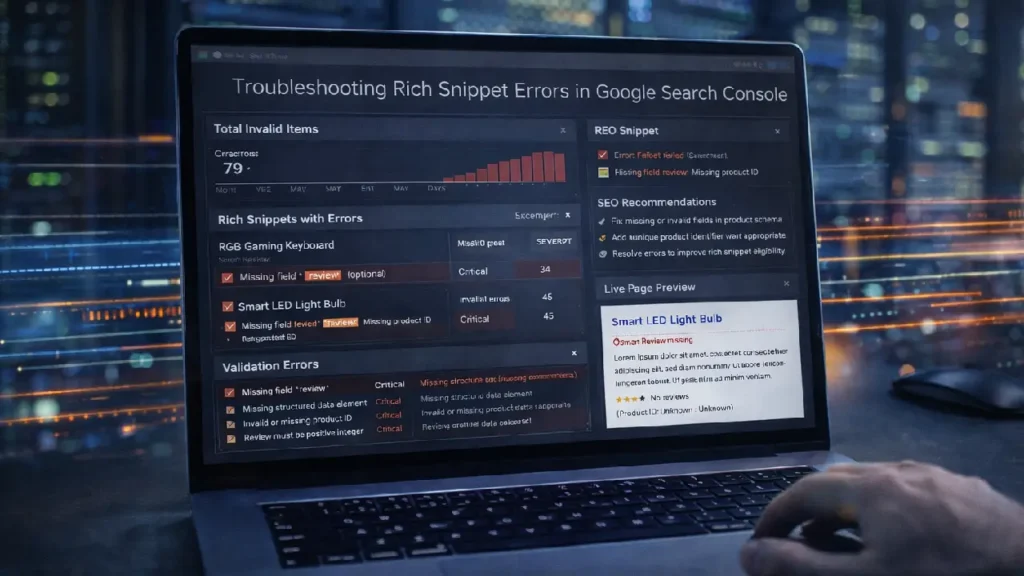
Rich snippets are enhanced search results that display additional information such as ratings, prices, availability, FAQs, and events. They improve click-through rates (CTR) and provide users with more context before they even visit your website. However, implementing structured data incorrectly can lead to rich snippet errors, reducing your visibility in search results.
Google Search Console (GSC) provides valuable insights into structured data and highlights errors or warnings. Understanding and fixing these errors is essential for maintaining SEO performance and ensuring rich snippets appear as intended.
This guide covers the most common rich snippet issues, how to detect them in Google Search Console, and actionable steps to fix them.
Why Rich Snippet Errors Matter
Rich snippet errors can negatively impact your site’s SEO in several ways:
- Search engines may ignore invalid structured data.
- Pages may lose eligibility for rich results in SERPs.
- Errors can signal technical issues that affect crawl efficiency.
By troubleshooting and fixing these errors, you ensure that Google can properly understand and showcase your content.
Detecting Rich Snippet Errors in Google Search Console
1. Use the Enhancements Reports
GSC provides dedicated reports for structured data types, including:
- Products
- Reviews
- FAQ
- HowTo
- Breadcrumbs
Errors appear in red, warnings in yellow, and valid items in green. Each error provides detailed information about the affected page and the specific property causing the issue.
2. Inspect Individual URLs
The URL Inspection tool allows you to see how Google renders a specific page:
- Check if structured data is visible in the rendered HTML.
- Verify that all required fields are present.
- Detect differences between the live page and what Google sees.
For tips on rendering JavaScript pages that include structured data, see:
How Google Renders JavaScript Pages: SEO Best Practices
3. Use Rich Results Test
Google’s Rich Results Test allows you to validate structured data:
- Detect syntax errors.
- Identify missing required properties.
- Preview which rich results may appear in SERPs.
Common Rich Snippet Errors and Fixes
1. Missing Required Fields
Every schema type has required properties. For example, Product markup requires:
- name
- image
- description
- price
Fix: Add the missing fields in your structured data implementation.
2. Invalid Field Values
Errors can occur if a property value is invalid or in the wrong format. Examples:
- Using text instead of a numeric value for
ratingValue - Incorrect date format in
eventDate
Fix: Validate data types and formats according to Google’s structured data guidelines.
3. Duplicate Markup
Multiple structured data blocks for the same entity can confuse search engines.
Fix: Ensure a single, consolidated structured data block per entity and remove duplicates.
4. Unrendered JavaScript Schema
If your structured data is added via JavaScript, Google may not see it if the page doesn’t render properly.
Fix: Consider server-side rendering (SSR) or dynamic rendering to ensure structured data is visible to crawlers. Reference:
Structured Data Implementation Guide
5. Nested or Incomplete Markup
Nested schema must follow proper hierarchy. For example:
- Product → Offer → AggregateRating
- FAQ → Question → Answer
Fix: Validate using the Rich Results Test and ensure all nested properties are properly connected.
Best Practices for Rich Snippet Maintenance
- Regularly monitor GSC for new errors.
- Test structured data after site changes or updates.
- Keep schema aligned with page content.
- Use canonical URLs for variant or duplicate pages.
For help managing duplicate content and canonical issues:
Canonical Issues Explained: Fix & SEO Guide
Final Thoughts
Troubleshooting rich snippet errors is essential to maintain enhanced search visibility. Regular monitoring, proper implementation, and validation using Google Search Console and Rich Results Test ensure that your structured data is accurate, valid, and eligible for rich results.
By addressing errors promptly, you enhance SERP appearance, improve CTR, and support long-term SEO performance.
Need Help Fixing Rich Snippet Errors?
If you want expert assistance troubleshooting structured data or improving rich snippet performance: Contact Cope Business


