
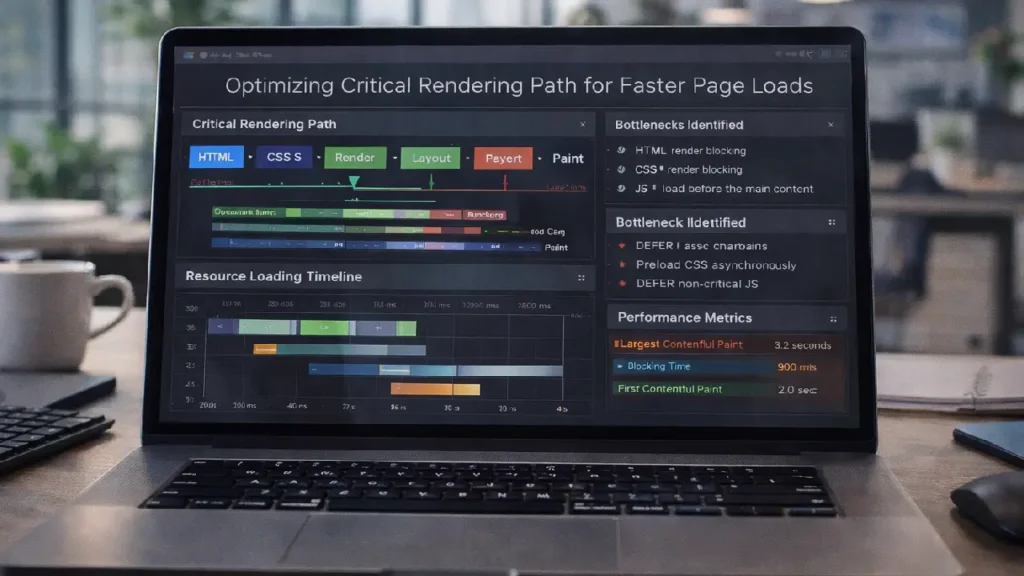
Page speed is a critical factor for both user experience and search engine optimization. One of the key concepts for improving page speed is optimizing the Critical Rendering Path (CRP) — the sequence of steps a browser takes to convert HTML, CSS, and JavaScript into pixels on the screen. Optimizing CRP ensures faster page rendering, lower bounce rates, and better SEO performance.
In this guide, we will cover the fundamentals of the critical rendering path, common performance bottlenecks, and actionable strategies to optimize it.
Understanding the Critical Rendering Path
The critical rendering path refers to the steps a browser takes to render a page:
- DOM Construction – Parsing HTML to build the Document Object Model.
- CSSOM Construction – Parsing CSS to create the CSS Object Model.
- Render Tree Construction – Combining DOM and CSSOM to form the render tree.
- Layout (Reflow) – Calculating the position and size of elements.
- Painting – Filling in pixels on the screen.
Each step adds time to page load. Delays in any part of the CRP can lead to slower rendering and poor user experience.
Why Optimizing CRP Matters
Optimizing CRP is essential for:
- Improved Page Speed – Faster rendering improves user satisfaction.
- SEO Benefits – Google uses Core Web Vitals and page speed as ranking signals.
- Reduced Bounce Rate – Users are more likely to stay on pages that load quickly.
For general web performance tips, see:
Core Web Vitals Optimization Guide
Common CRP Bottlenecks
- Render-Blocking CSS and JavaScript – Synchronous scripts and CSS can block the render tree.
- Large CSS or JS Files – Bigger files take longer to download and parse.
- Inefficient Fonts – Web fonts that block text rendering can delay first meaningful paint.
- Excessive DOM Complexity – Deeply nested elements increase layout computation time.
Strategies to Optimize Critical Rendering Path
1. Minimize Render-Blocking Resources
- Use
<link rel="preload">for critical CSS and fonts. - Defer non-critical JS with
asyncordefer. - Inline small CSS required for above-the-fold content.
2. Optimize CSS and JavaScript
- Minify CSS and JS files to reduce size.
- Split CSS and JS into critical and non-critical chunks.
- Remove unused CSS rules to streamline rendering.
3. Prioritize Visible Content
- Load above-the-fold content first.
- Lazy-load images and offscreen content.
- Use skeleton screens to improve perceived performance.
4. Optimize Fonts
- Preload fonts using
<link rel="preload">. - Use
font-display: swapto avoid blocking text rendering. - Limit the number of custom fonts and weights.
5. Reduce DOM Complexity
- Flatten deep HTML structures.
- Avoid excessive nesting and unnecessary wrappers.
- Remove unused elements from the DOM.
6. Monitor and Test Performance
- Use Google PageSpeed Insights, Lighthouse, or WebPageTest to identify CRP bottlenecks.
- Monitor metrics like First Contentful Paint (FCP), Largest Contentful Paint (LCP), and Time to Interactive (TTI).
For advanced JavaScript performance monitoring:
Best Practices for Indexing JavaScript-Rich Pages
Final Thoughts
Optimizing the critical rendering path is a powerful way to enhance page load speed, user experience, and SEO performance. By minimizing render-blocking resources, optimizing CSS/JS, prioritizing visible content, and reducing DOM complexity, you can ensure your pages load faster and perform better in search results.
Regular testing and monitoring are key to maintaining an efficient critical rendering path as your website evolves.
Need Expert Help?
If you want professional assistance optimizing your site’s critical rendering path and improving page speed for SEO: Contect Cope Business


