
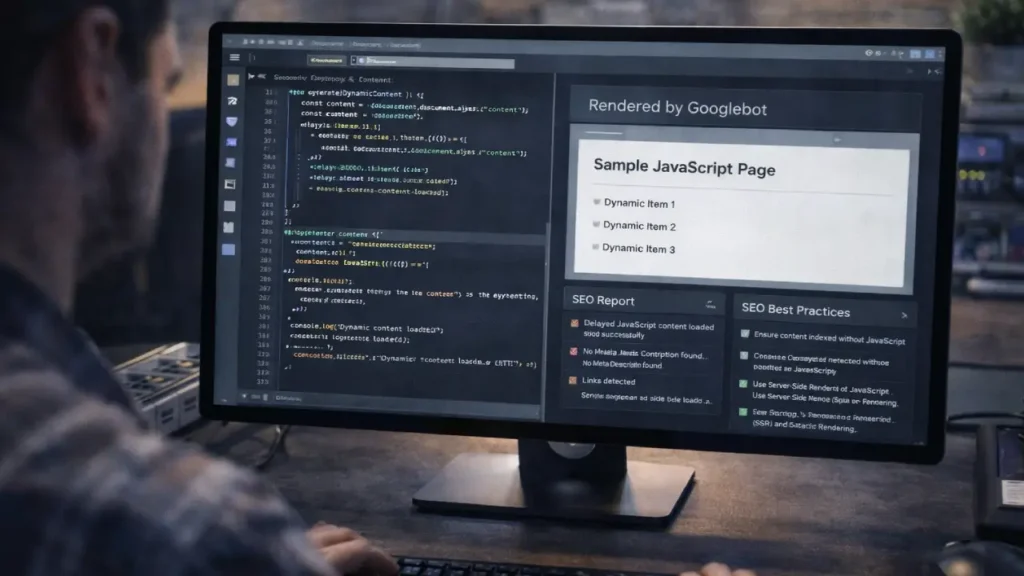
JavaScript-powered websites are increasingly common, but many SEOs struggle with how Google renders JavaScript pages. Unlike traditional HTML pages, content generated via JavaScript may not be immediately visible to search engine crawlers. This can lead to indexing delays, ranking issues, and poor organic performance if best practices aren’t followed.
Understanding how Googlebot renders JavaScript and implementing the right SEO techniques is essential for modern websites, especially for single-page applications (SPAs) or dynamically loaded content.
How Google Renders JavaScript
Google uses a two-wave rendering process for JavaScript pages:
- Crawling Phase: Googlebot first crawls the raw HTML of your page. At this stage, if important content is only generated via JavaScript, it may not be seen immediately.
- Rendering Phase: Google’s Web Rendering Service (WRS) executes JavaScript to render the page fully. The rendered HTML is then indexed.
> Note: Rendering is resource-intensive, so Google may delay processing JS content. This can cause temporary indexing delays or incomplete indexing for deeply nested JS content.
SEO Best Practices for JavaScript Pages
To ensure Google indexes your JavaScript pages efficiently, follow these best practices:
1. Use Server-Side Rendering (SSR) or Dynamic Rendering
Server-side rendering pre-renders HTML content on the server, delivering fully rendered pages to crawlers. Dynamic rendering detects bots and serves a pre-rendered version of your content.
Benefits:
- Faster indexing
- Reduced crawl budget waste
- Ensures content visibility for search engines
For SPAs, consider frameworks like Next.js or Nuxt.js, which support SSR and improve SEO.
2. Ensure Proper Internal Linking
Internal linking helps Google discover JS-generated pages. Avoid relying solely on client-side navigation like infinite scroll or dynamically hidden links.
Tips:
- Include JS pages in main navigation or sitemaps
- Add contextual links from high-authority pages
- Use breadcrumbs for better hierarchy
Related reading:
Audit Deeply Nested Pages for Better Crawl Efficiency
3. Avoid Blocking JavaScript Files
Check your robots.txt to ensure Googlebot can crawl essential JS files. Blocking JS files prevents Google from rendering your content correctly, leading to indexing problems.
4. Use Canonical Tags for Duplicate Content
Dynamic pages may generate multiple URLs for similar content. Implement canonical tags to indicate the preferred URL for indexing.
For guidance on handling duplicate URLs, see:
SEO for Faceted Navigation: Preventing Duplicate Content
5. Optimize Page Load and Render Speed
Rendering JavaScript can slow page load times, which affects SEO. Optimize performance to improve crawl efficiency and user experience:
- Minify and bundle JS files
- Use lazy loading for images (but ensure content is discoverable)
- Implement caching and CDNs
6. Monitor with Google Search Console
Use the URL Inspection Tool to verify how Google renders your JS pages. It provides screenshots of how Googlebot sees your content, helping detect hidden or unrendered elements.
7. Implement Structured Data Correctly
For JavaScript-rendered pages, structured data should be embedded in a way that is accessible to Google after rendering.
Reference:
Structured Data Implementation Guide
Common Mistakes with JavaScript SEO
- Relying solely on client-side rendering without SSR or dynamic rendering
- Blocking essential JS/CSS in
robots.txt - Infinite scroll or hidden content not crawlable
- Ignoring crawl depth and internal linking for JS pages
- Slow rendering affecting Core Web Vitals
Tools to Test JS Rendering
- Google Search Console URL Inspection – see rendered content
- Google Mobile-Friendly Test – check JS content visibility
- Screaming Frog (Render JS option) – simulate Google rendering
- Lighthouse – check performance and accessibility
Final Thoughts
Understanding how Google renders JavaScript pages is crucial for modern SEO. By implementing server-side or dynamic rendering, optimizing internal linking, monitoring rendering via Search Console, and ensuring JS content is crawlable, you can maximize indexing and ranking potential for your website.
Adopting these SEO best practices will ensure that your JavaScript-powered website performs well in organic search, provides excellent user experience, and avoids common indexing pitfalls.
Need Help with JavaScript SEO?
If your website relies heavily on JavaScript or SPAs and you want to ensure proper indexing and crawl efficiency, our SEO experts can help Contact Cope Business.


