WordPress remains the most popular CMS in 2026, powering millions of sites worldwide—but its dominance also makes it a prime target for cybercriminals. While WordPress is inherently secure when maintained properly, common issues like outdated software, weak passwords, and malware can lead to devastating hacks, data breaches, or site defacement. Addressing these proactively is essential to protect your users, maintain SEO rankings, and avoid costly downtime. At Cope Business, we identify and resolve these vulnerabilities daily through our technical SEO audit services, helping clients fortify their sites against emerging threats. This guide breaks down 10 key WordPress security issues, their causes, and step-by-step fixes to keep your site safe.
Whether you’re a beginner or managing a high-traffic site, implementing these solutions can significantly reduce risks. Remember, a good security plugin is often the best all-in-one defense.
Why WordPress Security Issues Matter
WordPress sites are hacked every day due to exploitable flaws, with consequences ranging from spam redirects to complete data loss. Over 90% of breaches stem from vulnerabilities in plugins/themes or weak credentials. Ignoring these can result in Google blacklisting, lost revenue, and legal liabilities under privacy laws like GDPR. The good news? Most issues are preventable with regular maintenance and the right tools.
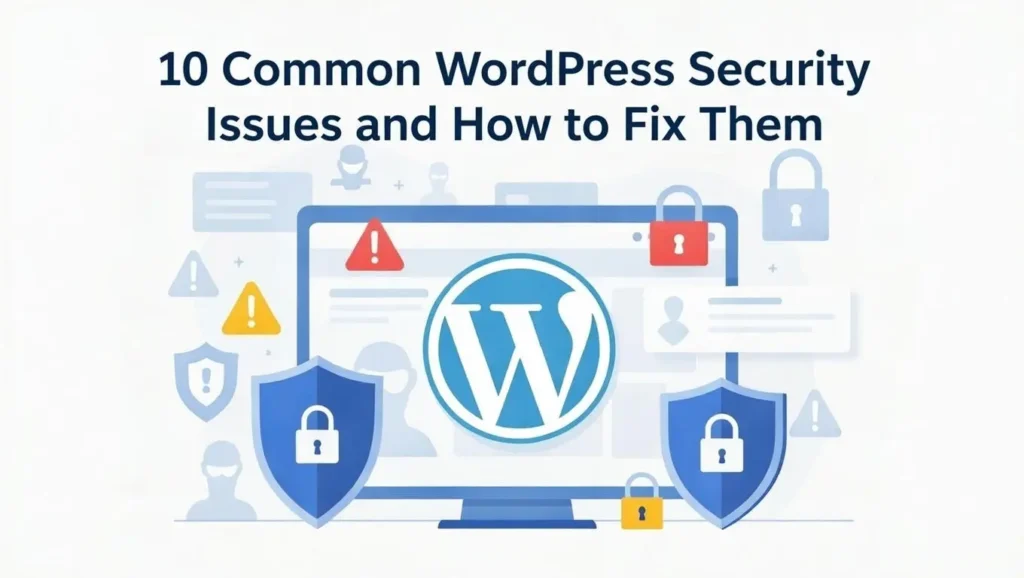
10 Common WordPress Security Issues and Fixes
1. No Protection Against Attacks
Cause: Without a firewall, malicious requests reach your site unchecked.
Fix: Install a WordPress-specific firewall like Wordfence or Sucuri. Configure it to block brute force attacks, suspicious IPs, and known vulnerabilities. For advanced protection, use a web application firewall (WAF) from your host.
2. Malware Infections
Cause: Hidden code from nulled plugins, outdated software, or backdoors.
Fix: Run daily scans with a plugin like MalCare or Wordfence. If infected, use the cleaner’s auto-removal feature. Prevent with regular updates and by avoiding pirated software.
3. Outdated Plugins and Themes
Cause: Unpatched coding errors create entry points for exploits. Fix: Enable auto-updates for plugins/themes in your dashboard. Use a staging site to test major updates. Plugins like Easy Updates Manager help schedule them safely.
4. Weak Password Security
Cause: Simple or reused passwords allow brute force entry.
Fix: Enforce strong passwords (12+ characters, mixed case/symbols) with plugins like Limit Login Attempts. Add two-factor authentication (2FA) via Google Authenticator or WP 2FA. Monitor breaches with Have I Been Pwned.
5. Using Nulled or Pirated Software
Cause: Nulled plugins/themes often contain malware backdoors.
Fix: Delete and replace with official versions. Scan your site thoroughly after removal. Always buy from trusted sources like the WordPress repository or developer sites.
6. Running on HTTP Instead of HTTPS
Cause: Unencrypted connections expose data to interception.
Fix: Install a free SSL certificate via Let’s Encrypt or your host. Force HTTPS with Really Simple SSL plugin. Update all internal links to HTTPS.
7. Open XML-RPC Access
Cause: XML-RPC enables remote access but is exploited for DDoS or brute force.
Fix: Disable it by adding to .htaccess: <Files xmlrpc.php> order deny,allow deny from all </Files>. Or use Disable XML-RPC plugin.
8. Unsecured Uploads Folder
Cause: Allowing PHP execution in uploads enables malware running.
Fix: Add to .htaccess in /wp-content/uploads/: <Files *.php> deny from all </Files>. Use security plugins to enforce this network-wide.
9. Unused or Inactive User Accounts
Cause: Forgotten accounts with weak passwords become targets.
Fix: Audit users in Users > All Users and delete inactive ones. Set up automatic logout for idle sessions with Inactive Logout plugin.
10. Shared Hosting Risks
Cause: Malware from other sites on the same server can spread.
Fix: Upgrade to VPS or managed hosting for isolation. Use separate databases and monitor with security plugins.
Best Practices to Prevent WordPress Security Issues
- Install a Comprehensive Security Plugin: Tools like MalCare or Sucuri provide scanners, firewalls, and activity logs in one package.
- Regular Backups: Use UpdraftPlus for automated, off-site backups—test restores monthly.
- Strong Access Controls: Limit admin roles, use 2FA, and monitor logins.
- Proactive Monitoring: Set up alerts for suspicious activity.
- Education and Audits: Train your team on security; conduct regular audits.
Top causes of hacks: Vulnerabilities (90%+), weak passwords (5%+), other (1%).
FAQs on WordPress Security
Is WordPress Secure by Default?
Yes, but maintenance is key—most hacks come from user errors like outdated components.
How Often Should I Scan for Malware?
Daily with automated tools; manual audits quarterly.
What’s the Best Way to Handle a Hack?
Isolate the site, restore from clean backup, change all passwords, and scan thoroughly.
WordPress security is manageable with the right approach—stay vigilant to protect your site and users.
Facing security issues or need a full audit? Contact Cope Business for a free technical SEO consultation—we’ll scan your site and implement tailored protections to keep it secure.