WordPress Multisite is a powerful feature that lets you manage multiple websites from a single installation, sharing core files and a database for efficiency. It’s popular for networks like blogs, agencies, or multi-location businesses. However, with shared resources comes increased security considerations—a vulnerability in one site could potentially affect the entire network. In 2026, as cyber threats evolve, ensuring WordPress Multisite security is crucial to protect data, maintain uptime, and preserve SEO rankings. At Cope Business, we’ve secured numerous Multisite setups for clients through our technical SEO audit services, identifying risks and implementing robust protections. This guide explores Multisite’s security profile and provides essential tips to keep your network safe.
Whether you’re new to Multisite or managing an existing one, these strategies will help you minimize risks and focus on growth.
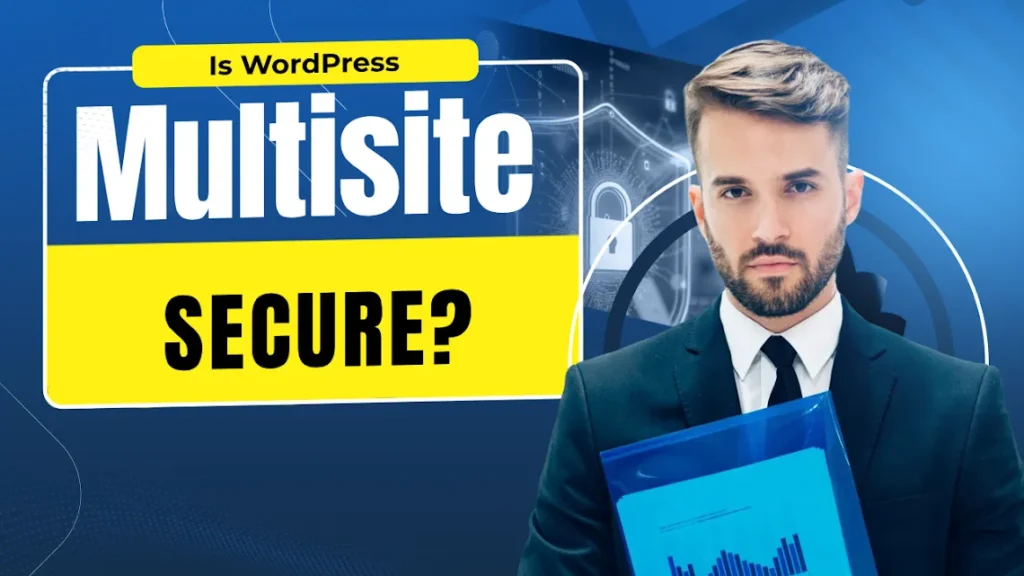
Is WordPress Multisite Secure?
Yes, WordPress Multisite is inherently secure as it’s a core feature of WordPress, actively maintained by the development team with regular updates to address vulnerabilities. The shared architecture—using one set of core files and a database—doesn’t make it less secure than single sites when properly configured. In fact, updates apply network-wide, simplifying maintenance.
However, the interconnected nature means a compromise in one area (e.g., a weak plugin on a subsite) could spread. Common risks include SQL injections, cross-site scripting, or unauthorized access if permissions aren’t tight. With proactive measures like those below, Multisite can be just as secure—if not more—than standalone installations.
8 Key WordPress Multisite Security Tips for 2026
Follow these best practices to fortify your network.
1. Back Up Your WordPress Multisite Regularly
Backups are your safety net against malware, errors, or accidental deletions. In Multisite, a single backup can cover the entire network.
- Use plugins like UpdraftPlus or Duplicator for automated, scheduled backups.
- Store backups off-site (e.g., Google Drive or Amazon S3) and test restorations periodically.
- Enable daily or weekly backups depending on update frequency.
This ensures quick recovery without losing subsite data. For large networks, consider premium options with incremental backups to save space.
2. Choose a Secure Hosting Provider Experienced in Multisite Setups
Your host plays a major role in security—opt for providers with Multisite expertise.
- Recommended: SiteGround or Bluehost for robust firewalls, automatic updates, and DDoS protection.
- Look for features like isolated environments, malware scanning, and scalable resources.
- Avoid cheap shared hosts that overload servers, increasing vulnerability.
A good host handles server-level threats, freeing you to focus on site management.
3. Limit Super Admin Privileges
Super Admins have network-wide control—restrict this to trusted users only.
- In Network Admin > Users, review and downgrade unnecessary admins to site-level roles.
- Use plugins like User Role Editor to create custom roles with limited permissions.
- Regularly audit user accounts and remove inactive ones.
This prevents widespread damage from compromised accounts.
4. Use Strong Passwords and Two-Factor Authentication
Weak passwords are a common entry point—enforce security across the network.
- Require complex passwords (at least 12 characters with symbols/numbers).
- Install WP 2FA or Google Authenticator for 2FA on all logins.
- Use a password manager for secure storage.
This adds a critical layer against brute-force attacks.
5. Keep WordPress Core, Themes, and Plugins Updated
Outdated software is a hacker’s favorite target—Multisite amplifies the risk.
- Enable auto-updates for core in wp-config.php or via plugins.
- Update themes/plugins network-wide from the Network Admin dashboard.
- Test updates on a staging site first to avoid conflicts.
Regular updates patch known exploits and maintain compatibility.
6. Set Up a WordPress Firewall
A firewall blocks malicious traffic before it reaches your site.
- Use Cloudflare (free plan) for network-wide protection, including DDoS mitigation and bot blocking.
- Install Sucuri or Wordfence for additional scanning and logging.
- Configure rules to restrict access to sensitive areas like wp-admin.
This proactive defense is vital for Multisite’s shared environment.
7. Restrict Plugin and Theme Installations
Limit subsite admins from installing unvetted items.
- In Multisite settings, allow only Super Admins to install plugins/themes.
- Pre-install approved ones and let subsite admins activate as needed.
- Regularly review and remove unused plugins to reduce attack surfaces.
This maintains control and prevents subsite vulnerabilities from spreading.
8. Enable Activity Monitoring and Logging
Track changes to detect suspicious behavior early.
- Use WP Activity Log or Simple History for detailed logs of logins, edits, and updates.
- Set up alerts for critical actions like plugin installations or user role changes.
- Review logs weekly or integrate with tools like Slack for real-time notifications.
This helps identify breaches quickly and aids in forensic analysis.
Common Mistakes to Avoid in WordPress Multisite Security
- Over-assigning Super Admin roles.
- Neglecting backups or not testing restores.
- Using weak passwords without 2FA.
- Ignoring updates due to fear of breaking the site.
- Installing untrusted plugins/themes without review.
Final Thoughts
WordPress Multisite is secure when managed with diligence—focus on updates, permissions, and monitoring to keep your network protected in 2026. Regular audits and proactive tools go a long way in preventing issues.
If you’re dealing with a Multisite setup and need expert help securing or optimizing it, contact Cope Business for a free technical SEO consultation—we’ll review your network and implement tailored solutions.