
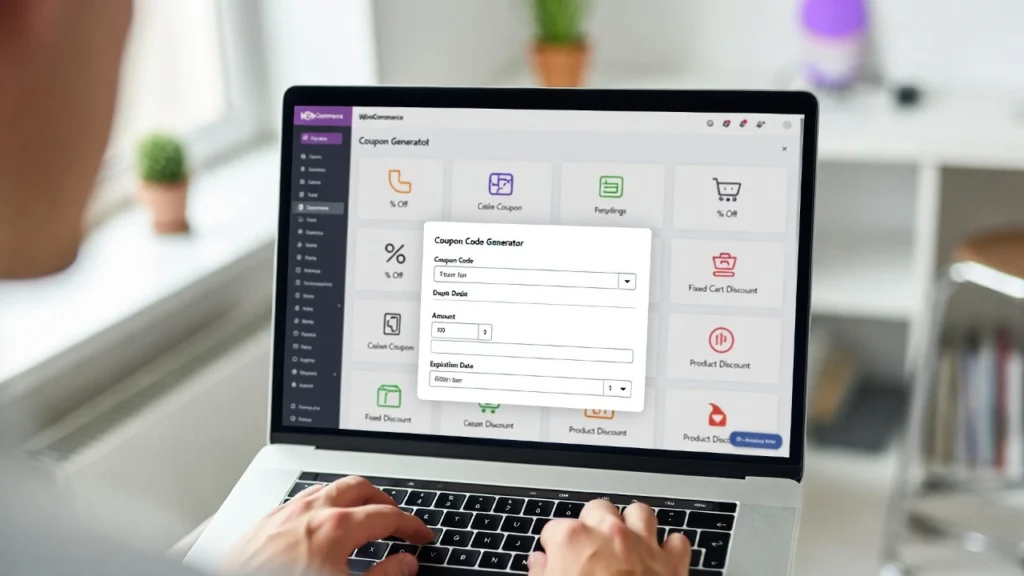
Personalized coupon codes in woocommerce are a powerful way to reward loyal customers, encourage repeat purchases, and create a sense of exclusivity in your WooCommerce store. By making them one-time-use and tailored (e.g., with the customer’s name or a unique message), you add a personal touch that boosts conversions and loyalty. with eCommerce personalization driving 20–30% higher sales, this strategy is essential for standing out. At Cope Business, we help stores implement advanced coupon systems during our technical SEO audit services, optimizing for performance, security, and revenue growth. This guide shows you how to create one-time personalized coupons in WooCommerce using plugins — no coding required.
Whether you’re running promotions, loyalty programs, or abandoned cart recovery, personalized coupons can increase redemption rates by 15–25%.
Why Use One-Time Personalized Coupon Codes in WooCommerce?
- Boost Customer Loyalty: Personalized codes (e.g., “JOHN10OFF”) make customers feel valued.
- Increase Conversions: One-time use creates urgency and prevents abuse.
- Reduce Cart Abandonment: Send personalized recovery coupons via email.
- Better Tracking: Unique codes let you monitor individual performance.
- SEO & Marketing: Coupons drive repeat traffic, improving behavioral signals.
Without personalization, generic coupons often get ignored or abused.
Method 1: Using WooCommerce Smart Coupons Plugin (Recommended)
WooCommerce Smart Coupons is the best plugin for advanced coupon features, including personalized, one-time-use codes.
Step-by-Step Setup
- Install WooCommerce Smart Coupons (~$99/year) — requires WooCommerce active.
- Go to Marketing > Coupons > Add Coupon.
- Set basics: Discount type (fixed/percentage), amount, expiry.
- In Usage Restriction: Check “Individual use only” for one-time.
- For personalization: Use “Auto Generate” with prefix/suffix (e.g., “CUSTOMERNAME-10OFF”).
- To make truly unique: Use “Generate coupons” button for bulk; customize names manually or via CSV import.
- For automation: Integrate with AutomateWoo (~$99/year) to send personalized coupons via email on triggers (e.g., first purchase).
- Test: Apply the code at checkout — it should work once and expire.
Pros: Automatic generation, email integration, usage tracking. Cons: Paid (but worth it for advanced features).
Alternative Free: Use built-in WooCommerce coupons with manual personalization — limited for bulk/one-time.
Method 2: Using WPCode for Custom Personalized Coupons
For more control without extra plugins.
Steps
- Install WPCode (free) for safe snippets.
- Go to Code Snippets > Add Snippet.
- Add this PHP code to generate personalized coupons:
PHPfunction wpb_create_personalized_coupon($user_id) { $user = get_user_by('id', $user_id); $coupon_code = strtoupper($user->first_name . '_10OFF'); // e.g., JOHN_10OFF $amount = '10'; // Discount amount $discount_type = 'percent'; // fixed_cart or percent $coupon = array( 'post_title' => $coupon_code, 'post_content' => '', 'post_status' => 'publish', 'post_author' => 1, 'post_type' => 'shop_coupon' ); $new_coupon_id = wp_insert_post($coupon); update_post_meta($new_coupon_id, 'discount_type', $discount_type); update_post_meta($new_coupon_id, 'coupon_amount', $amount); update_post_meta($new_coupon_id, 'individual_use', 'yes'); // One-time use update_post_meta($new_coupon_id, 'usage_limit', '1'); update_post_meta($new_coupon_id, 'expiry_date', ''); // No expiry return $coupon_code; } // Example: Trigger on user registration add_action('user_register', 'wpb_create_personalized_coupon');- Customize the code (e.g., trigger on purchase via ‘woocommerce_order_status_completed’).
- Test: Register a user — coupon generates automatically.
Pros: Free, fully customizable. Cons: Requires basic coding; no bulk automation.
Best Practices for Personalized Coupons
- Uniqueness: Use customer name/ID to prevent sharing.
- Urgency: Set short expiry (7–30 days).
- Tracking: Use unique codes to monitor usage in WooCommerce reports.
- SEO Boost: Promote coupons on optimized pages (e.g., “Exclusive Member Discounts”).
- Performance: Coupons don’t impact speed — pair with caching.
- Compliance: Include terms to prevent abuse.
Personalized coupons can increase repeat purchases by 25–40%.
Final Thoughts
Creating one-time personalized coupon codes in WooCommerce adds a custom touch that drives loyalty and sales. Use Smart Coupons for automation or WPCode for simplicity — either way, it’s a high-ROI tactic.
Personalization wins in eCommerce.
Need help setting up advanced coupons, optimizing your store, or integrating with SEO? Contact Cope Business for a free technical SEO consultation — we’ll create a custom coupon strategy to boost your revenue.


