
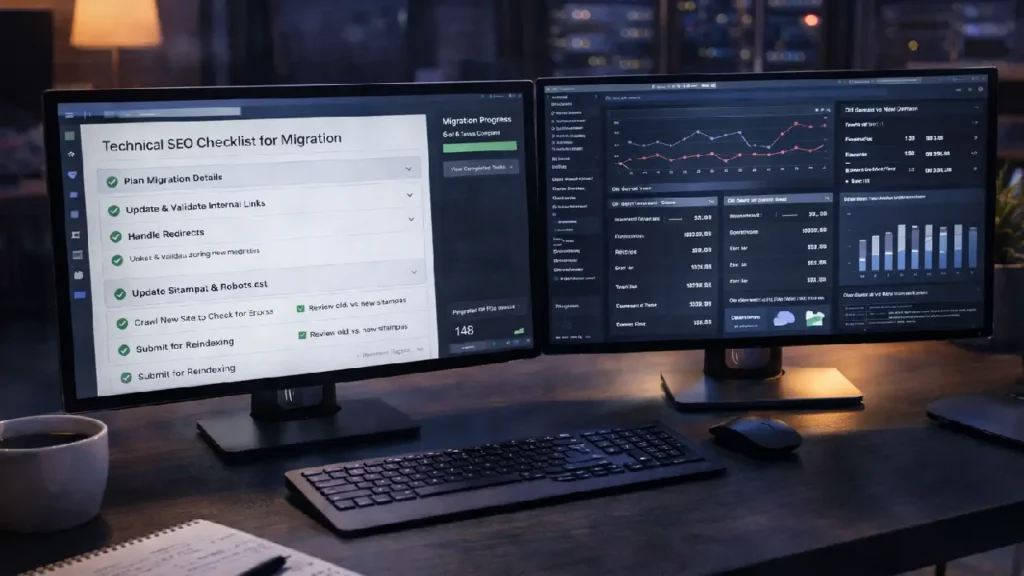
Migrating a large website is one of the most complex processes in technical SEO. Whether you’re changing domains, redesigning your site, moving to a new CMS, or restructuring URLs, a poorly executed migration can lead to traffic loss, ranking drops, crawl errors, and indexing issues.
A structured technical SEO checklist ensures that search engines can crawl, index, and transfer ranking signals properly during and after the migration. This guide covers every critical step required to migrate large websites safely while preserving SEO equity.
Why Technical SEO Matters in Website Migration
Large websites often contain thousands — or even millions — of URLs. During migration, even small technical mistakes can multiply into major SEO issues, such as:
- Broken internal links
- Lost backlinks
- Duplicate content
- Crawl inefficiencies
- Deindexed pages
Following a proven SEO migration checklist minimizes these risks and ensures continuity in organic performance.
Pre-Migration Technical SEO Checklist
Preparation is the most important phase of any migration.
1. Perform a Full Website Crawl
Start by crawling your existing website to create a complete URL inventory.
Include:
- Indexable pages
- Canonical URLs
- Redirected URLs
- Broken links
- Metadata
Tools like Screaming Frog or Sitebulb can help extract this data. This crawl becomes your baseline for post-migration comparison.
For deeper crawling insights, review:
How to Audit Deeply Nested Pages for Better Crawl Efficiency
2. Benchmark Current SEO Performance
Document your existing SEO metrics before migration:
- Organic traffic
- Keyword rankings
- Indexed pages
- Backlink profile
- Top-performing URLs
This helps you measure migration success and quickly identify losses.
3. Backup Your Website
Always create a full backup of:
- Website files
- Databases
- Media assets
- CMS configurations
Backups ensure you can restore your site if migration errors occur.
4. Map Old URLs to New URLs
URL mapping is the backbone of migration SEO.
Create a spreadsheet containing:
- Old URL
- New URL
- Redirect type (301)
Every indexable old URL must point to the most relevant new page to preserve link equity.
During Migration Technical SEO Checklist
5. Implement 301 Redirects
301 redirects pass ranking signals from old URLs to new ones.
Best practices:
- Avoid redirect chains
- Avoid redirect loops
- Redirect page-to-page (not all to homepage)
If you need help fixing redirect issues, see:
Optimizing Redirect Chains and Loops for Better Rankings
6. Update Internal Links
Internal links should point directly to new URLs — not redirected ones.
Update:
- Navigation links
- Footer links
- Contextual links
- Breadcrumbs
Clean internal linking improves crawl efficiency and indexing speed.
7. Migrate Metadata Properly
Ensure all SEO metadata transfers correctly:
- Title tags
- Meta descriptions
- Canonical tags
- Hreflang tags
- Structured data
Missing metadata can cause ranking volatility post-migration.
For structured markup implementation, read:
Structured Data Implementation Guide
8. Optimize XML Sitemaps
Create fresh XML sitemaps containing only new URLs.
Submit them in Google Search Console to guide search engines toward updated pages quickly.
9. Check Robots.txt & Noindex Tags
Common migration mistake: blocking the new site from crawlers.
Verify:
- Robots.txt allows crawling
- Noindex tags removed from live pages
- Staging site remains blocked
Post-Migration Technical SEO Checklist
10. Run a Post-Migration Crawl
Crawl the new site to identify:
- Broken links
- Missing redirects
- Duplicate content
- Orphan pages
Compare this crawl with your pre-migration data.
11. Monitor Indexing
Use Google Search Console to track:
- Coverage reports
- Indexed pages
- Excluded URLs
- Crawl anomalies
Submit priority pages for faster indexing.
12. Track Rankings & Traffic
Temporary fluctuations are normal, but major drops signal issues.
Monitor:
- Keyword positions
- Organic sessions
- Conversion rates
13. Audit Backlinks
Ensure high-value backlinks point to redirected URLs correctly.
If needed, reach out to referring domains to update links to new URLs.
14. Monitor Crawl Budget
Large migrations can strain crawl budget.
Improve efficiency by:
- Fixing redirect chains
- Removing duplicate URLs
- Strengthening internal linking
Common Migration Mistakes to Avoid
- Launching without redirects
- Blocking search engines
- Changing URL structure unnecessarily
- Ignoring internal links
- Forgetting sitemap updates
- Not benchmarking SEO metrics
Avoiding these errors protects your rankings and traffic.
Best Practices for Large Website Migration
- Test migration on staging first
- Migrate during low-traffic periods
- Keep URL structure consistent where possible
- Communicate changes with stakeholders
- Monitor SEO daily post-launch
Final Thoughts
Migrating a large website without an SEO checklist is extremely risky. Rankings, backlinks, and crawl signals built over years can vanish overnight if technical steps are missed.
By following this powerful technical SEO checklist — from URL mapping and redirects to crawl monitoring and indexing validation — you can execute migrations confidently while preserving organic visibility.
A well-planned migration not only protects rankings but can also improve site architecture, crawl efficiency, and long-term SEO performance.
Need Help With Website Migration?
Large-scale migrations require technical precision and SEO expertise. If you’re planning a redesign, domain change, or CMS migration, our team can ensure a smooth transition without traffic loss Contact Cope Business.


