
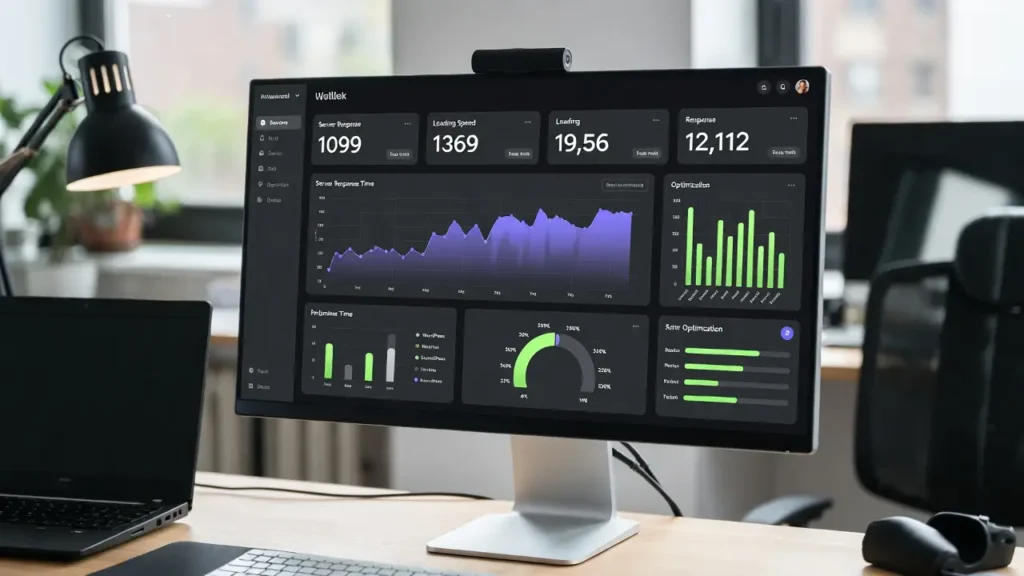
Time to First Byte (TTFB) is the time it takes for a user’s browser to receive the first byte of data from your WordPress site’s server after making a request. High TTFB means slow initial loading, which frustrates users, increases bounce rates, and hurts SEO rankings — especially with Google’s Core Web Vitals emphasizing speed in 2026. A good TTFB is under 200ms for global users, but many WordPress sites hover around 400–800ms due to poor hosting, unoptimized databases, or heavy plugins.
At Cope Business, we specialize in reducing TTFB for clients through our technical SEO audit services and WordPress speed optimization services, often cutting it by 50–70% with targeted tweaks. This step-by-step guide shows you how to measure and reduce TTFB in WordPress — from basic fixes to advanced optimizations.
Whether you’re dealing with slow admin loads, high-traffic spikes, or global users, lowering TTFB will make your site feel snappier and rank better.
What is TTFB and Why Does It Matter?
TTFB measures server response time — from DNS lookup to the first byte sent. Factors include hosting quality, database queries, and code efficiency.
Why reduce it?
- SEO Impact: Google penalizes slow sites in rankings
- User Experience: 53% of users abandon if loading >3s
- Conversions: 100ms delay can drop conversions by 7%
- Mobile Performance: Critical for global audiences with varying connections
Test your TTFB with GTmetrix, PageSpeed Insights, or WebPageTest — aim for <200ms.
Step-by-Step: How to Reduce TTFB in WordPress
Step 1: Choose Fast, Optimized Hosting
Slow hosting is the #1 TTFB killer — upgrade to managed WordPress hosting.
- Recommended: SiteGround (SSD, Supercacher), Kinsta (Google Cloud), WP Engine (enterprise-grade).
- Avoid cheap shared hosting — opt for VPS if high-traffic.
- Enable PHP 8.3+ (faster than 7.x) in hosting panel.
Expected Reduction: 100–300ms.
Step 2: Enable Caching at Server & Plugin Level
Caching generates static files, bypassing PHP/database on repeat requests.
- Install WP Rocket (premium ~$59/year) or LiteSpeed Cache (free on LiteSpeed servers).
- Configure: Enable page caching, browser caching, minification.
- For advanced: Use Redis/Memcached for object caching (hosting add-on).
Expected Reduction: 200–500ms.
Step 3: Optimize Your Database
Bloated databases slow queries — clean them up.
- Install WP-Optimize (free) → Database tab → Optimize tables, remove transients, spam, revisions.
- Schedule automatic cleanups weekly.
- Use Query Monitor (free) plugin to identify slow queries — optimize or remove heavy plugins.
Expected Reduction: 100–200ms.
Step 4: Use a CDN (Content Delivery Network)
CDN serves files from global servers, reducing distance-based latency.
- Recommended: Cloudflare (free plan works), BunnyCDN ($1/month+), or KeyCDN.
- Setup: Sign up, add site, update DNS, integrate with WordPress (Cloudflare plugin).
- Enable: Image optimization, minification, browser cache.
Expected Reduction: 50–300ms (especially for international users).
Step 5: Minimize Plugins & Optimize Code
Too many plugins = more PHP execution time.
- Deactivate unused plugins; use lightweight alternatives.
- Add to wp-config.php: define(‘WP_MEMORY_LIMIT’, ‘256M’); (increase if needed).
- Use code snippets to add functionality instead of plugins (see our guide).
Expected Reduction: 100–300ms.
Step 6: Optimize Images & Assets
Heavy assets delay the first byte.
- Compress images with ShortPixel or Imagify.
- Enable lazy loading (built-in since WP 5.5; enhance with plugin).
- Minify CSS/JS with WP Rocket or Autoptimize.
Expected Reduction: 50–150ms.
Step 7: Test & Monitor TTFB
- Tools: GTmetrix, PageSpeed Insights, WebPageTest
- Monitor: Use New Relic or Query Monitor for ongoing checks.
- Benchmark before/after each change.
Best Practices for Maintaining Low TTFB
- Regular audits: Check TTFB monthly
- Use HTTP/3: Enable on modern hosts for faster connections
- Database on separate server: For high-traffic (VPS+)
- Avoid heavy themes: Use lightweight like Astra/GeneratePress
Reducing TTFB improves everything — from rankings to conversions.
Final Thoughts
Reducing TTFB in WordPress is achievable with targeted optimizations — start with hosting and caching for the biggest wins, then fine-tune database and assets. Aim for <200ms to stay competitive in 2026.
Speed is a ranking factor — optimize it right.
Struggling with high TTFB or need a full speed audit? Contact Cope Business for a free technical SEO consultation — we’ll analyze your site, reduce TTFB, and implement custom optimizations for lightning-fast performance.


