
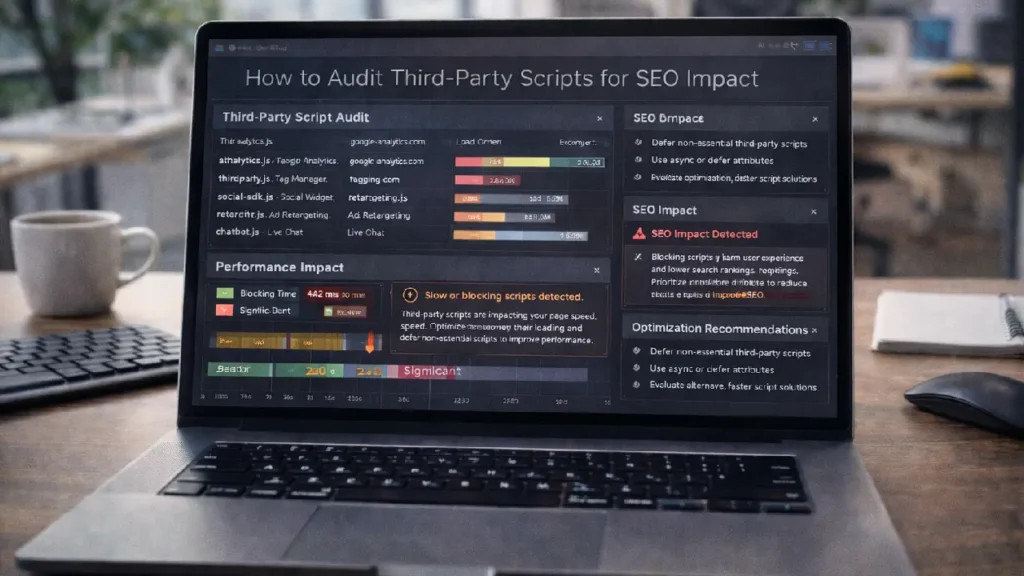
Third-party scripts are a common part of modern websites. From analytics and chat widgets to marketing tags and social media integrations, these scripts can provide essential functionality. However, poorly implemented or excessive scripts can negatively impact page speed, crawl efficiency, and ultimately your search engine rankings.
Auditing third-party scripts is a critical part of technical SEO. By identifying scripts that slow down your site or block rendering, you can improve performance, enhance user experience, and maintain strong SEO health.
Why Audit Third Party Scripts Matters
Third-party scripts can impact SEO in several ways:
- Page Speed & Load Time: Slow scripts increase Time to Interactive (TTI) and Largest Contentful Paint (LCP).
- Render-Blocking Issues: Scripts loaded synchronously can delay content rendering.
- Crawl Budget Waste: Excessive scripts can consume crawl resources and reduce indexation efficiency.
- Security & Privacy Concerns: Third-party scripts may affect site trust and compliance.
Proper auditing ensures that your website remains fast, crawlable, and secure while leveraging the functionality of external scripts.
Step 1: Inventory All Third-Party Scripts
Start by listing all scripts running on your website, including:
- Analytics tools (Google Analytics, Tag Manager)
- Social media widgets (Facebook, Twitter, Instagram)
- Advertising and remarketing scripts
- Live chat or support widgets
- A/B testing and personalization scripts
Tools like Google Tag Assistant, Lighthouse, and browser developer tools can help identify all active scripts.
Step 2: Measure Script Impact on Page Performance
Evaluate the performance impact of each script:
- Load Time: Measure how long each script takes to load.
- Blocking Behavior: Determine if it is synchronous or asynchronous.
- Rendering Delays: Identify scripts that delay above-the-fold content.
Use performance testing tools like Google PageSpeed Insights, WebPageTest, and GTmetrix to quantify impact.
For optimizing page load and rendering, see:
Optimizing Critical Rendering Path for Faster Page Loads
Step 3: Prioritize Scripts for Optimization
Not all scripts have equal impact. Prioritize based on:
- Critical Functionality – Keep essential scripts like analytics and essential widgets.
- Optional Enhancements – Evaluate marketing tags, chatbots, and social widgets.
- High Impact on SEO or Speed – Remove or defer scripts that significantly slow rendering.
Step 4: Implement Performance-Friendly Script Strategies
- Asynchronous Loading: Load non-critical scripts asynchronously to avoid blocking content.
- Defer Non-Essential Scripts: Use the
deferattribute for scripts not needed immediately. - Lazy-Load Widgets: Load social media feeds or chat widgets only when visible.
- Use Tag Management: Centralize script management via Google Tag Manager to control load order.
Step 5: Monitor and Re-Audit Regularly
Third-party scripts often change due to updates from vendors. Conduct regular audits:
- Test page speed metrics and user experience.
- Check structured data visibility for SEO-sensitive pages.
- Ensure critical scripts still load without blocking content.
Reference for advanced JavaScript indexing and SEO:
Best Practices for Indexing JavaScript-Rich Pages
Common Issues to Watch For
- Multiple Analytics Tags – Avoid duplicating tracking scripts.
- Excessive Social Widgets – Too many can slow rendering.
- Blocking Ads or Marketing Scripts – Delay these until after main content loads.
- Outdated Scripts – Update or remove deprecated scripts.
Final Thoughts
Auditing third-party scripts is an essential aspect of technical SEO. By inventorying scripts, measuring their impact, prioritizing critical scripts, and implementing performance-friendly loading strategies, you can maintain a fast, crawlable, and user-friendly website.
Regular monitoring and audits ensure that your website continues to perform optimally while benefiting from the functionality provided by third-party integrations.
Need Expert Help?
If you want professional assistance auditing third-party scripts and optimizing your site for SEO: Contact Cope Business


