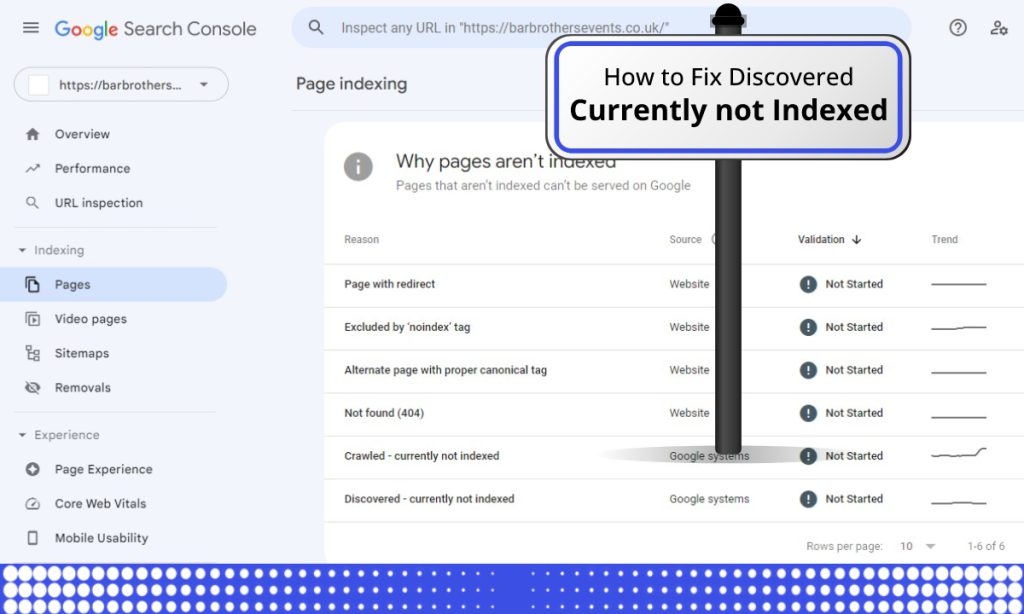
“Crawled – currently not indexed” is the most frustrating status in Google Search Console, because nothing is technically broken. Google fetched your page, read it, and decided not to index it. No error to fix, no button to press. Just a quiet “no thanks.”
We work on this exclusion every week, including on our own site, and the honest version of this guide is different from most of what ranks for this query: this status is almost always a quality and demand verdict, not a technical bug. Here’s how to diagnose which verdict you got, and what actually moves pages out of this bucket.
What this status actually means
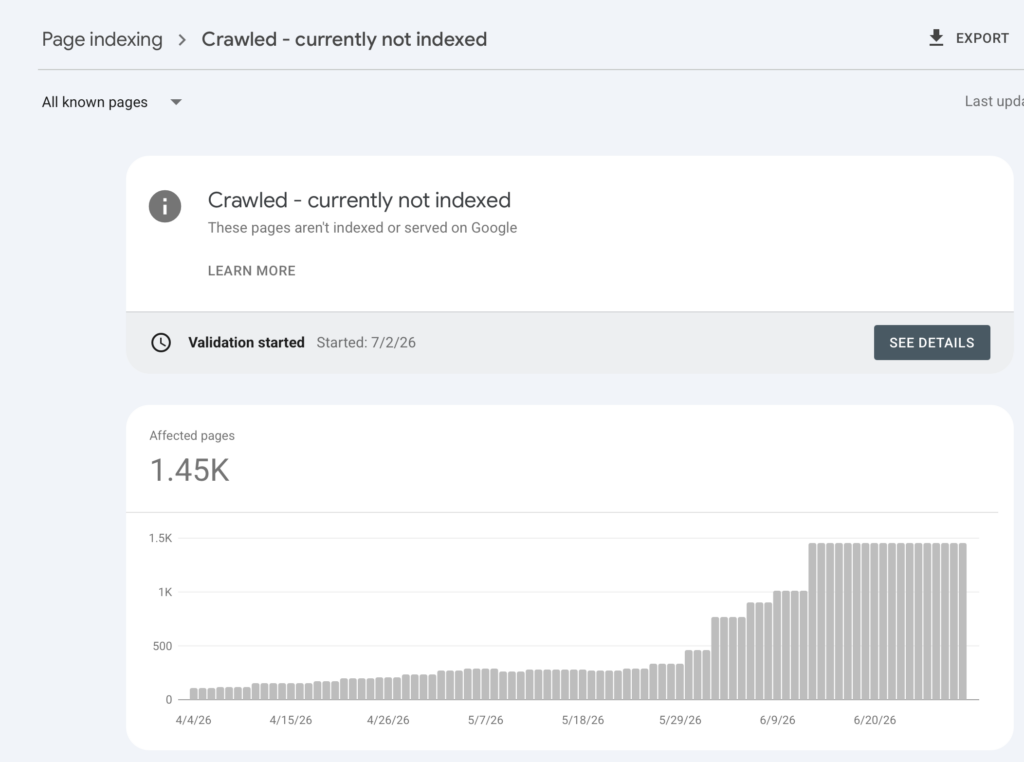
Google’s index is not unlimited. Every page competes for inclusion, and after crawling a page, Google scores whether indexing it is worth the storage and serving cost: Is this content sufficiently unique? Does anything like it already rank? Does this site have enough authority to justify indexing everything it publishes? “Crawled – currently not indexed” means the page scored below the line. “Currently” is literal — the decision gets revisited as your site’s signals change.
Quick gut-check before you dig in: open the URL Inspection tool and look at the last crawl date. If it’s inside the last 3–4 weeks, this may simply be Google still making up its mind — give it time before doing anything. If the last crawl is older than 3–4 weeks and the status hasn’t moved, treat that as a real signal and work through the diagnosis below rather than waiting further.
Step 1: Segment the affected URLs before fixing anything
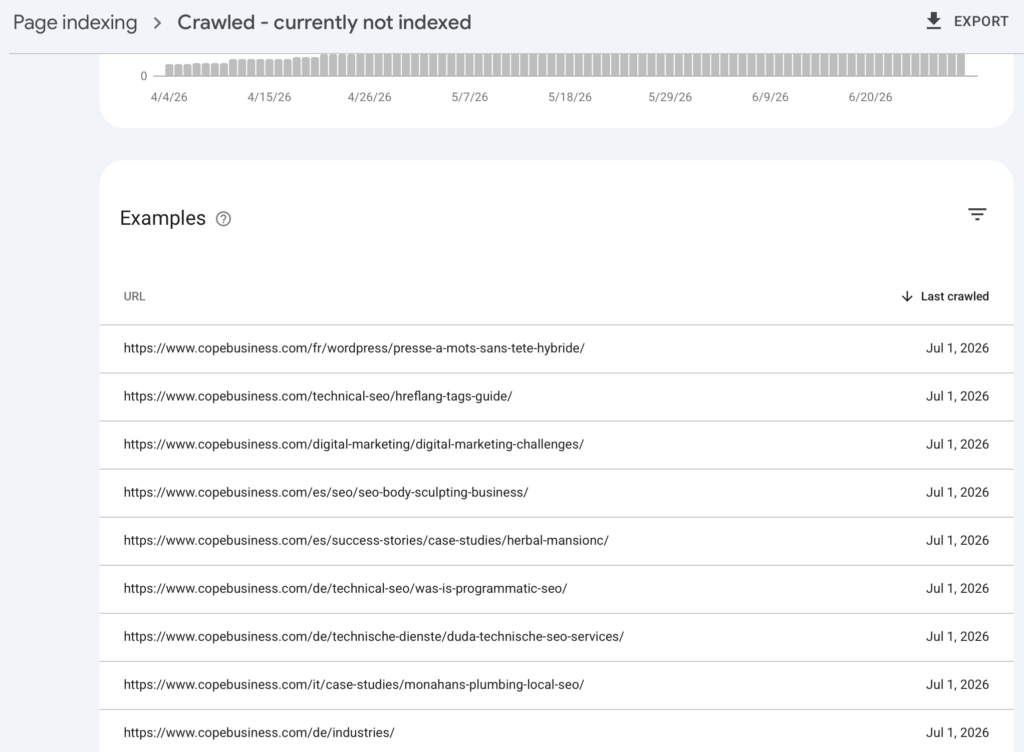
Export the list and sort it into buckets — the fix depends entirely on which bucket dominates:
- Junk that shouldn’t be indexed anyway: paginated archives, tag pages, feed URLs (
/feedon WordPress,.atomon Shopify), parameter URLs, and functional pages like internal search results, filter pages, cart, and checkout. These exist to serve the site’s functionality, not to rank — Google filtering them out is correct behavior, not a problem to fix. No action needed. - Thin or templated pages: near-duplicate location/service/product variants, auto-generated or lightly-edited AI content, short posts with nothing new to say. This is the quality verdict.
- Genuinely good pages that deserve indexing: substantive, unique content that’s stuck. This is usually an authority or internal-linking problem, not a content problem.
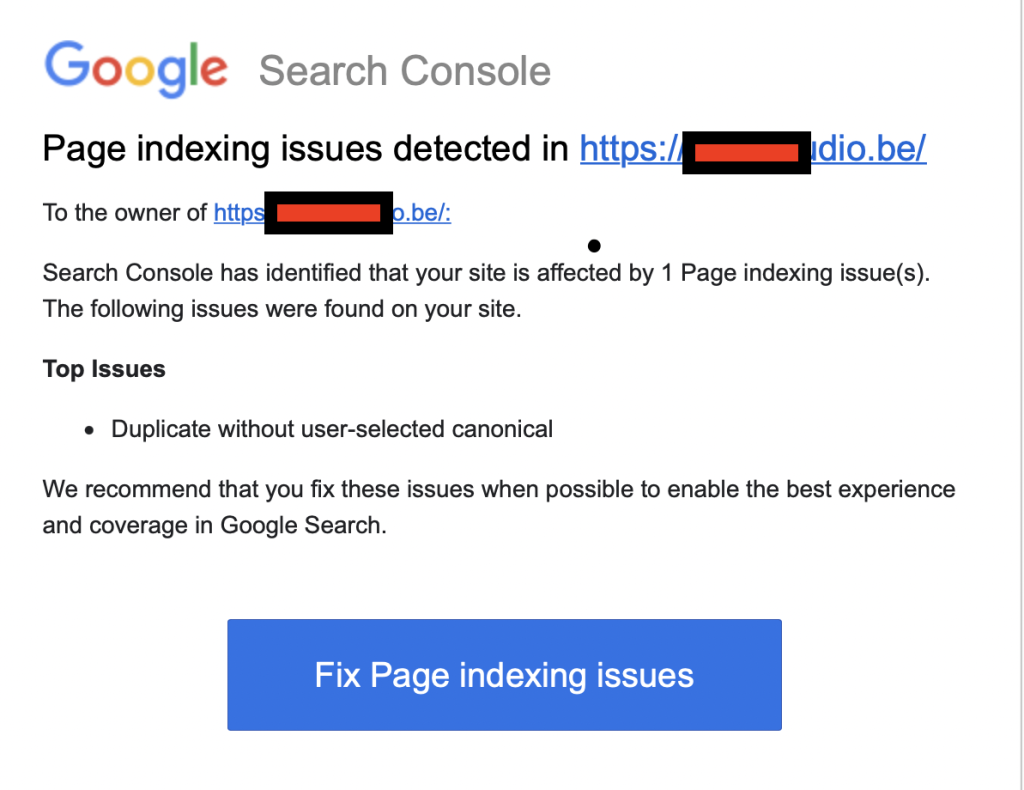
Real example: a client came to us after a “Validate Fix” attempt failed. Pulling the affected-URL list, most of it was /feed URLs — those don’t need indexing and were never going to validate as “fixed” because there was nothing wrong with them. One URL on the list, though, was a real page on the main site. A quick index-status check showed it was already indexed elsewhere and would drop off the report on its own within days. The lesson: segment first, because a chunk of most “Crawled – currently not indexed” reports isn’t a problem at all.
Step 2: The five real causes, in order of how often we see them
1. Content below the site’s quality threshold
Google indexes selectively from low-authority sites. If you publish 100 posts a month on a young domain, most will sit in this bucket regardless of individual quality — the site hasn’t earned that indexing rate yet. Templated pages that differ by one variable (city name, platform name, tool name) get caught the same way.
Fix: publish less, consolidate near-duplicates into fewer substantial pages, and delete filler. On our own site, we cut hundreds of pages when we saw this pattern — indexing improves when the crawled-to-indexed ratio improves.
2. No internal links pointing at the page
Pages reachable only from the sitemap look like orphans. Internal links are how Google judges what you think matters on your own site.
Fix: link every page you want indexed from at least 2–3 crawlable places: parent hub pages, related posts, and, where warranted, the homepage or navigation. Anchor text should describe the target.
3. Duplication: Google resolved against you
If the page substantially overlaps another page — yours or someone else’s — Google may index the other version and leave yours here (sometimes instead of reporting a duplicate status).
Fix: search a unique sentence from your page in quotes. If a competitor or your own other page ranks for it, differentiate or consolidate with a 301/canonical.
4. Low overall site authority
New domains and sites with few referring domains get conservative indexing across the board. The same article that indexes in hours on an established site can sit unindexed for months on a DR-20 domain.
Fix: there is no on-page trick for this one — earn links and mentions. Indexing rate rises with authority; it’s one of the earliest benefits of link building people don’t talk about.
Fastest levers while you build authority: request indexing manually for the pages you’ve confirmed are genuinely good (not a substitute for authority, but it nudges Google to re-look sooner), and prioritize earning a handful of natural backlinks to your most important pages rather than spreading effort thin across everything in the report.
5. Rendering or content-visibility issues
The minority case: the crawler sees much less than the user does — content behind JavaScript that fails to render, tabs/accordions that load on interaction, or slow responses that cut rendering short.
Fix: run URL Inspection → View Crawled Page and compare the rendered HTML to what users see. If the main content is missing, fix the rendering path (SSR, hydration, lazy-load thresholds).
What doesn’t work
- Spamming Request Indexing. It queues a recrawl, not a re-evaluation. If nothing changed, the verdict doesn’t either.
- Resubmitting the sitemap daily. Google knows the URLs exist. Existence was never the issue.
- Third-party “instant indexer” tools. The paid ones abusing the Indexing API violate its terms, and any effect evaporates on the next quality evaluation.
- Waiting passively. “Currently” invites retry, but only after the underlying signal changes.
Step 3: Validate, then measure the right number
After consolidating thin content, strengthening internal links, or improving pages, click Validate Fix in the report. Track your crawled-to-indexed ratio over the following weeks in the Pages report — that ratio, not any single URL’s status, tells you whether Google’s opinion of the site is improving.
When to get help
Diagnosing which bucket you’re in is where most site owners get stuck — and where guessing wrong wastes months. Our Crawled – currently not indexed service starts with that diagnosis: we segment your affected URLs, identify the applicable cause, and fix what’s fixable. Related: our guide to Server errors (5xx) and Excluded by noindex covers the other big Page indexing buckets.
FAQ
How long do pages stay in “Crawled – currently not indexed”?
Indefinitely, if nothing changes, pages move out when their signals change — more internal links, better content, higher site authority — or occasionally when Google’s thresholds shift.
Is AI-generated content the cause?
Scaled, lightly-edited AI content is one of the most common triggers we see in 2026. Google’s systems don’t ban AI content; they demote content that adds nothing beyond what’s already indexed, which describes most bulk AI output.
Should I delete pages stuck in this status?
Delete or consolidate the thin ones; improving the crawled-to-indexed ratio helps the survivors. Don’t delete genuinely good pages — fix their internal links and give them time.