
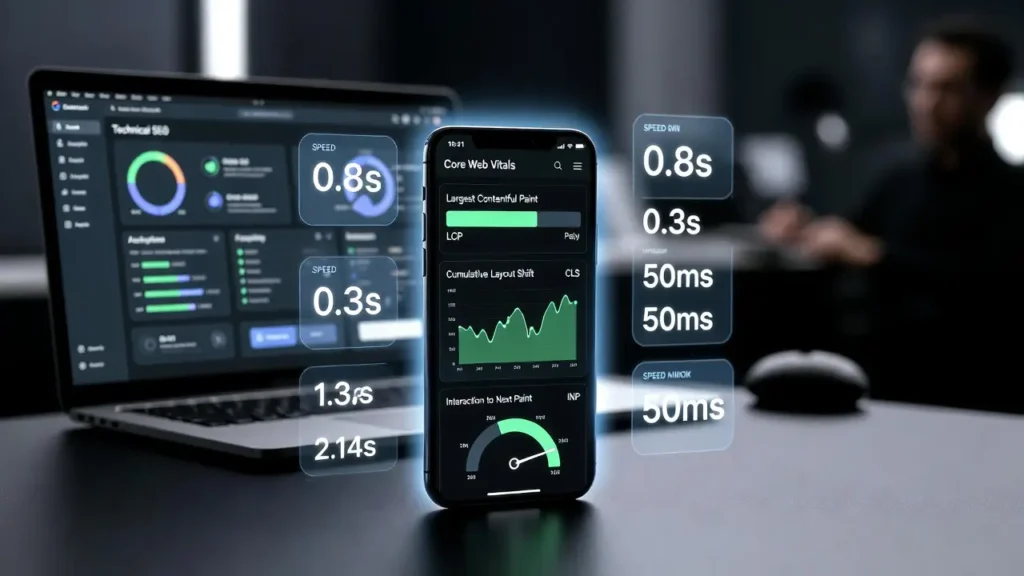
Mobile SEO & Core Web Vitals are now central ranking factors in modern search engine optimization. With mobile-first indexing fully adopted by Google, your mobile website performance directly influences crawl efficiency, rankings, and overall visibility.
If your desktop site is perfect but your mobile version is slow or poorly structured, it can negatively impact your rankings and indexing performance.
In this guide, we’ll explain how Mobile SEO and Core Web Vitals work together, why they matter, and how to optimize both for maximum performance.
Why Mobile SEO Matters in Technical SEO
Google uses mobile-first indexing, meaning it primarily evaluates the mobile version of your site for ranking and indexing.
- Rankings can drop
- Crawl budget can be wasted
- User engagement decreases
- Bounce rates increase
Mobile SEO includes:
- Responsive design
- Fast loading speed
- Proper viewport configuration
- Clean structured HTML
- Optimized images
- Mobile-friendly navigation
For deeper crawl insights, read:
How Website Crawlers Work: A Technical SEO Perspective.
What Are Core Web Vitals?
Core Web Vitals are performance metrics introduced by Google to measure real-world user experience.
Largest Contentful Paint (LCP)
Measures loading performance. Ideal score: under 2.5 seconds.
Interaction to Next Paint (INP)
Measures responsiveness. Ideal score: under 200 milliseconds.
Cumulative Layout Shift (CLS)
Measures visual stability. Ideal score: under 0.1.
These metrics are especially critical on mobile devices because users rely on slower networks and smaller screens.
How Mobile SEO & Core Web Vitals Work Together
Mobile SEO & Core Web Vitals are interconnected ranking signals that influence both user experience and search visibility.
1. Page Speed Directly Affects Mobile Rankings
Slow-loading mobile pages hurt LCP scores. Heavy scripts, uncompressed images, and render-blocking CSS delay loading.
- Image compression (WebP format)
- Lazy loading
- Minifying CSS and JavaScript
- Using CDN delivery
2. Responsive Design Impacts CLS
Poor responsive design causes layout shifts when elements resize incorrectly.
- Images without width and height attributes
- Dynamic ads loading late
- Fonts swapping after load
3. Server Performance & Crawl Budget
A slow mobile site increases server response time, affecting LCP and crawl efficiency.
Learn more here:
XML Sitemap Best Practices.
Mobile-First Indexing & Technical Structure
Ensure Content Parity
- Same content on desktop and mobile
- Same structured data
- Same meta tags
- Same canonical URLs
Optimize Technical Elements
- Responsive CSS media queries
- Avoid intrusive interstitials
- Implement proper internal linking
- Keep navigation simple
Image Optimization for Mobile Performance
- Use next-gen formats (WebP)
- Implement lazy loading
- Serve properly scaled images
- Use srcset for responsive images
Optimized images significantly improve LCP scores and overall mobile speed.
JavaScript & Render Blocking Issues
- Defer non-critical JavaScript
- Remove unused CSS
- Use code splitting
- Minify files
Reducing render-blocking resources enhances both user interaction and ranking signals.
Hosting & Server Optimization
- Use fast hosting
- Enable HTTP/2 or HTTP/3
- Implement GZIP or Brotli compression
- Use CDN distribution
Server-side optimization improves load speed and crawl rate.
Internal Linking & UX Signals
A well-structured mobile navigation improves dwell time and reduces bounce rate.
Read more about redirect optimization:
SEO Redirects & Crawl Management.
Mobile UX & Behavioral Signals
- Fast load times
- Stable layouts
- Smooth interactions
Google interprets improved engagement as a positive ranking signal.
Measuring Mobile SEO & Core Web Vitals
- Google Search Console
- PageSpeed Insights
- Lighthouse
- Chrome DevTools
Common Mistakes to Avoid
- Designing desktop-first layouts
- Ignoring mobile structured data
- Using heavy popups
- Not optimizing fonts
- Blocking CSS or JS in robots.txt
Technical SEO Checklist for Mobile Optimization
- Responsive design
- Fast server response time
- Optimized images
- Minimal JavaScript
- Structured data consistency
- Clean internal linking
- Updated XML sitemap
- Proper redirects
Final Thoughts
Mobile SEO & Core Web Vitals are no longer optional optimizations. They are fundamental ranking factors in modern technical SEO.
When your mobile site loads fast, responds instantly, and maintains visual stability, you send strong quality signals to search engines — improving both rankings and conversions.
Need Professional Help?
If you want expert support: Contact Cope Business.


