
How to Secure WordPress Admin Area Without Plugins
The WordPress admin area (/wp-admin) is the control center of your site — where you manage content, plugins, users, and […]
The WordPress admin area (/wp-admin) is the control center of your site — where you manage content, plugins, users, and […]
Fake bots and spam traffic are among the biggest threats to WordPress sites — they consume server resources, skew analytics
Monitoring suspicious login activity in WordPress is one of the most effective ways to detect potential security threats like brute-force
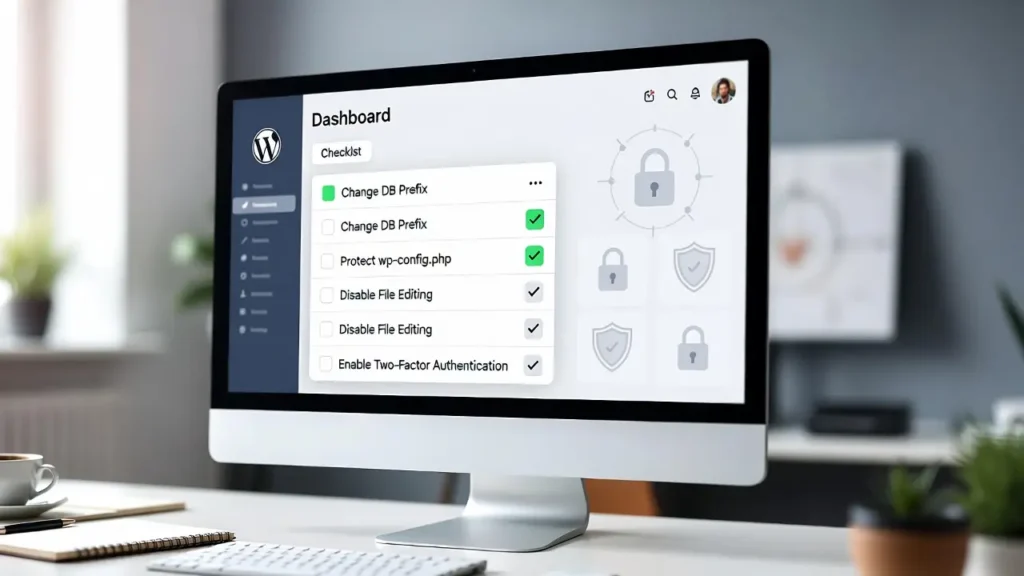
WordPress powers over 43% of the web, making it a prime target for hackers, bots, and malware. While WordPress is
The wp-config.php file is the heart of your WordPress site — it contains your database credentials, authentication keys, and other
Directory browsing in WordPress allows anyone to view and access the contents of your site’s folders (e.g., /wp-content/uploads/) by simply
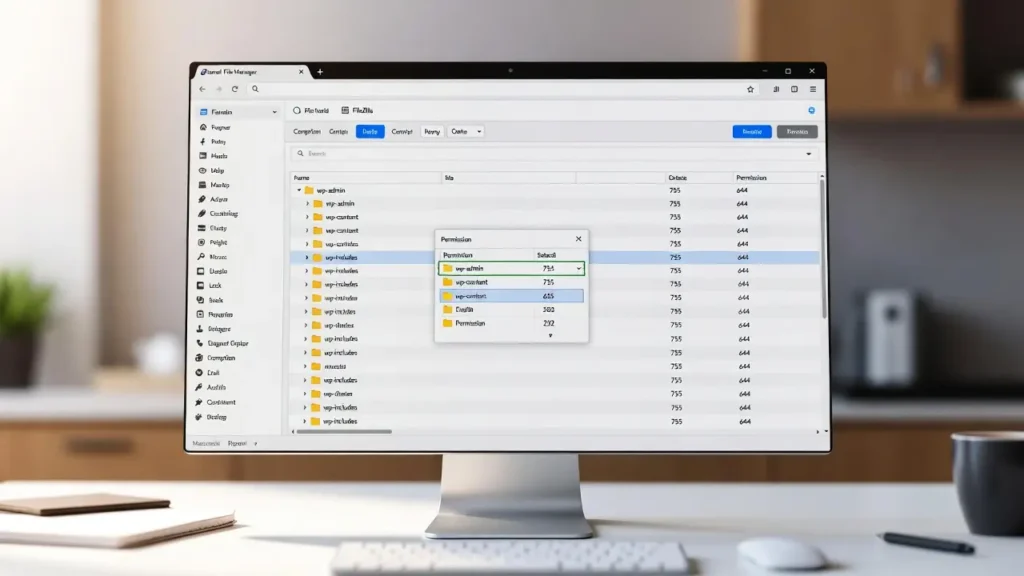
File permissions in WordPress determine who can read, write, or execute files and folders on your server — a critical
By default, WordPress shows your latest published posts on the homepage or blog page — but what about highlighting recently
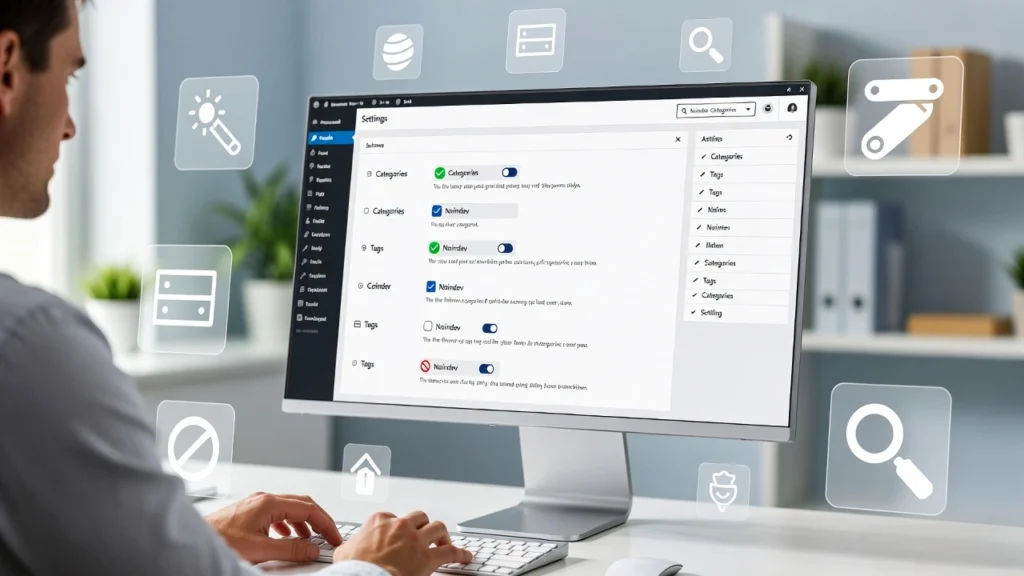
Categories and tags in WordPress are great for organizing content and improving user navigation, but they can create duplicate content

Technical SEO isn’t just another marketing buzzword—it’s the foundation that determines whether your website gets found or lost in the
understanding your website’s indexed URLs is crucial for effective SEO audits, identifying crawl issues, and optimizing site structure. A sitemap
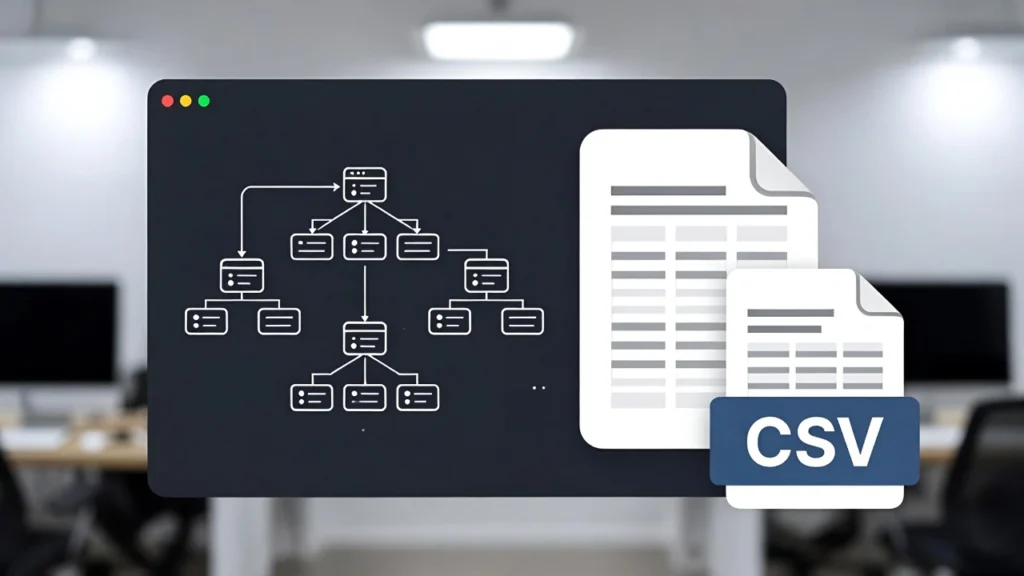
Sitemaps are essential for SEO — they help search engines like Google discover and index your pages efficiently. Exporting sitemap