
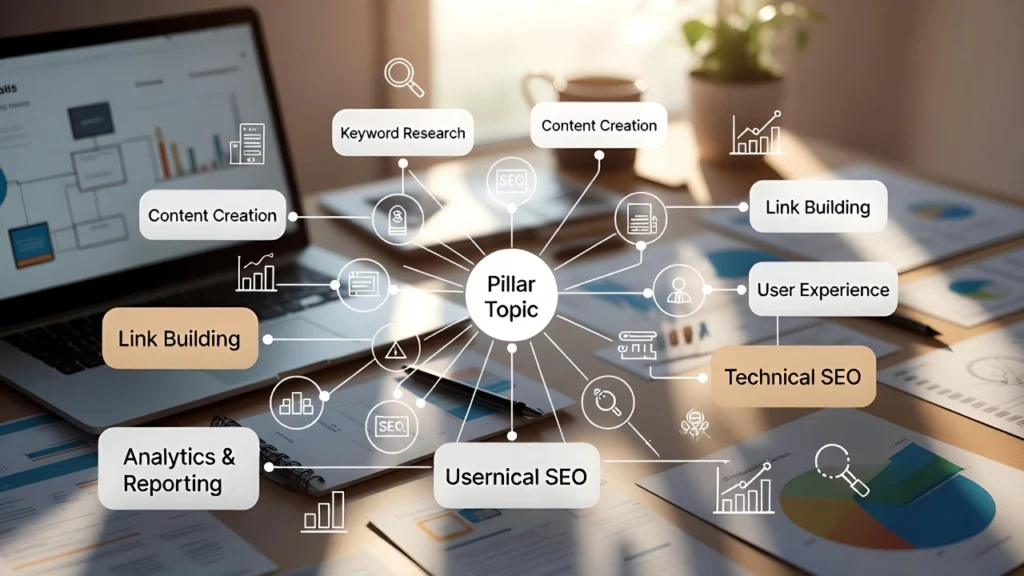
SEO Topic clusters have become one of the most effective SEO strategies. Instead of creating standalone articles, you build interconnected content hubs around a core topic — improving topical authority, internal linking, user experience, and search rankings. Google now rewards deep, well-structured content clusters far more than isolated posts. At Cope Business, we help businesses implement topic cluster strategies as part of our technical SEO audit services, often resulting in significant traffic growth and higher rankings for competitive keywords.
This guide shows you exactly how to create and implement a topic cluster strategy in WordPress — step by step.
On this page
ToggleWhat Are SEO Topic Clusters?
A topic cluster consists of:
- Pillar Page — A comprehensive, in-depth guide covering the broad main topic (usually 3,000–6,000+ words).
- Cluster Content — Multiple supporting articles that cover specific subtopics in detail (1,500–3,000 words each).
- Internal Linking — Every cluster article links back to the pillar page, and the pillar page links to all cluster articles.
This structure tells Google your site is an authority on the topic — helping you rank for both broad and long-tail keywords.
Example:
- Pillar: “Ultimate Guide to Digital Marketing”
- Cluster articles: “SEO”, “Social Media Marketing Strategy”, “Email Marketing Best Practices”, etc.
Why Topic Clusters Work So Well
- Google’s algorithms (especially Helpful Content Update) prioritize topical depth.
- Better internal linking improves crawlability and page authority distribution.
- Higher dwell time and lower bounce rates from interconnected content.
- Easier to rank for competitive keywords by owning the topic space.
- Long-term traffic growth instead of short-lived viral posts.
Step-by-Step: How to Build a Topic Cluster Strategy in WordPress
Step 1: Identify Your Core Topics (Pillar Ideas)
Choose 3–5 broad topics your business owns or wants to dominate.
- Use tools like AnswerThePublic, AlsoAsked, or Google’s “People Also Ask”.
- Look at competitors ranking for your main keywords — see what topics they cover deeply.
- Choose topics with commercial intent (e.g., “WordPress SEO” instead of just “What is SEO”).
Step 2: Create Keyword Research for Each Cluster
For each pillar topic:
- Find the main keyword (high search volume, medium competition).
- Use tools like Ahrefs, SEMrush, or free Google Keyword Planner to find 10–20 long-tail subtopics.
- Group related keywords into logical cluster articles.
Example: Pillar → “WordPress Speed Optimization” Cluster → “Lazy Load Images WordPress”, “Best Caching Plugins”, “Optimize Images for Speed”, etc.
Step 3: Build the Pillar Page (Comprehensive Hub)
- Create a new page in WordPress.
- Make it 3,000–6,000+ words covering the topic deeply.
- Use clear H2/H3 headings for each subtopic.
- Include a table of contents (use plugins like Easy Table of Contents).
- Add internal links to future cluster articles (use placeholders initially).
- Optimize with All in One SEO or Rank Math (title, meta, schema).
Step 4: Create Cluster Content Articles
- Write detailed articles for each subtopic (1,500–3,000 words).
- Link back to the pillar page multiple times (natural anchor text).
- Link to other related cluster articles when relevant.
- Optimize each page for its target keyword.
Step 5: Set Up Internal Linking Structure
- Pillar page links to every cluster article.
- Every cluster article links back to the pillar (usually in intro and conclusion).
- Link between related cluster articles.
- Use plugins like Link Whisper or AIOSEO Link Assistant for suggestions.
Step 6: Track & Optimize Your Clusters
- Submit pillar page and cluster sitemap to Google Search Console.
- Monitor rankings and traffic with tools like Google Analytics or MonsterInsights.
- Update pillar page as you add new cluster content.
- Refresh old cluster articles annually.
Best Plugins to Support Your Topic Cluster Strategy
- All in One SEO or Rank Math → Schema, internal linking suggestions.
- Link Whisper → AI-powered internal link recommendations.
- Easy Table of Contents → Auto-generate TOC for pillar pages.
- Redirection → Manage 301s when restructuring URLs.
- MonsterInsights → Track cluster performance.
Final Thoughts
Topic clusters are one of the strongest SEO strategies — they build real topical authority, improve user experience, and drive sustainable organic traffic.
Start with 1–2 strong pillars and 8–12 supporting cluster articles per pillar. The results compound over time.
Need help planning your topic clusters, keyword research, or full implementation? Contact Cope Business for a free technical SEO consultation — we’ll build a custom cluster strategy that dominates your niche.


