
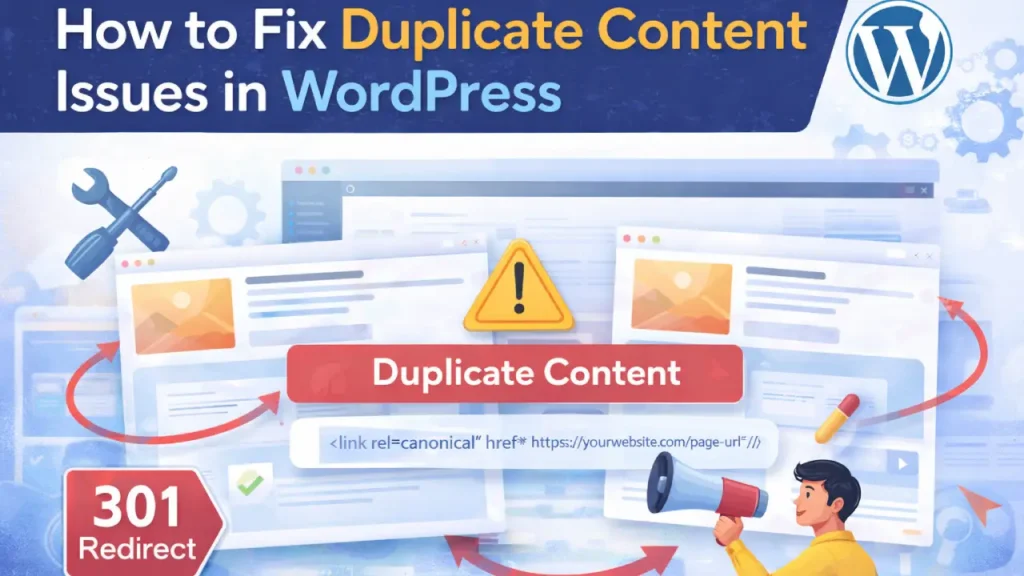
Duplicate content is one of the most common SEO problems in WordPress websites.
It can confuse search engines, dilute rankings, and negatively impact your site’s visibility.
In this guide, you’ll learn what duplicate content is, why it happens, and how to fix it effectively.
What Is Duplicate Content?
Duplicate content refers to identical or very similar content appearing on multiple URLs.
- Within your own website
- Across different websites
Same content + different URLs = SEO problem
Why Duplicate Content Is Bad for SEO
- Reduces rankings
- Confuses search engines
- Splits link equity
- Causes indexing issues
To improve your SEO performance, check our
Technical SEO Services.
Common Causes of Duplicate Content in WordPress
1. Multiple URL Versions
- HTTP vs HTTPS
- www vs non-www
2. Category & Tag Pages
WordPress automatically creates archive pages that may duplicate content.
3. Pagination Issues
Paginated pages can contain similar content.
4. URL Parameters
Tracking parameters can create duplicate URLs.
5. Printer-Friendly or AMP Versions
Different versions of the same page can cause duplication.
How to Fix Duplicate Content in WordPress
1. Use Canonical Tags
Canonical tags tell search engines which version of a page is the original.
<link rel="canonical" href="https://yourwebsite.com/page-url/" />
2. Set Preferred Domain (WWW vs Non-WWW)
Choose one version and redirect the other using 301 redirects.
3. Use 301 Redirects
Redirect duplicate URLs to the main version.
4. Noindex Low-Value Pages
- Tag pages
- Archive pages
- Search result pages
5. Optimize Permalink Structure
Use clean and consistent URLs.
6. Avoid Duplicate Blog Posts
Do not copy-paste content across multiple pages.
7. Use SEO Plugins
Tools like Rank Math or Yoast SEO help manage canonical URLs and indexing.
8. Fix Internal Linking Issues
Ensure all internal links point to the correct version of URLs.
Learn more in our
SEO Services.
Best Practices to Prevent Duplicate Content
- Use canonical URLs
- Keep URLs consistent
- Avoid thin content
- Merge similar pages
- Use redirects properly
Tools to Detect Duplicate Content
- Google Search Console
- Screaming Frog
- Copyscape
- Ahrefs
Pro Tips
- Use breadcrumbs for better structure
- Avoid publishing similar content repeatedly
- Update old content instead of duplicating
Conclusion
Duplicate content issues can silently harm your SEO performance. By using canonical tags, redirects, and proper structure,
you can fix these issues and improve your rankings.
Need Professional Help?
If you want expert support: Contact Cope Business.


