
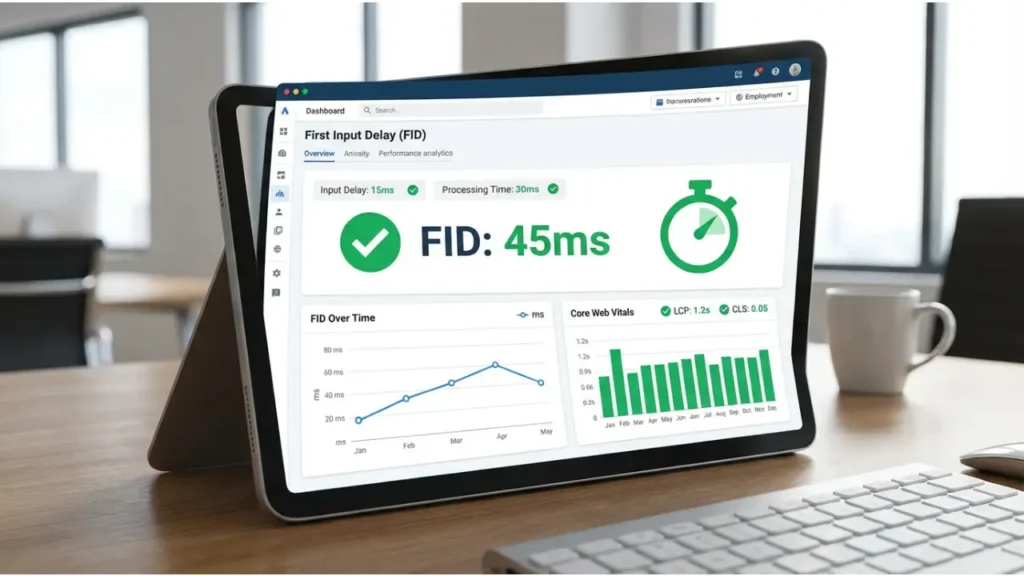
First Input Delay (FID) is a critical Core Web Vitals metric that measures how quickly your website responds to user interactions. If your website takes too long to respond when a user clicks, taps, or types, it creates a frustrating experience. That’s why it is essential to improve first input delay for better SEO and user satisfaction.
In this comprehensive guide, we will explain how to reduce first input delay, why it matters, and how you can optimize your website effectively.
What is First Input Delay (FID)?
First Input Delay measures the time between a user’s first interaction and the browser’s response. This includes:
- Clicking a button
- Selecting a menu
- Entering text in a field
A low first input delay ensures your website feels fast and responsive.
Why First Input Delay is Important for SEO
Google considers first input delay as a ranking factor. If your website has a poor first input delay, it can lead to:
- Lower rankings
- Poor user experience
- Higher bounce rates
Improving first input delay helps you stay competitive in search results.
Common Causes of Poor First Input Delay
Before you improve first input delay, you need to understand the root causes:
- Heavy JavaScript Execution
Large JavaScript files block the main thread, increasing first input delay. - Third-Party Scripts
Ads, analytics, and tracking scripts often delay interactions and hurt first input delay. - Long Tasks
Tasks longer than 50ms can block user input and increase first input delay. - Poor Code Optimization
Unoptimized code can significantly impact first input delay.
How to Improve First Input Delay (Step-by-Step)
- Minimize JavaScript Execution
Reduce unused JavaScript and split code into smaller chunks.
This is one of the most effective ways to improve first input delay. - Defer Non-Critical JavaScript
Use:
<script defer src="script.js"></script>
This ensures scripts don’t block rendering and helps improve first input delay. - Use Browser Caching
Caching reduces load time and improves first input delay significantly. - Optimize Third-Party Scripts
Remove unnecessary scripts or load them asynchronously to reduce first input delay. - Break Up Long Tasks
Divide heavy tasks into smaller ones using requestIdleCallback.
This technique improves first input delay performance. - Use a Content Delivery Network (CDN)
CDNs reduce latency and improve first input delay. - Optimize CSS and Fonts
Minimize CSS and preload fonts to avoid delays that impact first input delay.
Advanced Techniques to Improve First Input Delay
If you want professional-level optimization, consider expert services:
These services help identify hidden issues affecting first input delay.
Tools to Measure First Input Delay
Use these tools to analyze first input delay:
- Google PageSpeed Insights
- Lighthouse
- Chrome DevTools
These tools help you detect and fix first input delay issues.
Best Practices to Maintain Low First Input Delay
To consistently improve first input delay, follow these practices:
- Keep JavaScript lightweight
- Optimize server response time
- Use efficient coding practices
- Monitor performance regularly
These strategies ensure a stable first input delay.
How First Input Delay Impacts User Experience
A slow first input delay can frustrate users. On the other hand, a fast first input delay:
- Improves engagement
- Increases conversions
- Builds trust
That’s why optimizing first input delay is essential.
Why You Should Improve First Input Delay Immediately
Ignoring first input delay can hurt your business. By improving first input delay, you:
- Boost SEO rankings
- Enhance user experience
- Increase website performance
If you need expert help, Contact Professionals.
Conclusion
Improving first input delay is crucial for modern websites. It directly impacts SEO, user experience, and performance.
By applying the techniques in this guide, you can effectively reduce first input delay and create a faster, more responsive website.
For long-term success, invest in professional optimization to fully improve first input delay and stay ahead of your competitors.
Frequently Asked Questions
First Input Delay (FID) is a Core Web Vitals metric that measures the time between a user’s first interaction with a webpage (like a click or tap) and when the browser begins processing that interaction. It reflects how quickly a page responds to user input, which directly affects user experience.
FID is important for SEO because it is part of Google’s Core Web Vitals, which are used to evaluate page experience. A low FID improves user experience and can contribute to higher search rankings, while a slow FID can lead to frustration and higher abandonment.
A good FID score is 100 milliseconds or less. Scores between 100 and 300 ms need improvement, and anything above 300 ms is considered poor. Improving FID ensures faster responsiveness to user interactions.
Poor FID scores are typically caused by heavy JavaScript execution blocking the browser’s main thread, large third‑party scripts, render‑blocking resources, and inefficient event handlers. These delays prevent the browser from responding quickly to a user’s first interaction.
FID is measured in milliseconds and captures the time between the user’s initial interaction with a page and when the browser begins processing the event handler for that interaction. It reflects real user responsiveness.
To improve FID, reduce JavaScript execution time, break up long tasks, defer non‑critical scripts, reduce third‑party code, and optimize event handlers. These techniques help free up the browser’s main thread so it can respond faster to user actions.
FID specifically measures responsiveness to the first user interaction, while other metrics like First Contentful Paint (FCP) measure loading times and Largest Contentful Paint (LCP) measures when the main content loads. FID captures the interactive experience rather than load speed alone.


