
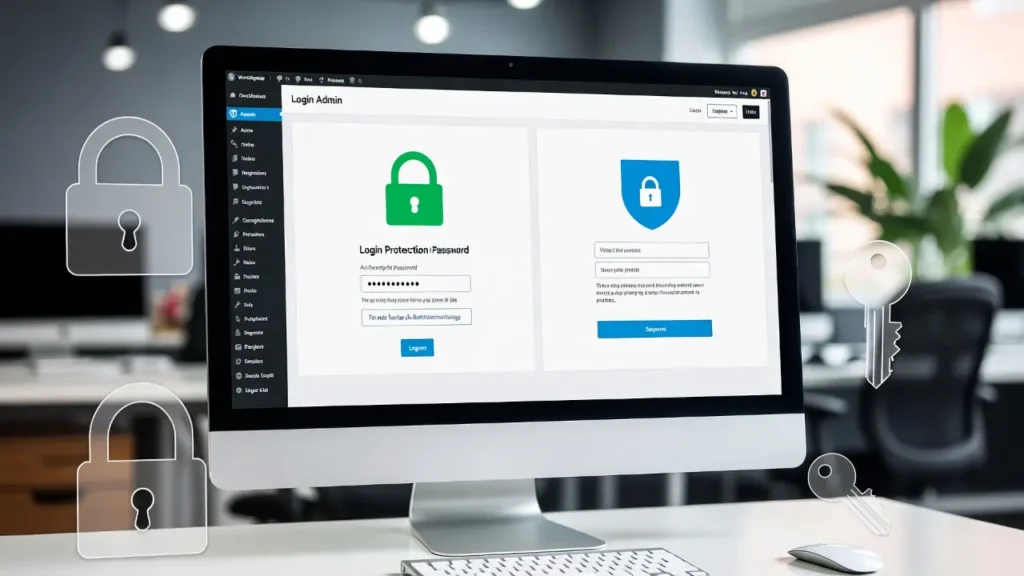
How to Secure WordPress Admin Area Without Plugins
The WordPress admin area (/wp-admin) is the control center of your site — where you manage content, plugins, users, and […]
The WordPress admin area (/wp-admin) is the control center of your site — where you manage content, plugins, users, and […]
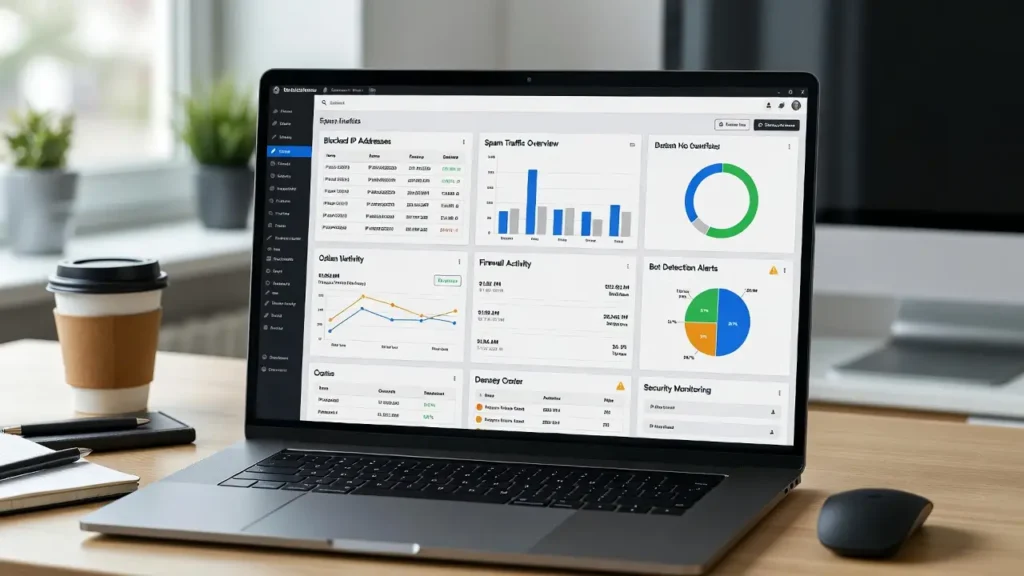
Fake bots and spam traffic are among the biggest threats to WordPress sites — they consume server resources, skew analytics
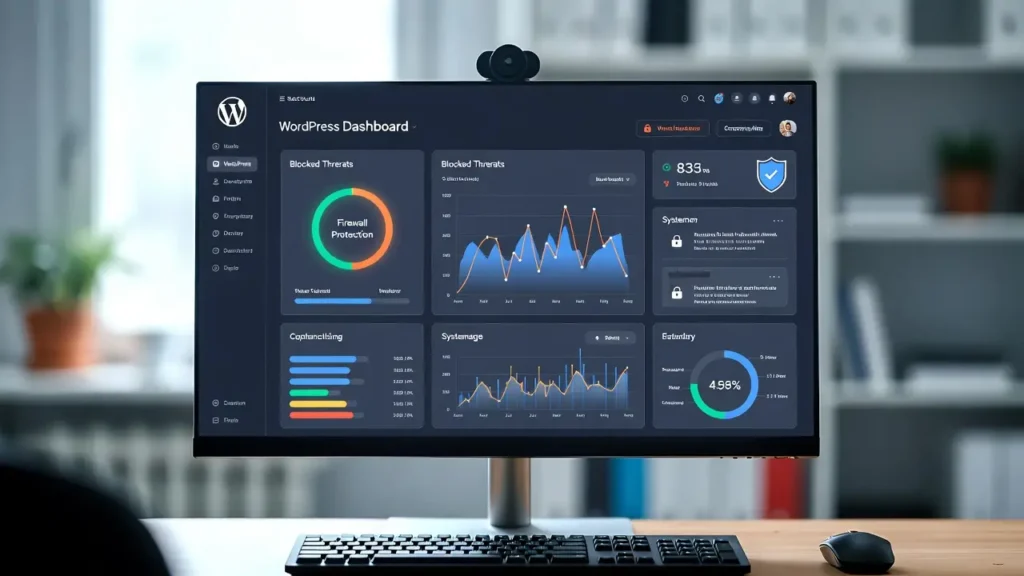
A firewall plugin is essential for protecting your WordPress site from common threats like brute-force attacks, malware injections, DDoS, SQL
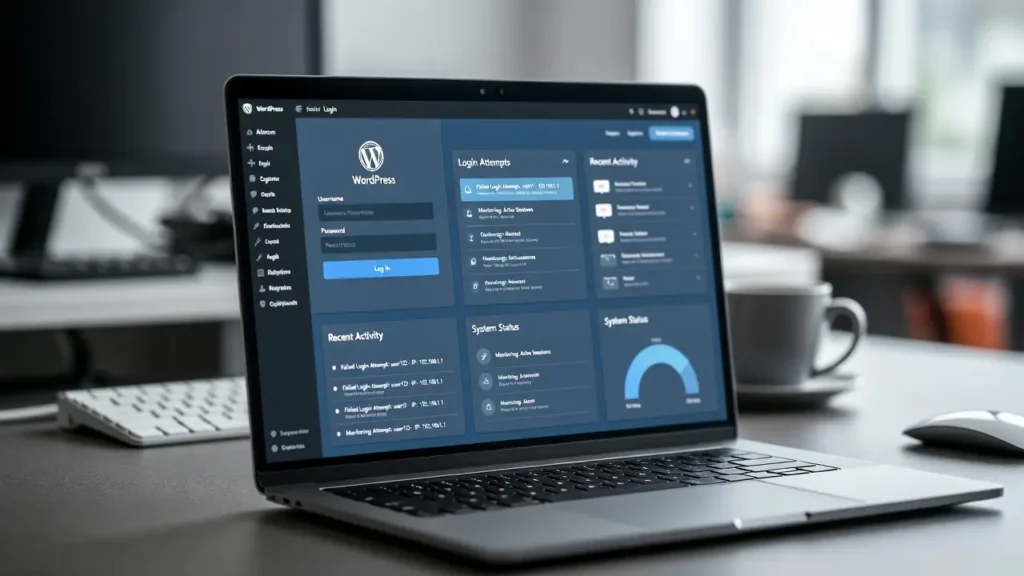
Monitoring suspicious login activity in WordPress is one of the most effective ways to detect potential security threats like brute-force
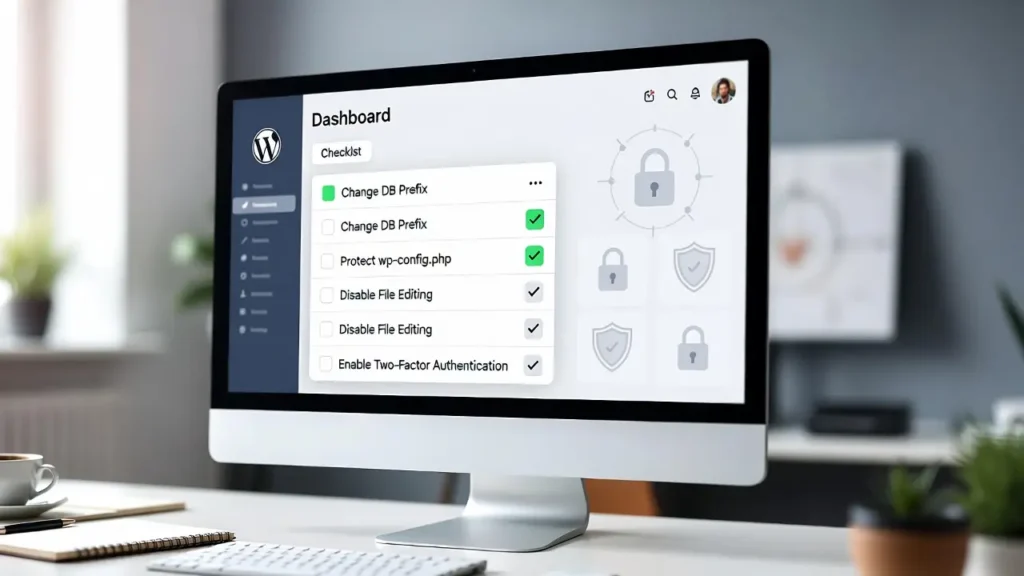
WordPress powers over 43% of the web, making it a prime target for hackers, bots, and malware. While WordPress is
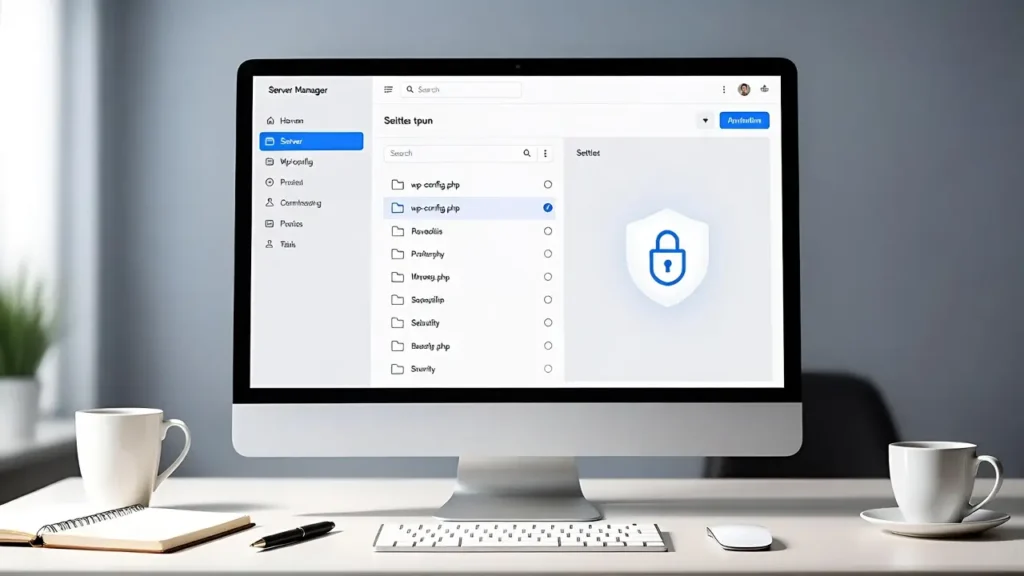
The wp-config.php file is the heart of your WordPress site — it contains your database credentials, authentication keys, and other
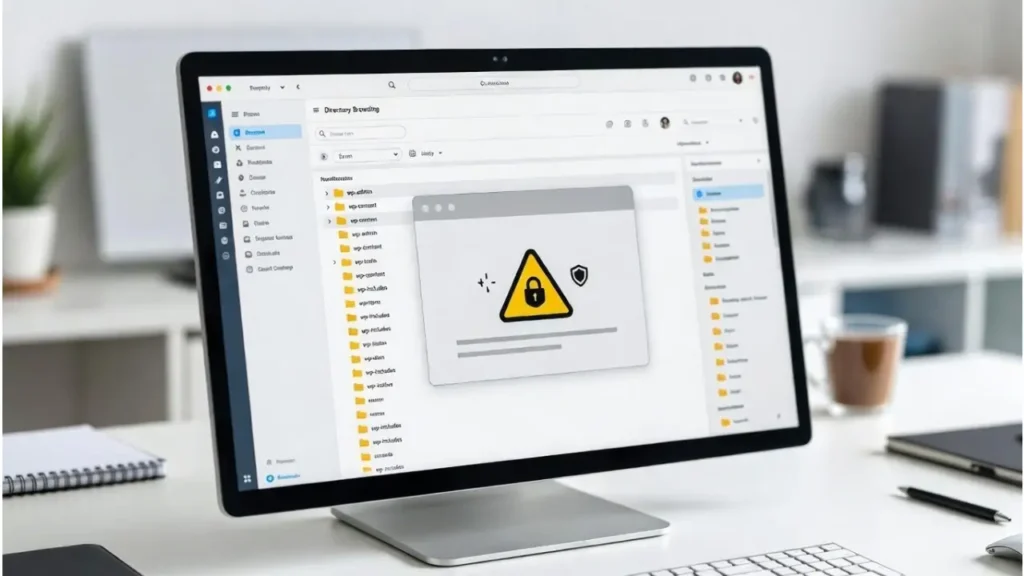
Directory browsing in WordPress allows anyone to view and access the contents of your site’s folders (e.g., /wp-content/uploads/) by simply
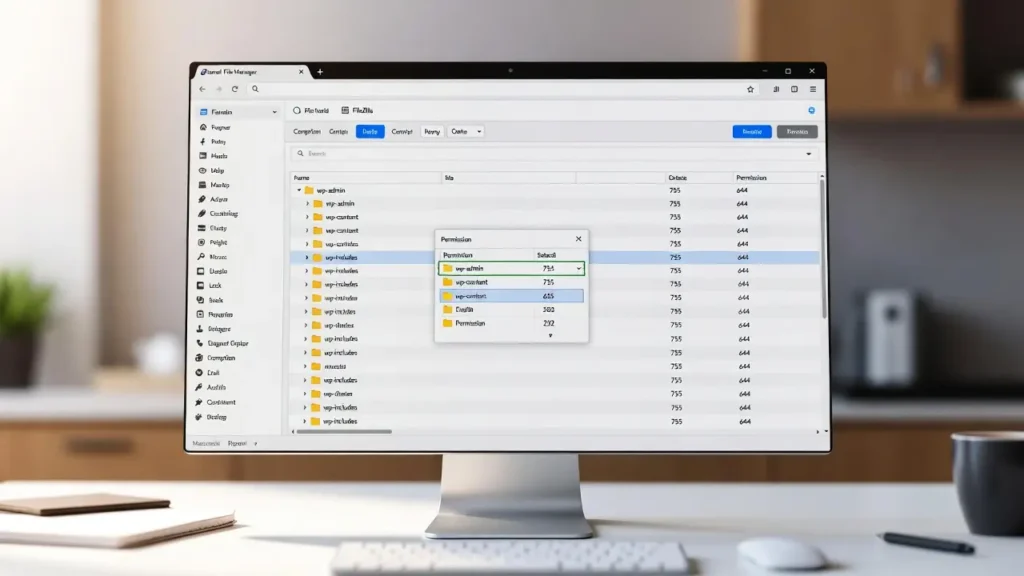
File permissions in WordPress determine who can read, write, or execute files and folders on your server — a critical
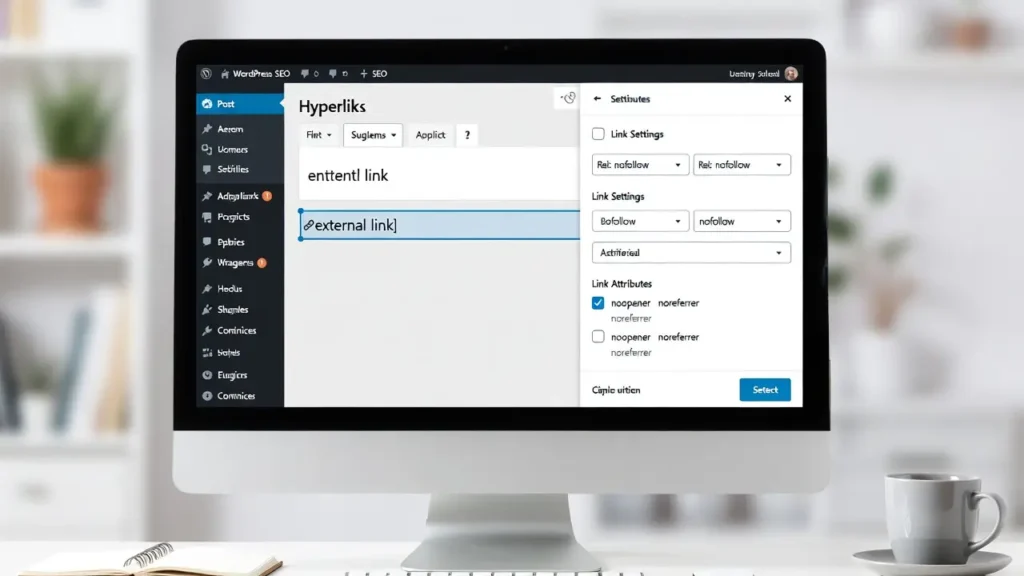
Adding rel=”nofollow” to external links in WordPress is a common SEO practice that tells search engines not to pass link
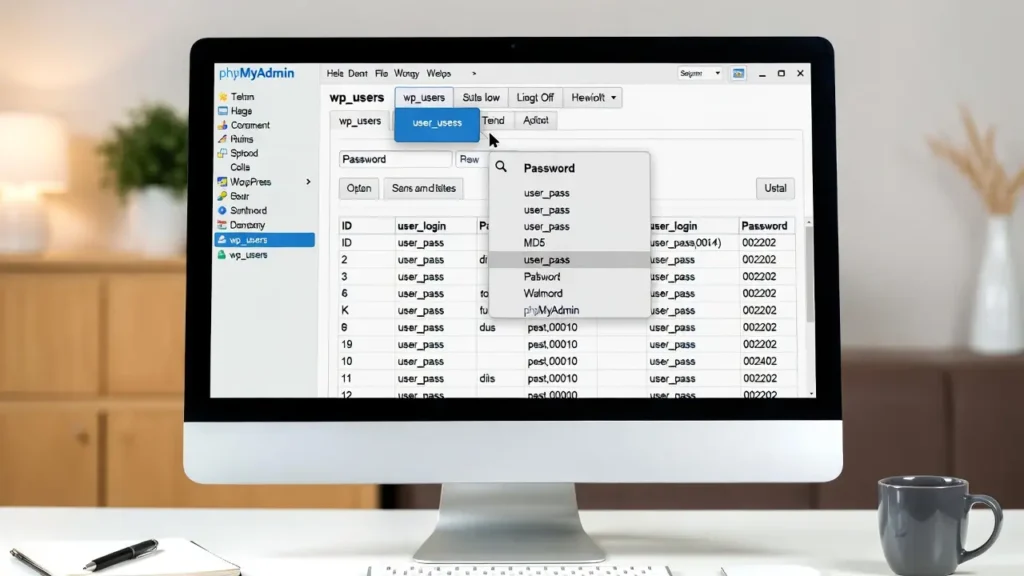
Forgetting your WordPress admin password is frustrating — especially if you’re locked out of your site and don’t have access
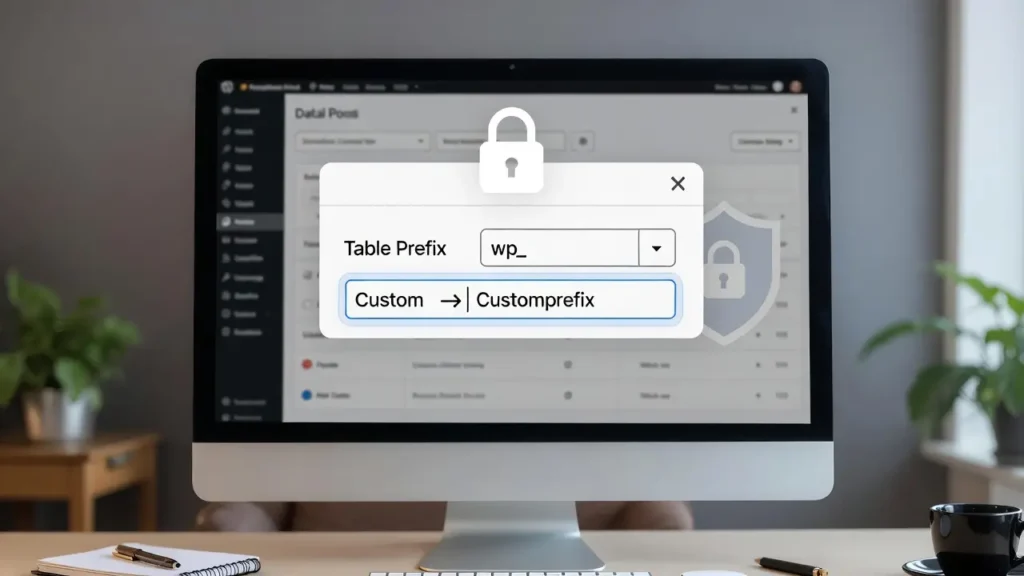
By default, WordPress prefixes all its database tables with wp_ (e.g., wp_posts, wp_users, wp_options). This makes it easy for automated
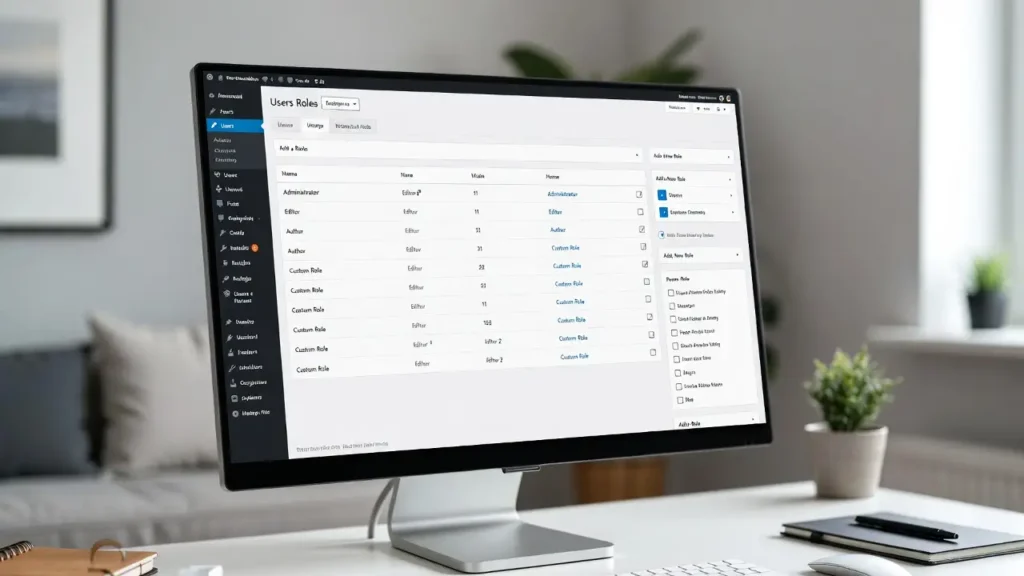
WordPress comes with several built-in user roles — Administrator, Editor, Author, Contributor, Subscriber — but they often don’t fit every