
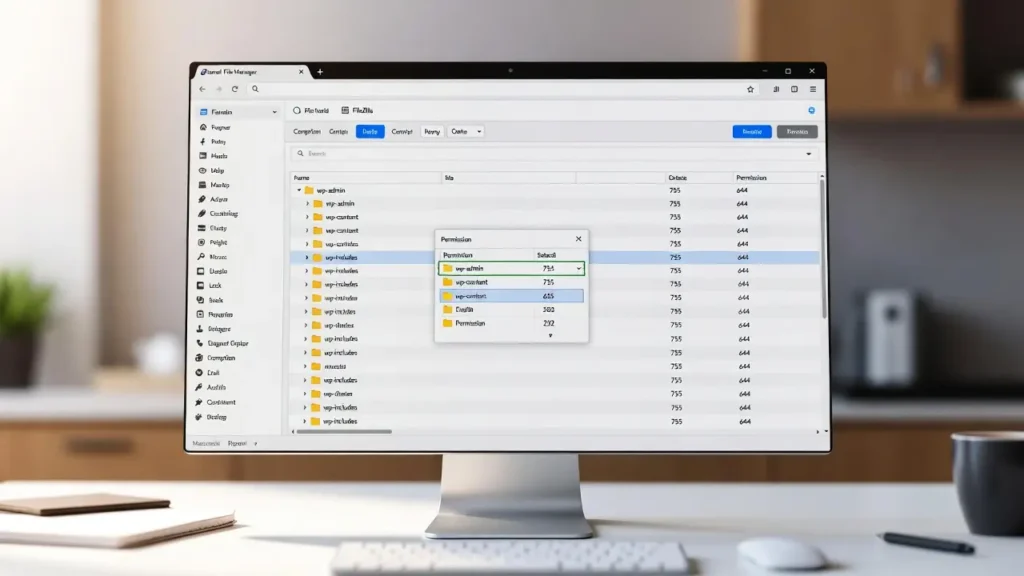
How to Set File Permissions in WordPress (Beginner to Advanced Guide)
File permissions in WordPress determine who can read, write, or execute files and folders on your server — a critical […]
File permissions in WordPress determine who can read, write, or execute files and folders on your server — a critical […]
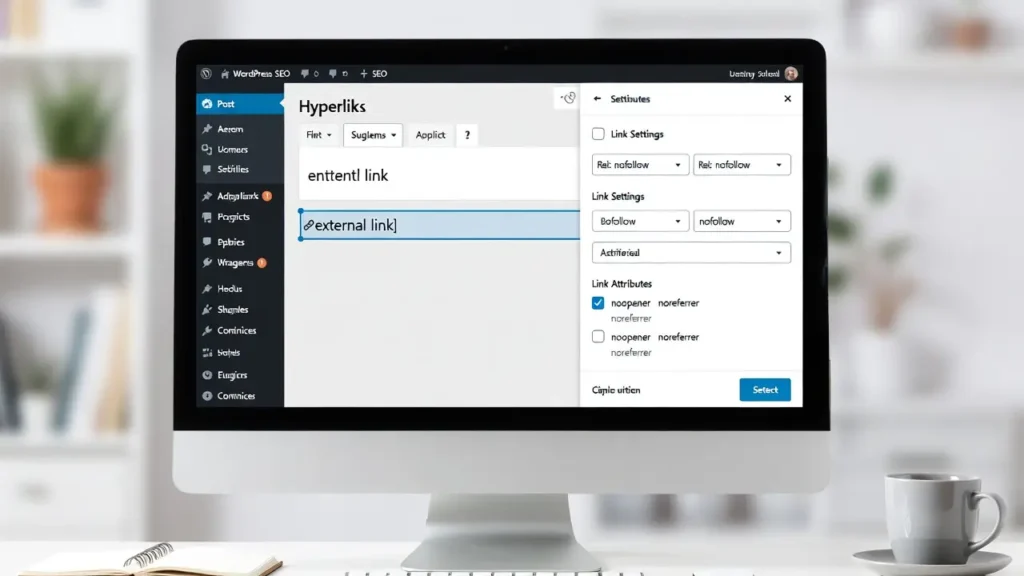
Adding rel=”nofollow” to external links in WordPress is a common SEO practice that tells search engines not to pass link
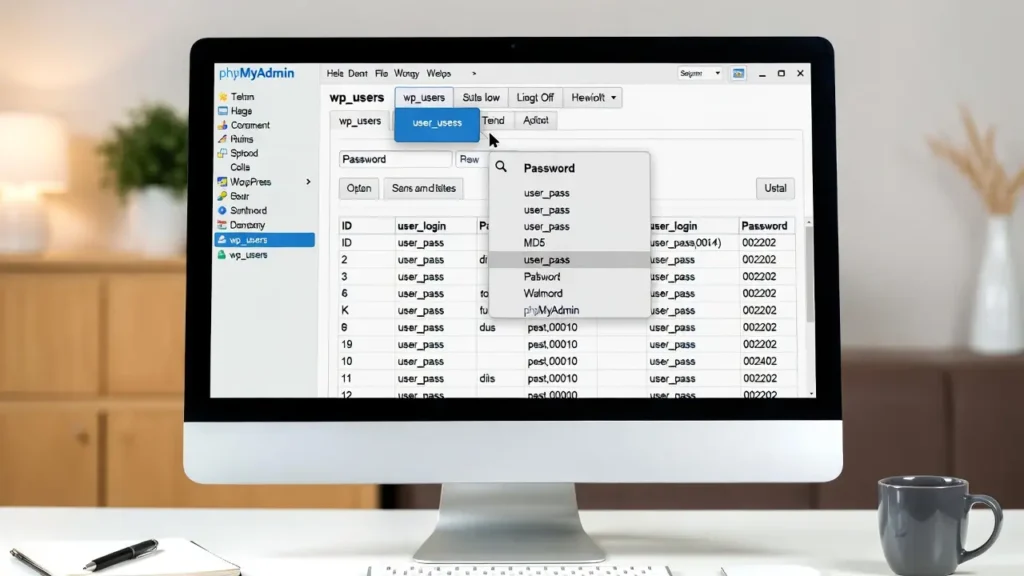
Forgetting your WordPress admin password is frustrating — especially if you’re locked out of your site and don’t have access
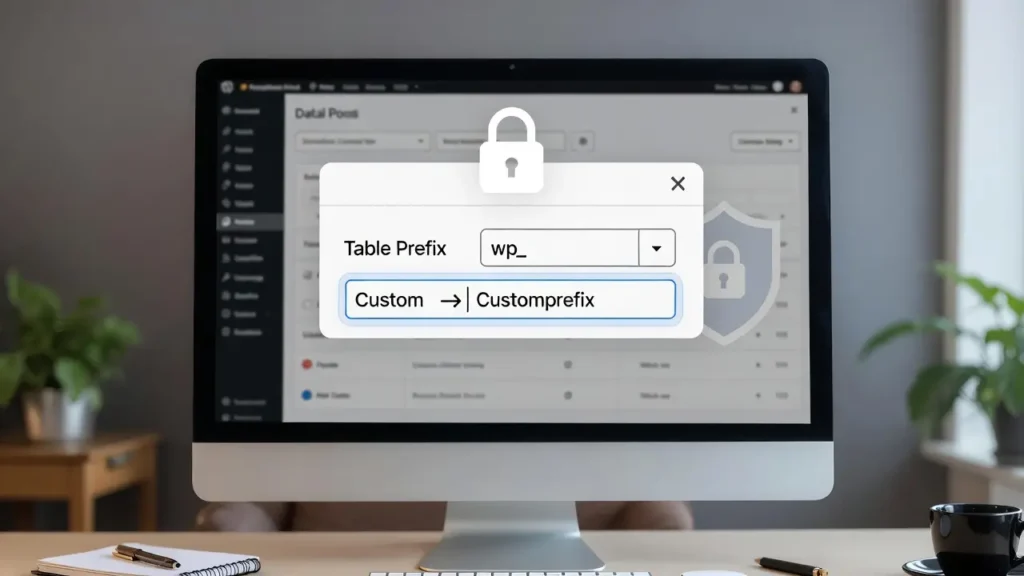
By default, WordPress prefixes all its database tables with wp_ (e.g., wp_posts, wp_users, wp_options). This makes it easy for automated
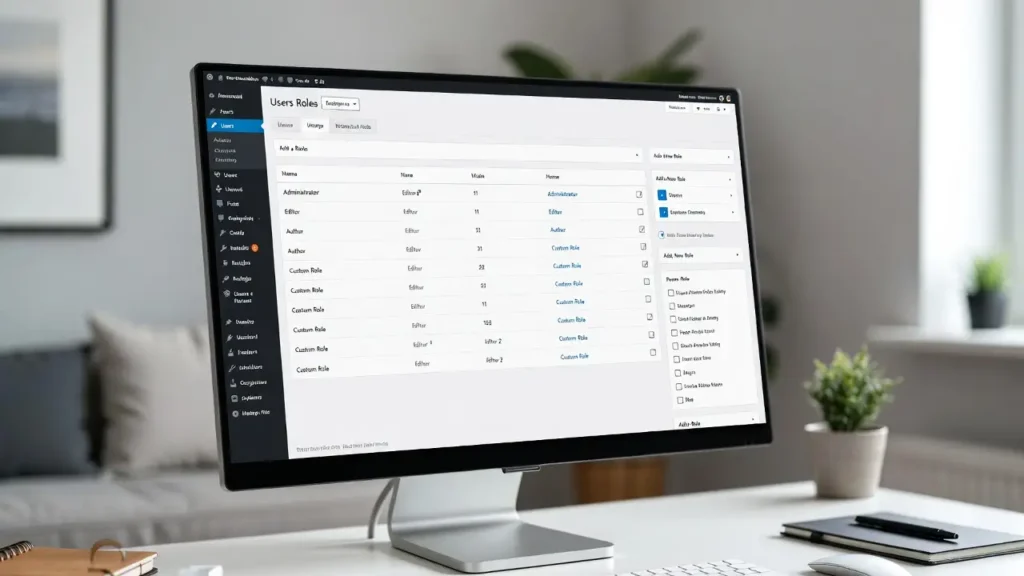
WordPress comes with several built-in user roles — Administrator, Editor, Author, Contributor, Subscriber — but they often don’t fit every
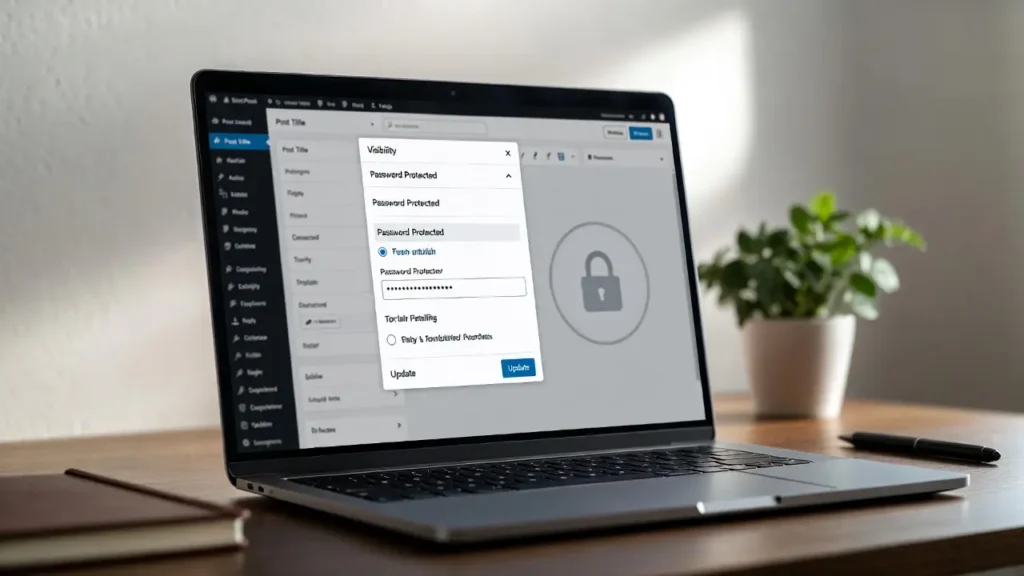
Password-protecting pages or posts in WordPress is one of the simplest ways to create private content — whether for paid
A favicon (short for “favorite icon”) is the small icon that appears in browser tabs, bookmarks, mobile home screens, and
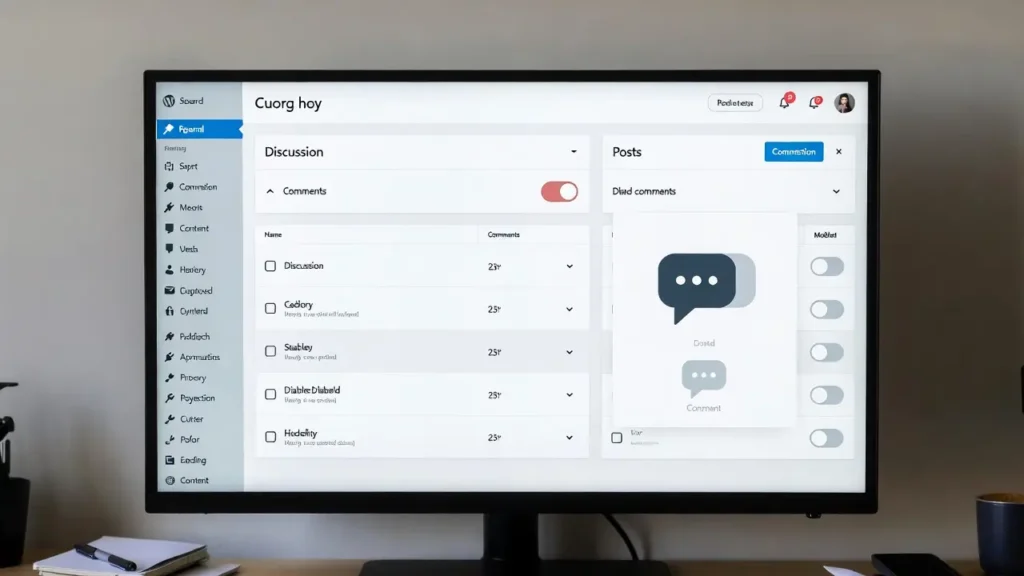
Comments are one of WordPress’s most powerful built-in features — they encourage discussion, build community, and provide social proof. However,
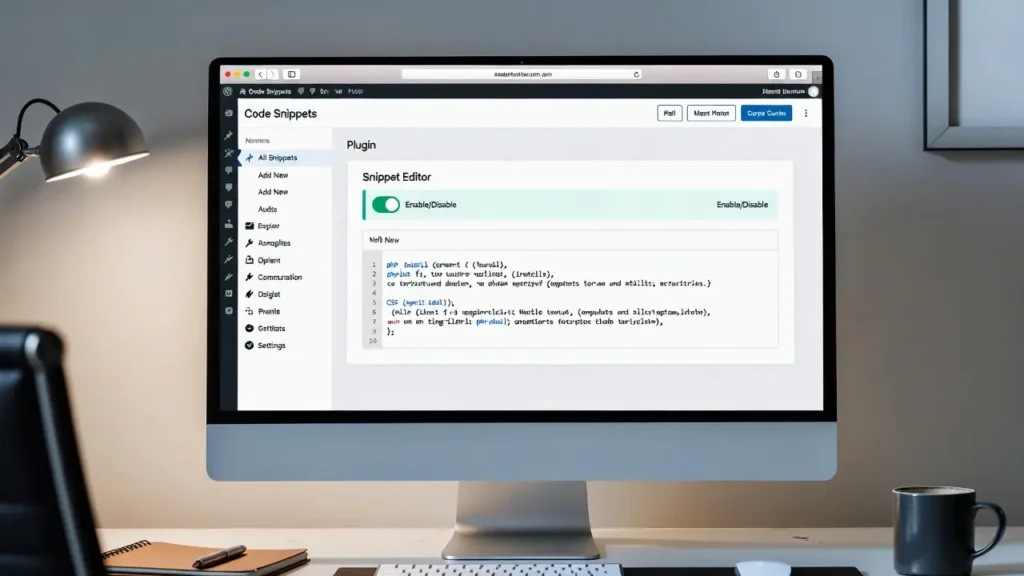
Adding custom code snippets (PHP functions, CSS styles, JavaScript, or shortcodes) is one of the most powerful ways to extend

The default Gravatar (Globally Recognized Avatar) in WordPress is the “mystery man” silhouette that appears when a user doesn’t have
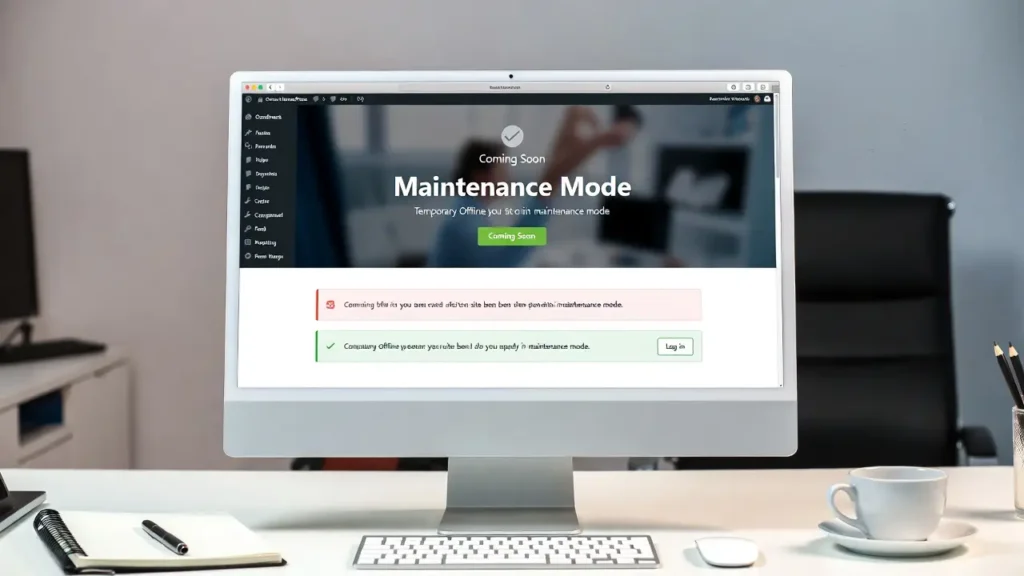
Maintenance mode (also called coming soon or under construction mode) lets you temporarily hide your live WordPress site from public
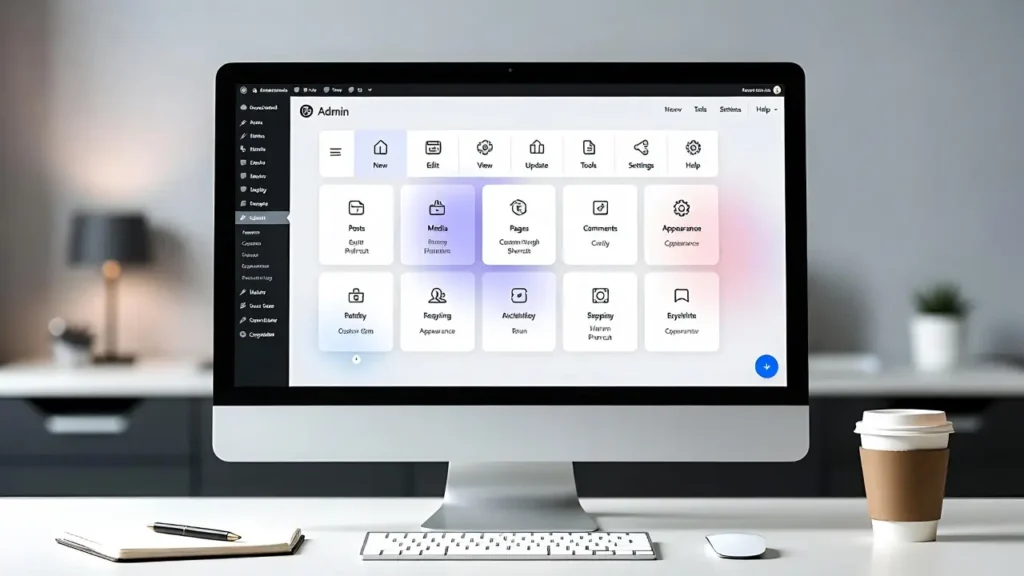
The WordPress admin toolbar (the black bar at the top when logged in) is a powerful navigation tool — but